

Anime Art Styles
Explore our vast collection of AI anime art styles, from traditional cel-shading to modern digital painting techniques.
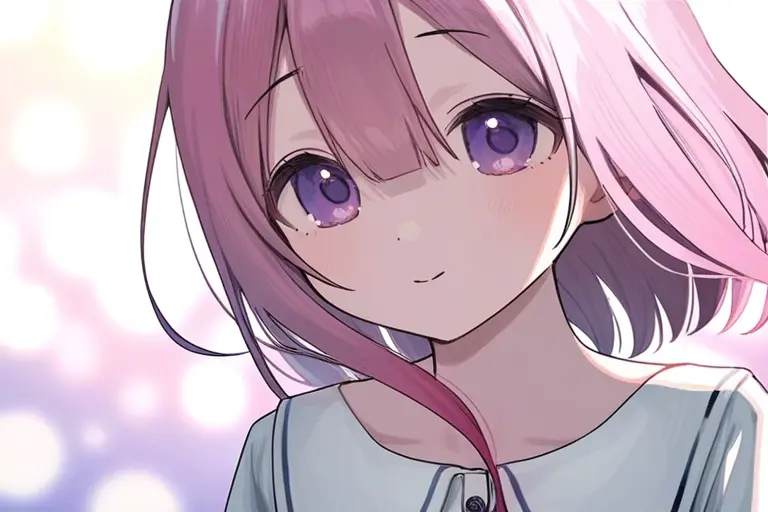
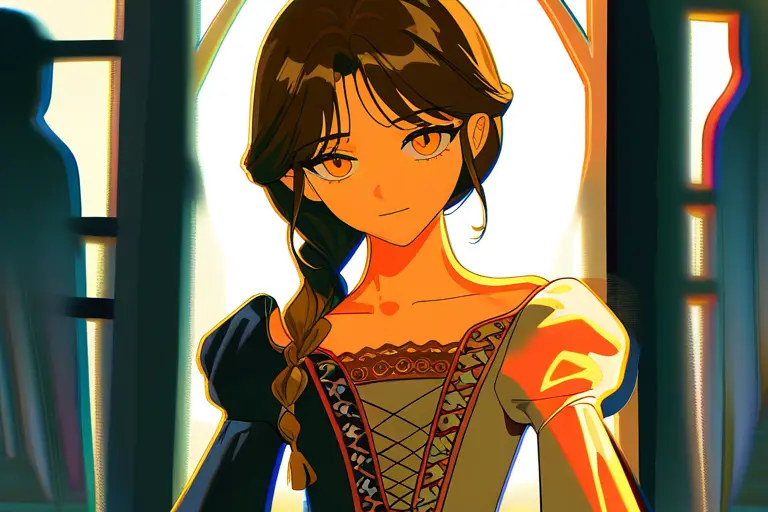
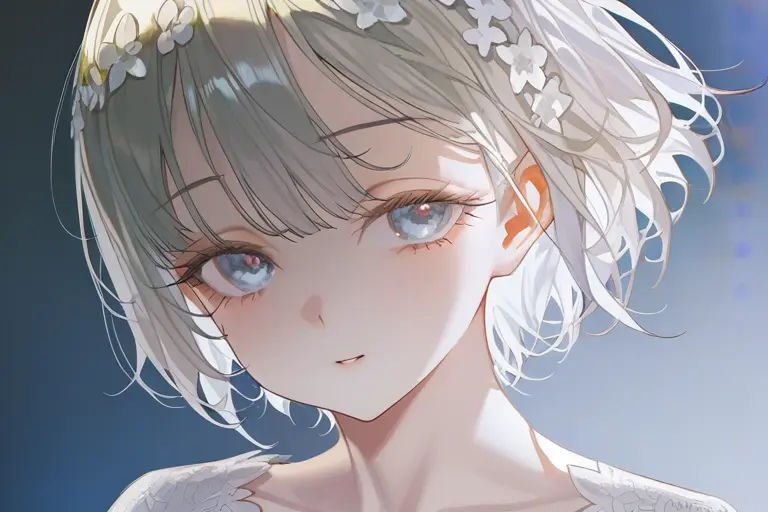
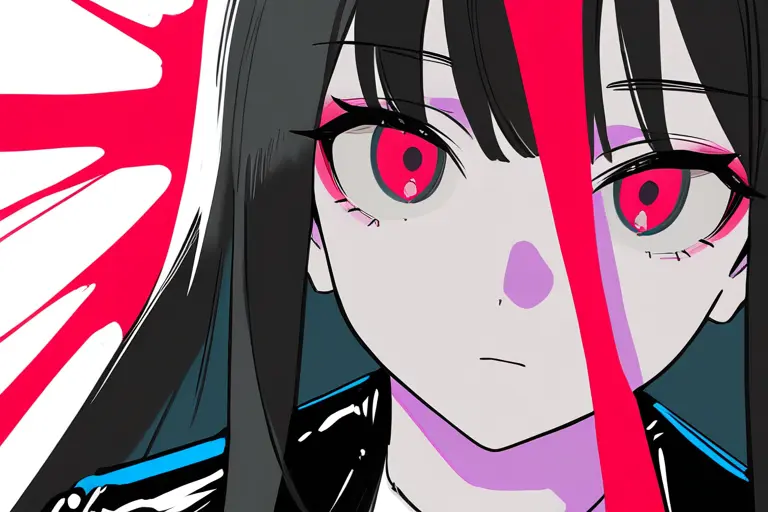
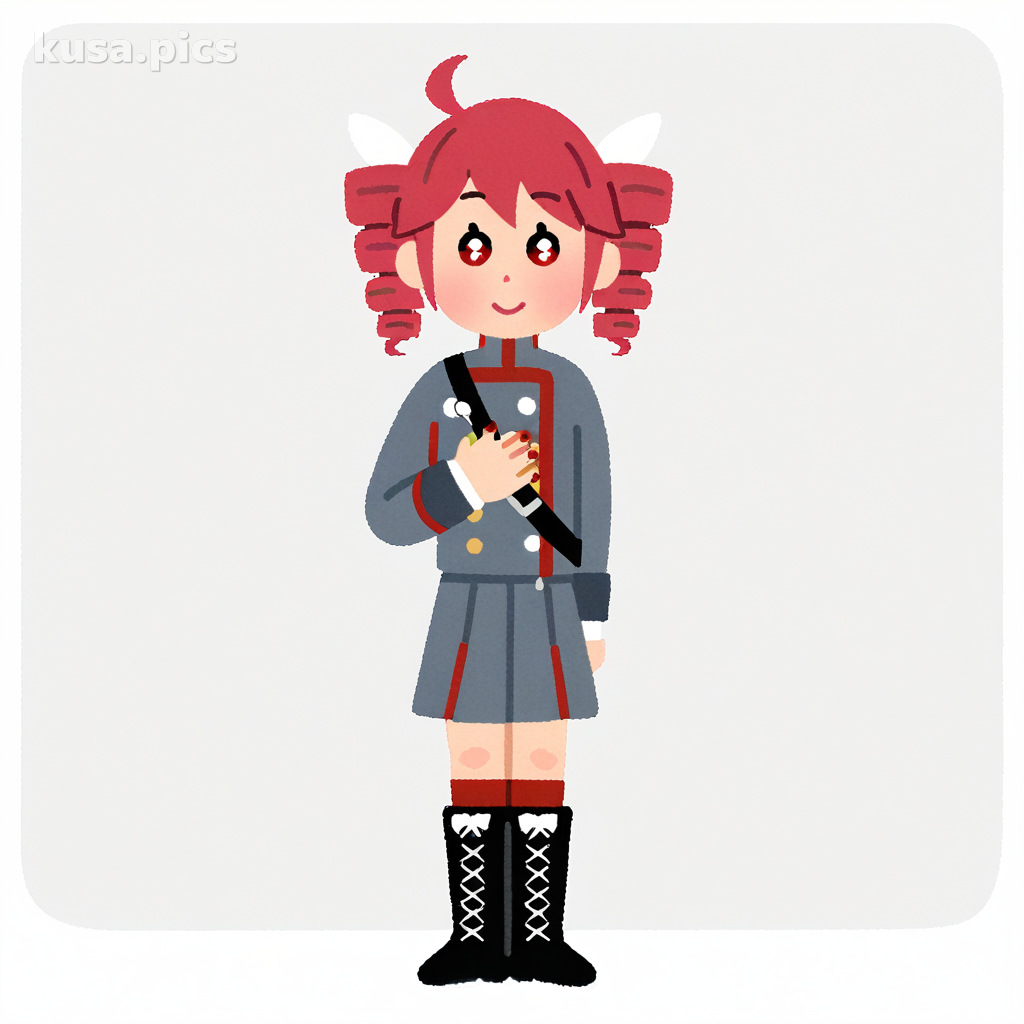
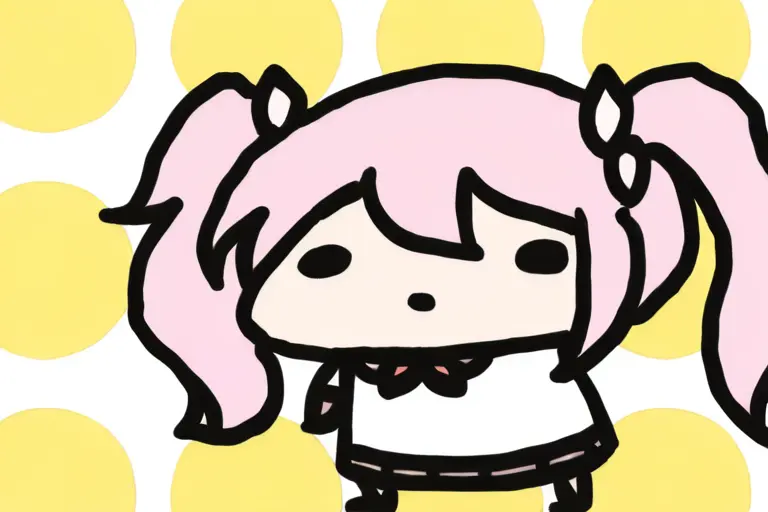
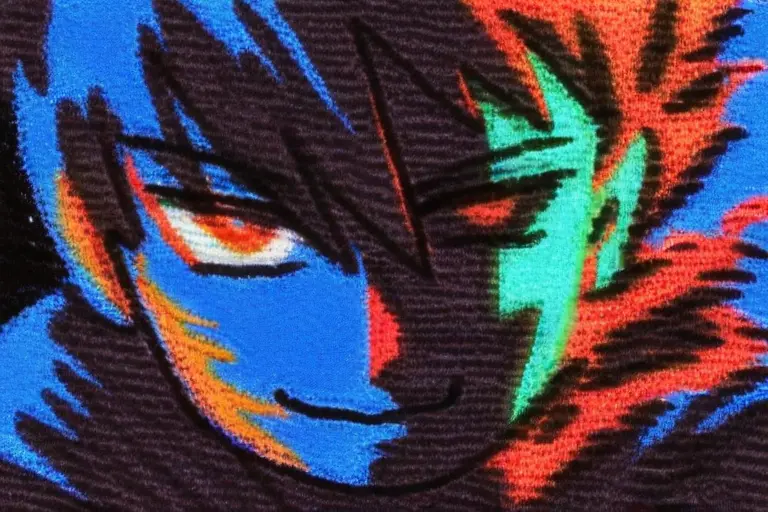
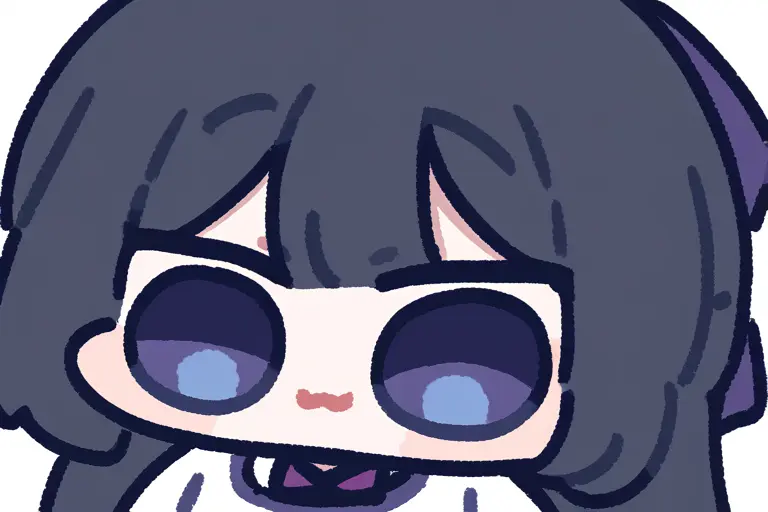
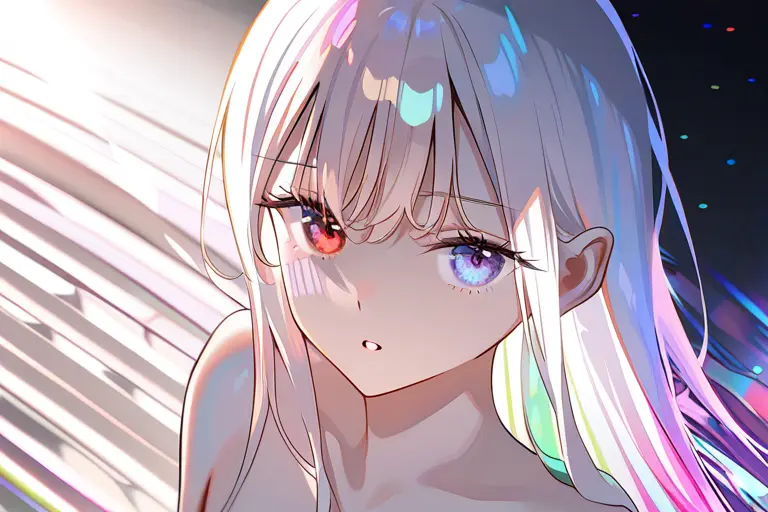
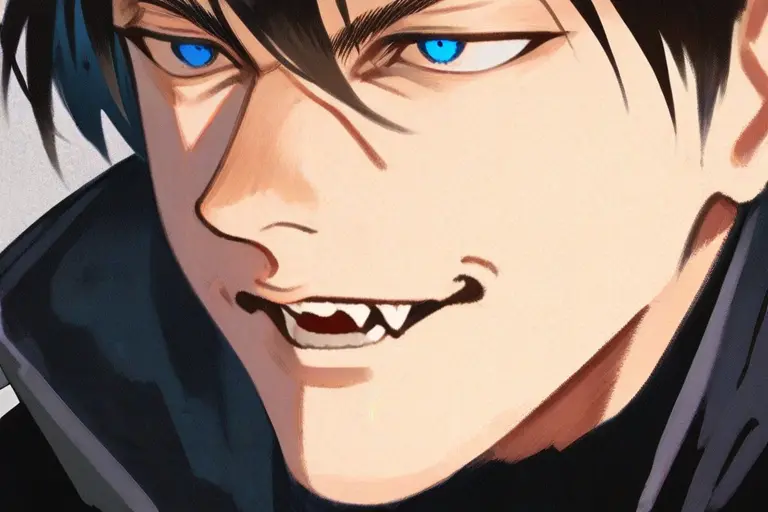
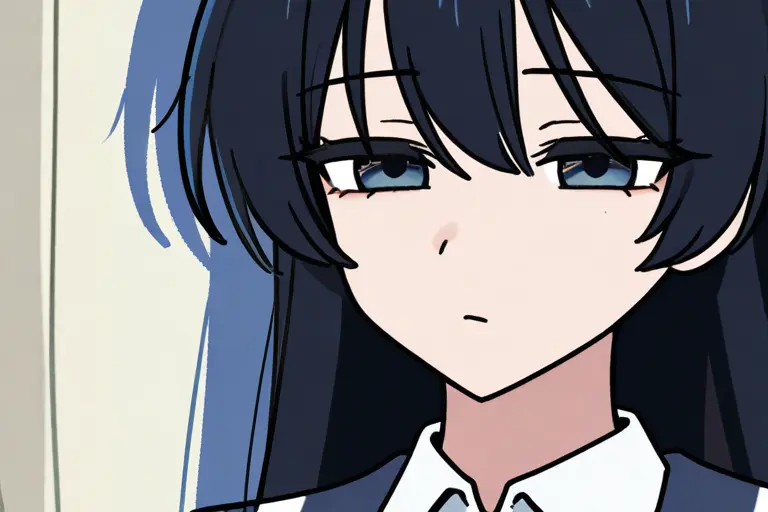
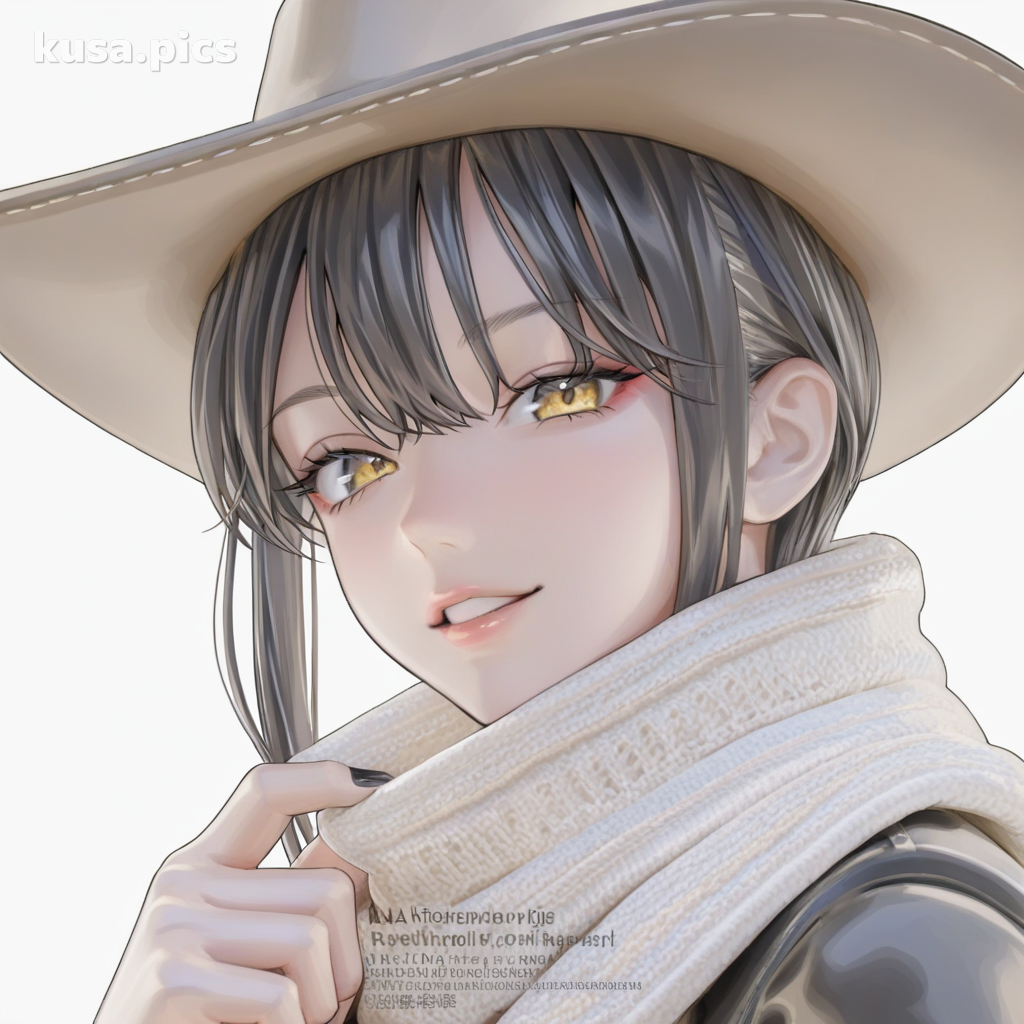
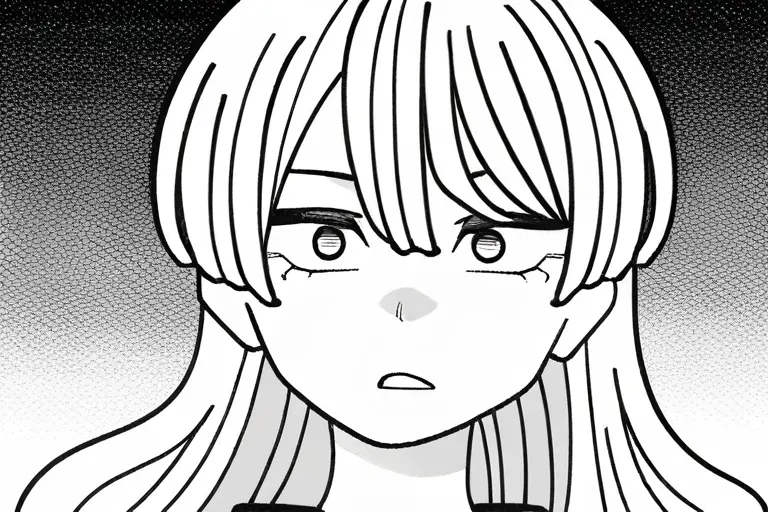
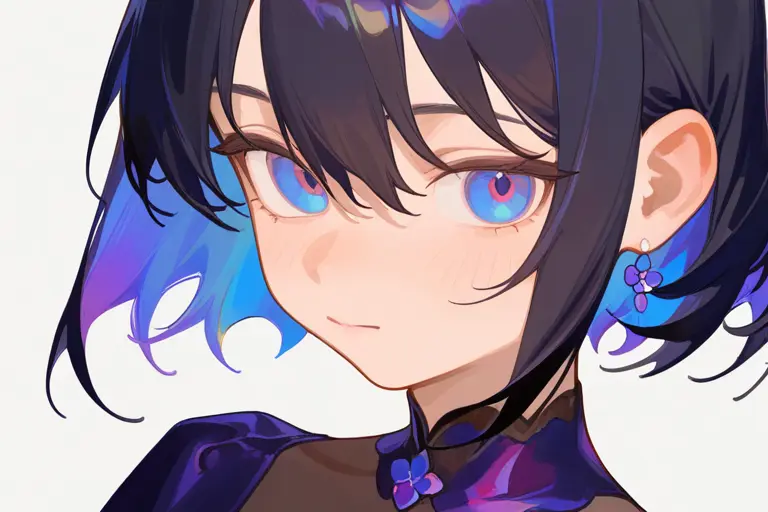
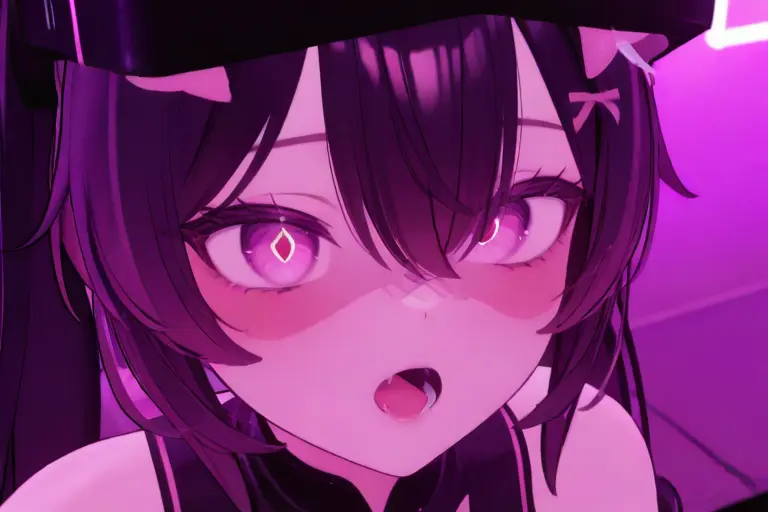
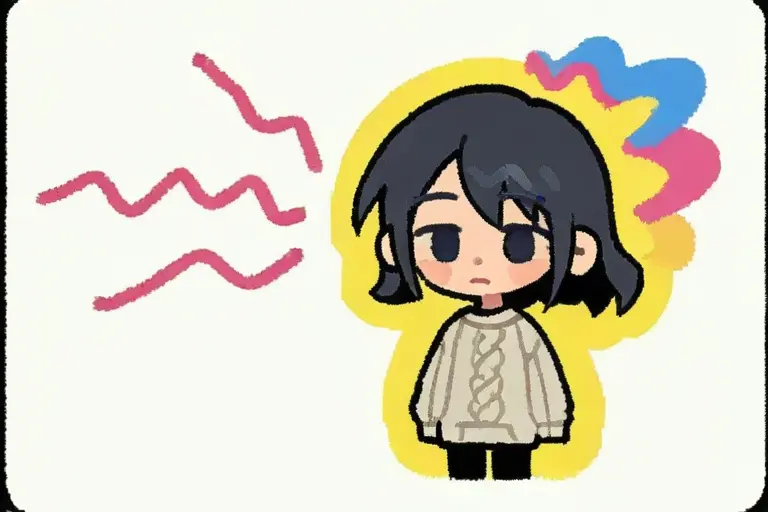
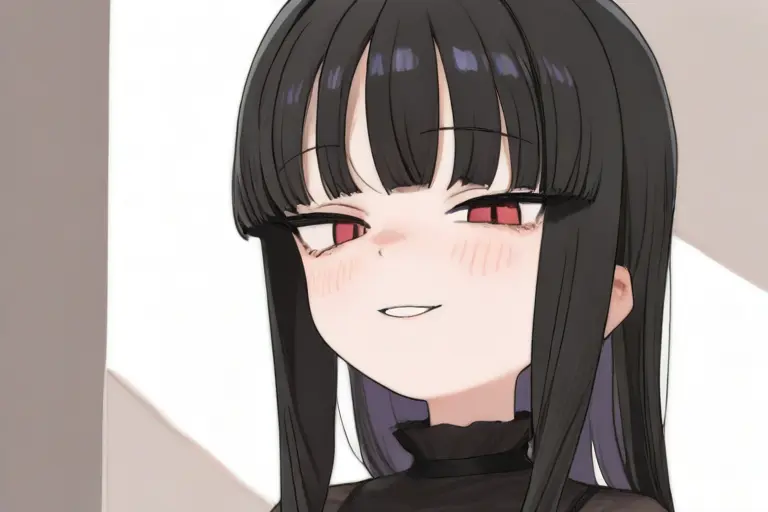
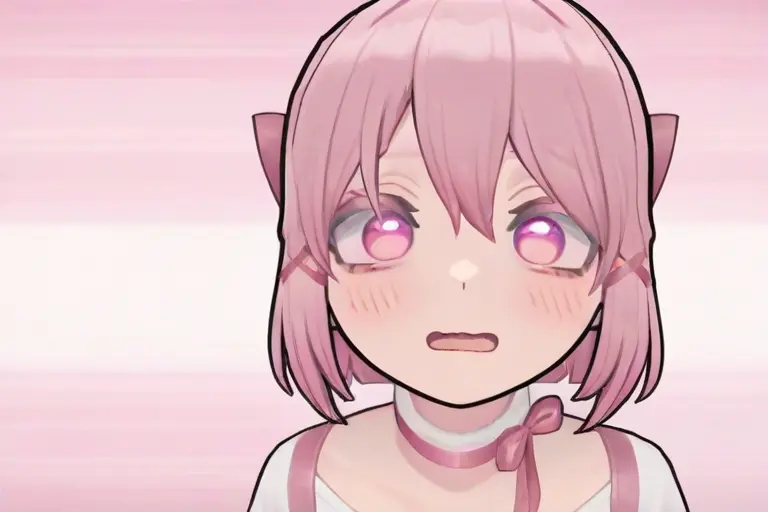
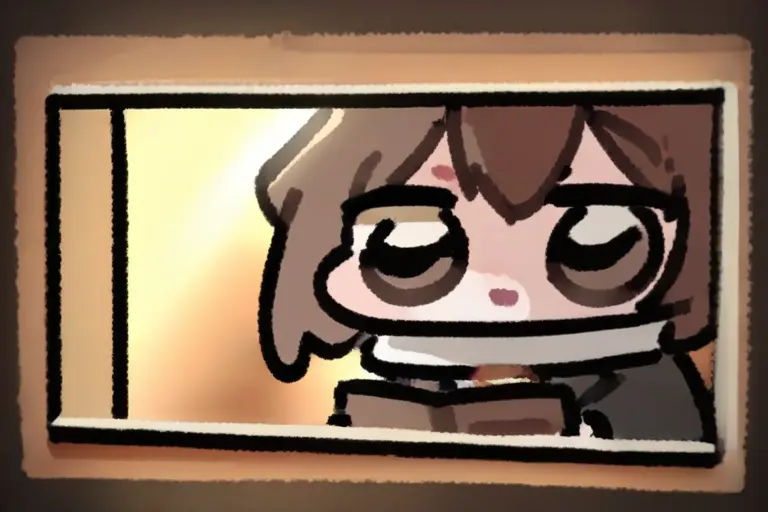
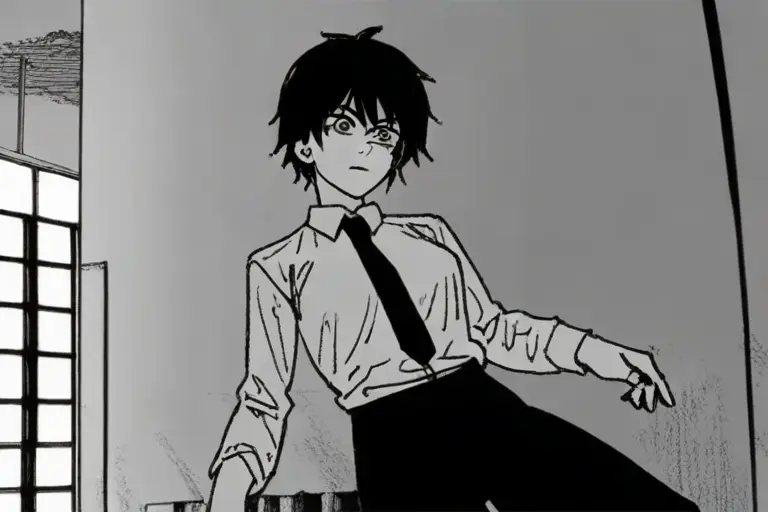
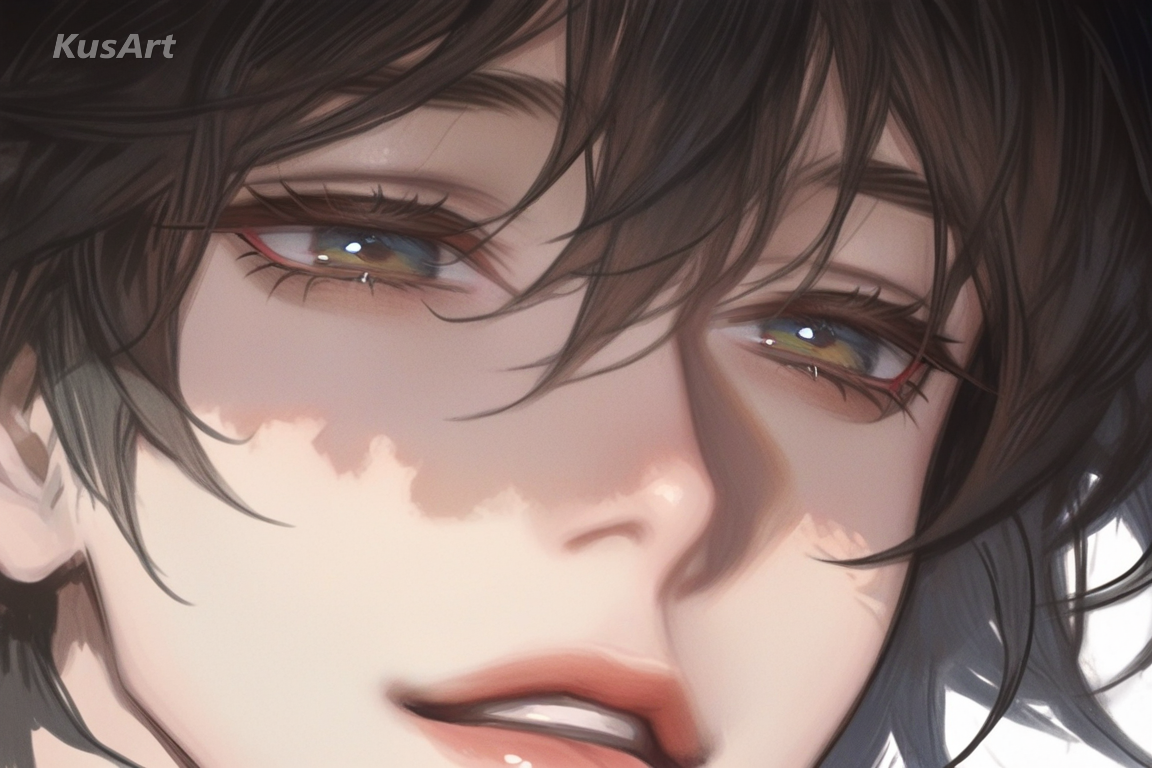
Anime Art Styles Category Overview
This page is built for creators searching for anime art styles and reliable AI anime style prompts. Use this anime art styles library to compare visual directions, speed up prompt writing, and keep outputs consistent across cyberpunk, watercolor, cel-shading, and retro looks. If your goal is production consistency, anime art styles selection is the first step.
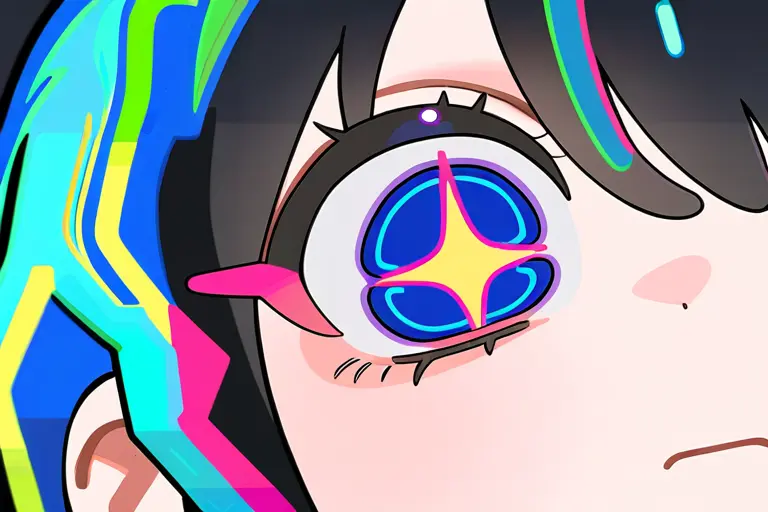
Bright Art Style
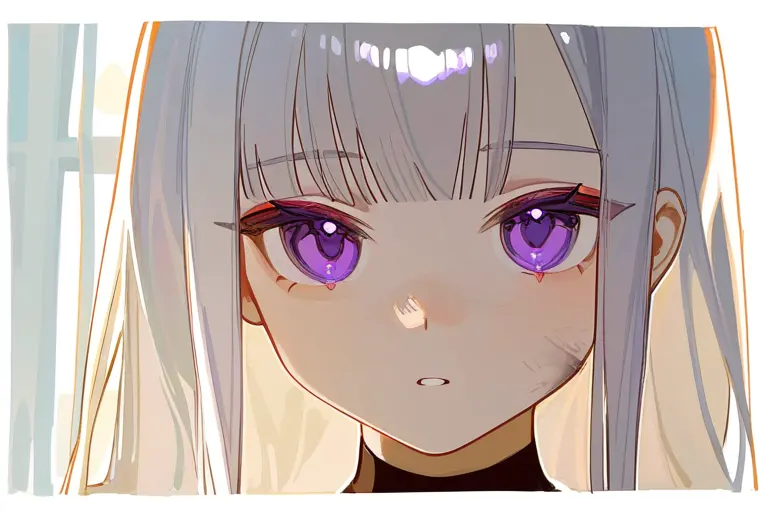
Glossy Painterly Fusion
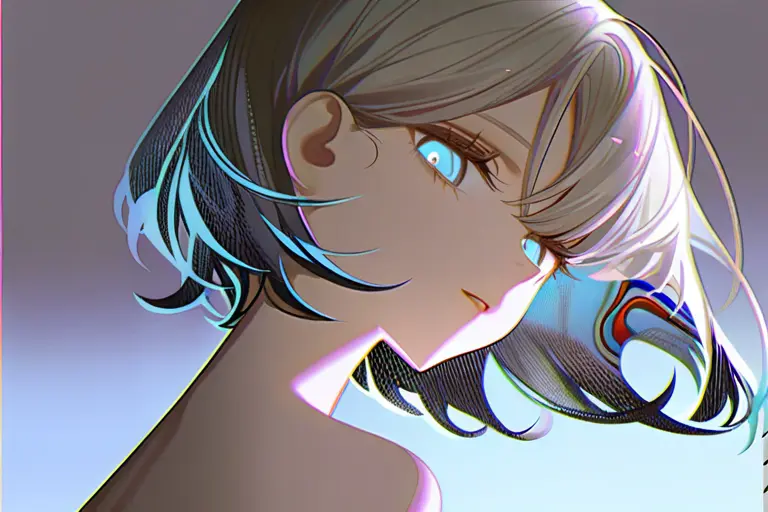
Polished Render Style
What You Need to Know
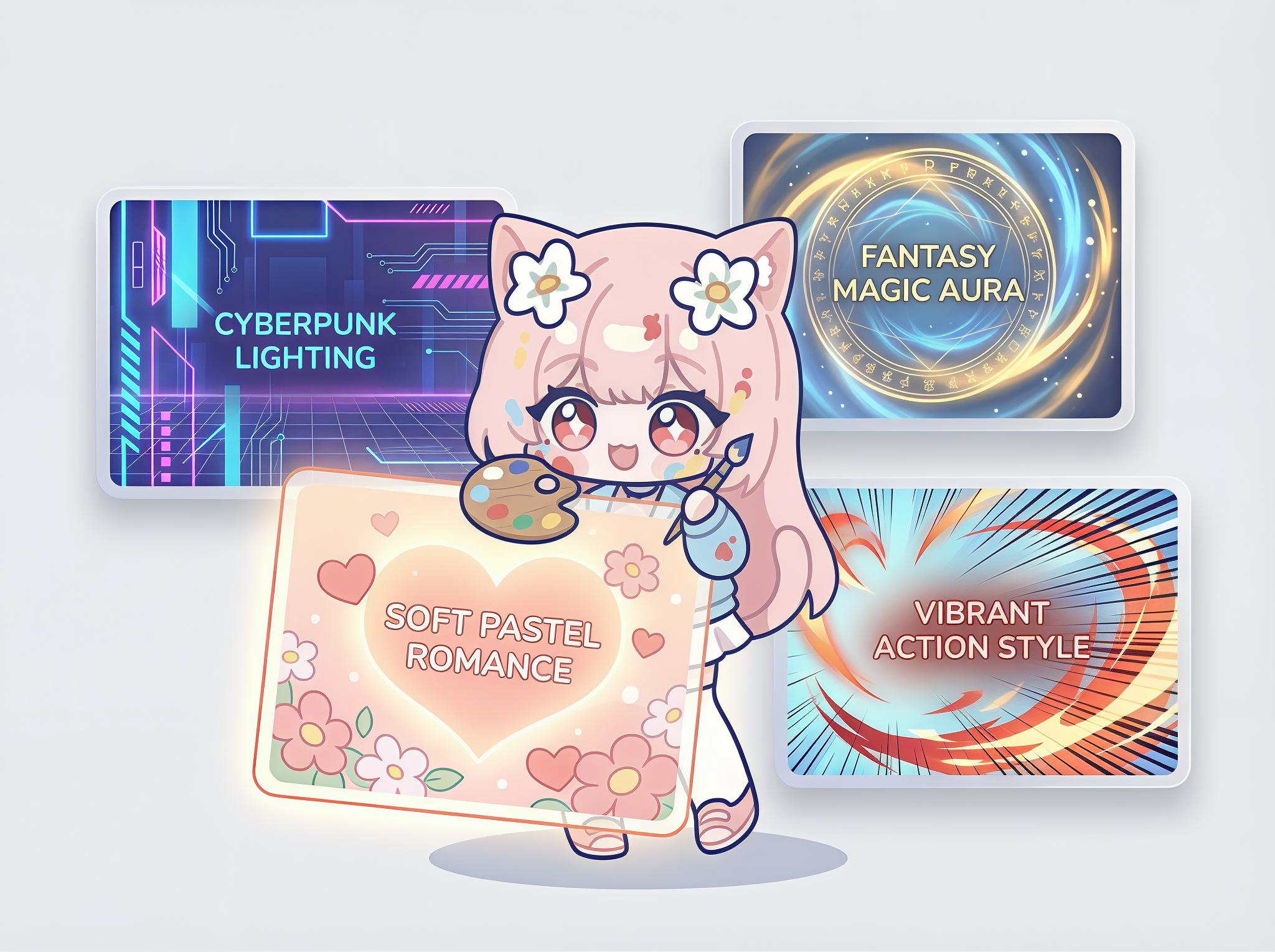
What is this category for?
Use this to quickly choose the right direction from anime art styles before you generate. It helps avoid random outputs and keeps your visual direction clear.
When should I use it?
Use anime art styles workflows when you need a repeatable look for brand assets, channel covers, character visuals, or social creatives.
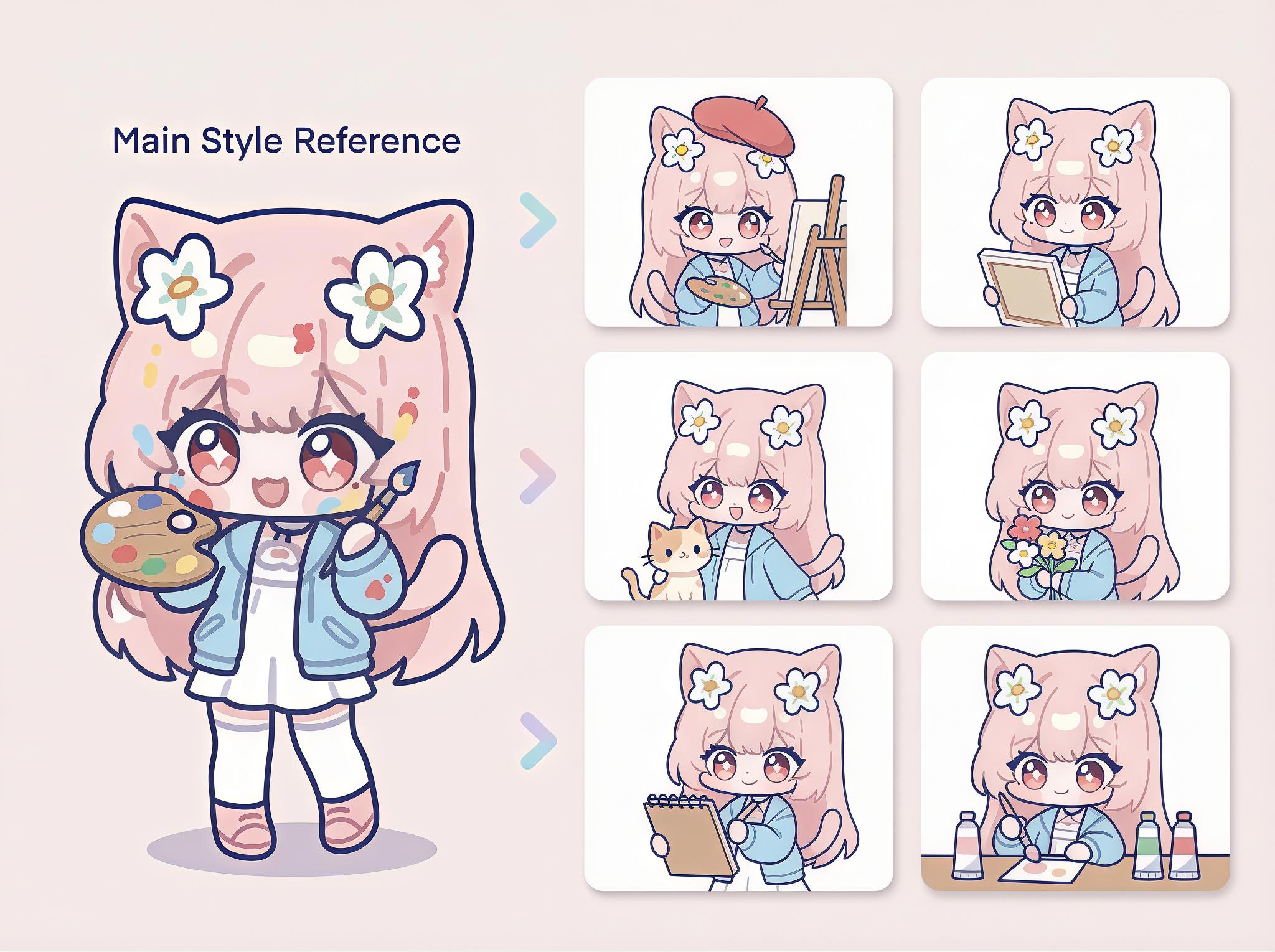
How should I start?
Start with one AI anime style prompt, change only subject + scene, and run quick tests. This is the fastest way to lock anime art styles quality with less trial-and-error.
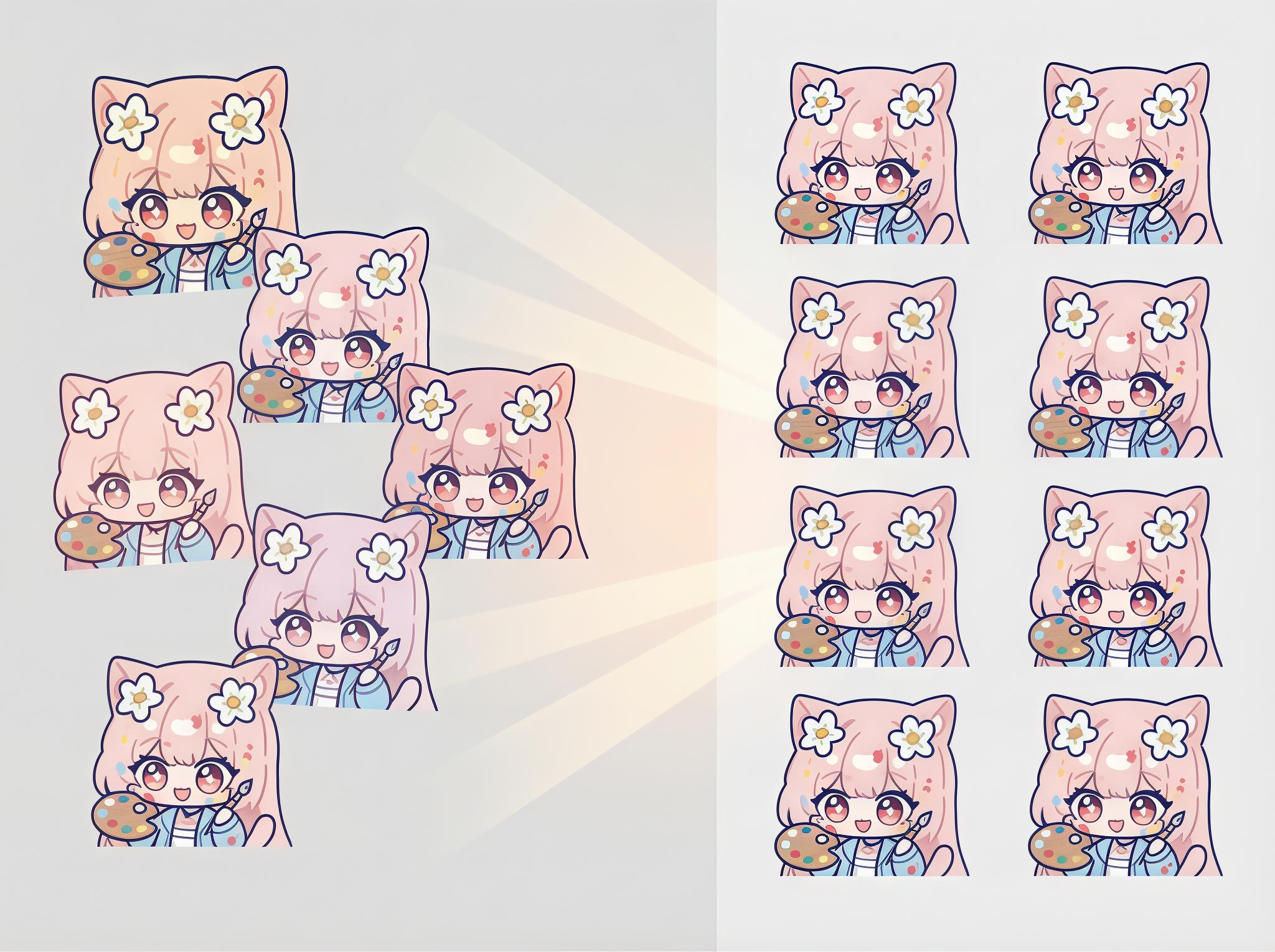
What result should I expect?
Expect cleaner generations, fewer retries, and consistent anime art styles quality across multiple outputs.
How to Write Anime Art Styles Prompts (Beginner Mode)
1. Write in 6 Parts
[Subject] + [Style] + [Scene] + [Camera] + [Lighting] + [Quality]Do this: Keep this order every time.
Avoid this: Random order or missing lighting.
2. Copy This Starter Prompt
1girl, silver hair, styles, in a neon alley, medium shot, rim lighting, best qualityDo this: Replace only subject and scene first.
Avoid this: Changing everything at once.
3. Add This "Avoid" Prompt
low quality, blurry, bad anatomy, extra fingers, text, watermarkDo this: Keep this line fixed for clean outputs.
Avoid this: Overly long negative lists.
4. Pick One Option per Slot
Style
cel-shading | watercolor | cyberpunkCamera
close-up | medium shot | full bodyLighting
soft light | rim light | dramatic contrastDo this: Change one slot at a time.
Avoid this: Mixing multiple style words together.
How to Use This Category
Using our style templates is simple: choose a template, describe your idea (or use an example), then generate.
Step 1
Choose a template from the list
Pick the style template you want on this list page, then open its detail page.
Step 2
Describe what you want at the top
In the input box at the top of the detail page, type what you want to generate, or select one of the provided examples.
Step 3
Click Generate
Once your prompt is ready, click Generate to create your image.
What You Can Create with Anime Art Styles
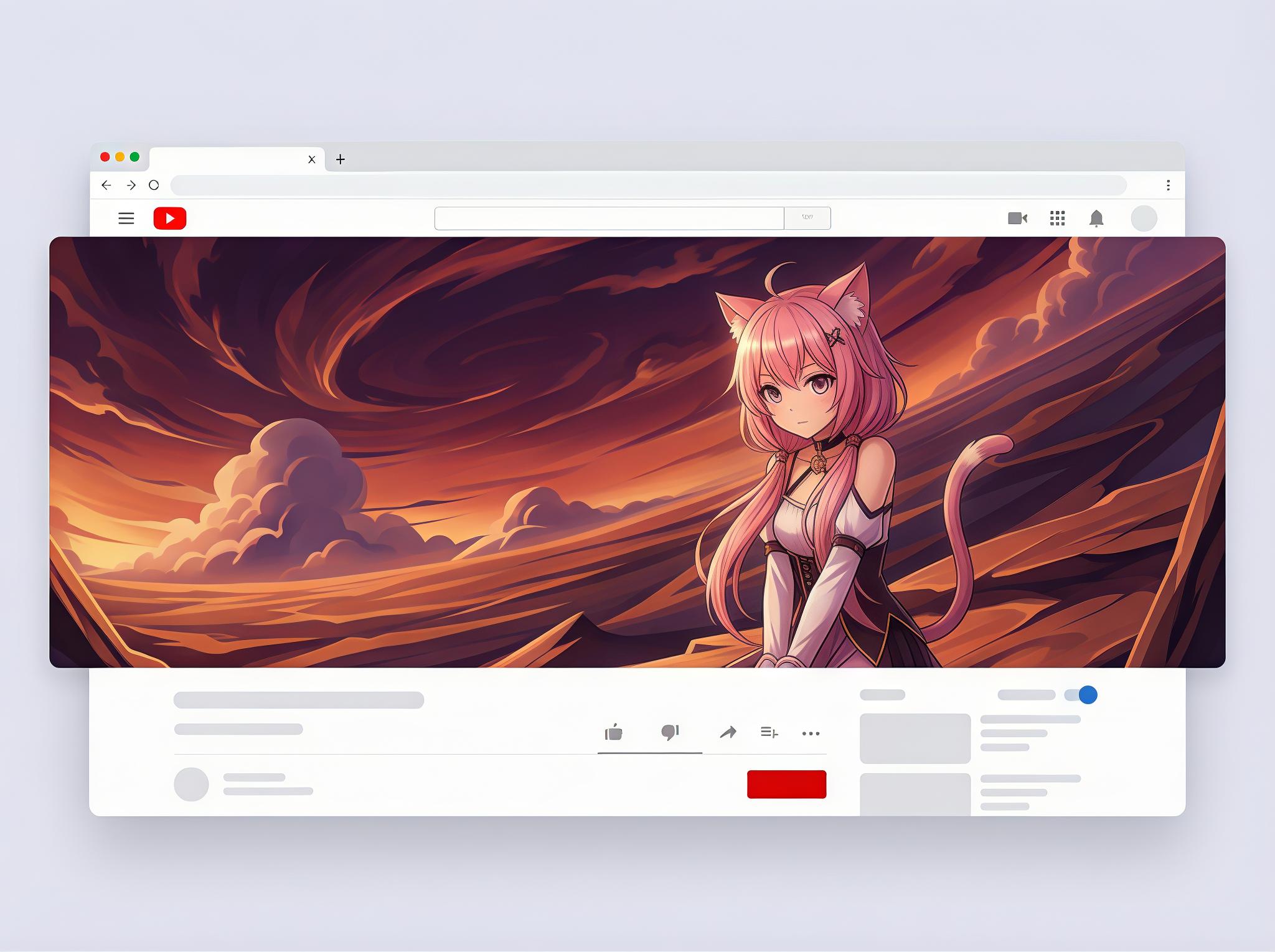
Anime Cover Art
For landing heroes, YouTube channel art, and campaign banners with a recognizable anime style.
Starter prompt
anime art style, dramatic composition, title-safe area, cinematic lighting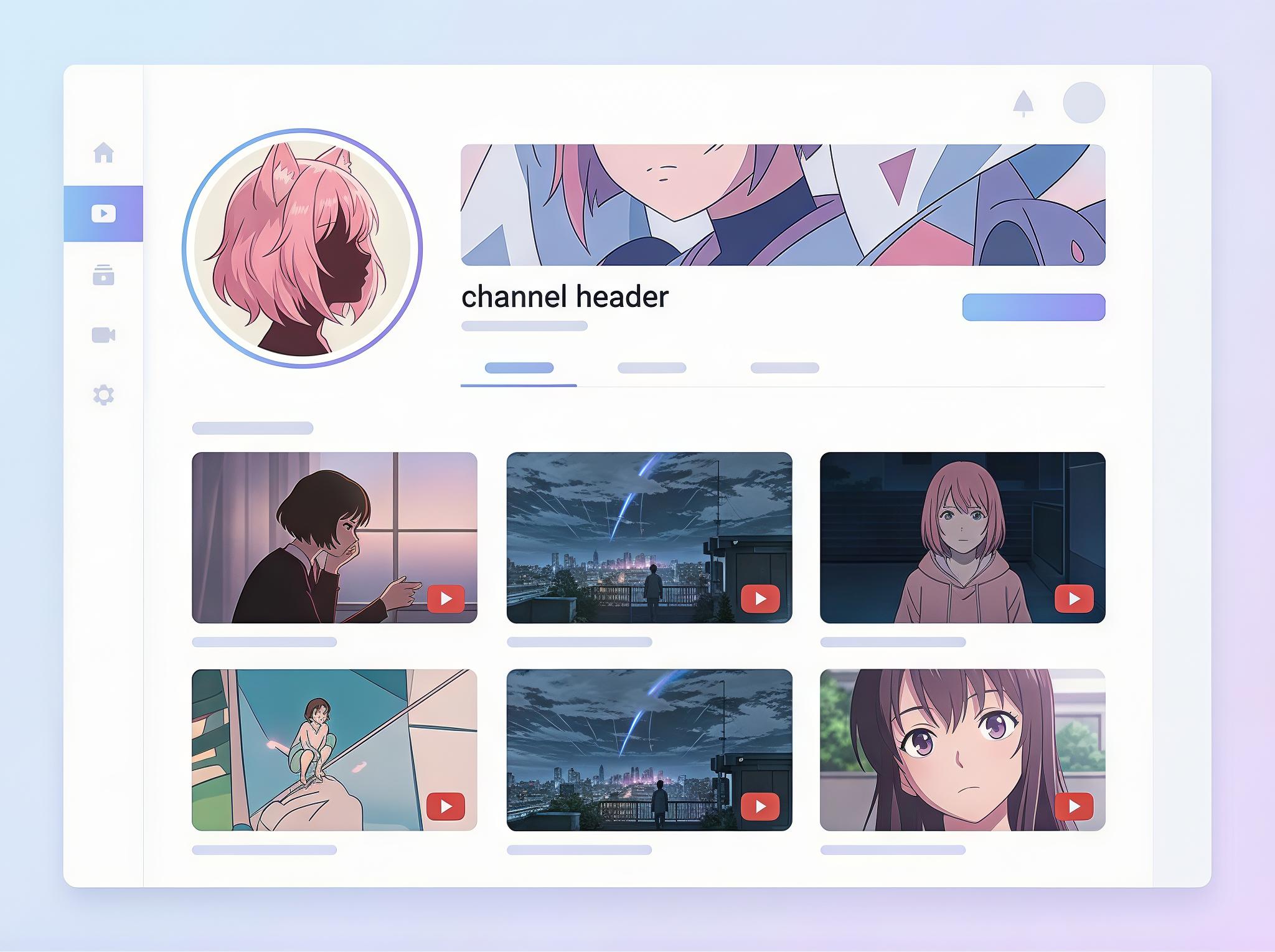
Anime Character Portrait
For profile images, character intros, and creator branding assets.
Starter prompt
anime style prompt, character portrait, clean silhouette, simple background, high detail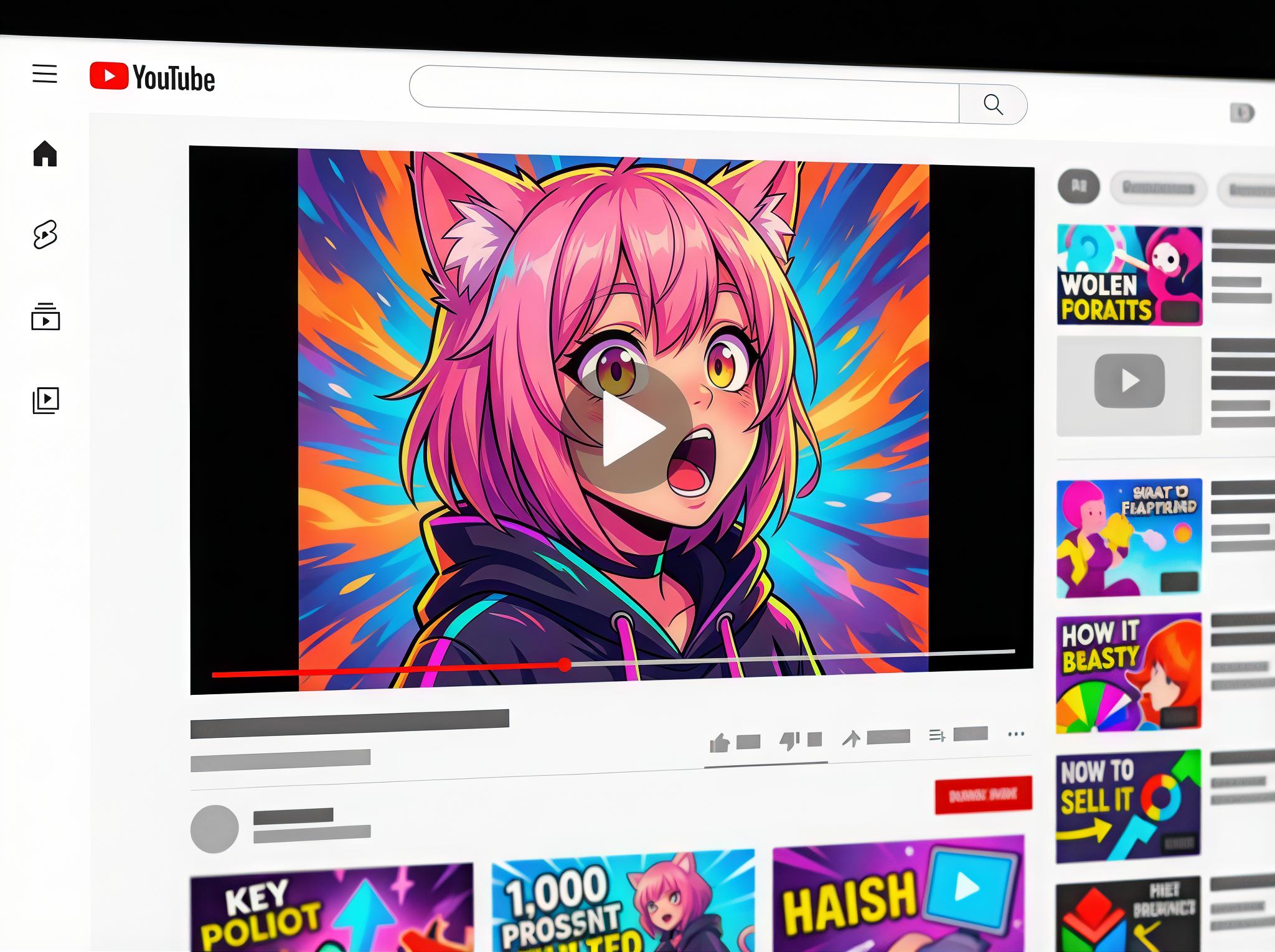
Anime Thumbnail Visual
For short-form video covers that need strong contrast and fast attention grab.
Starter prompt
ai anime style generator look, close-up portrait, high contrast, bold color, thumbnail-friendlyFAQ
Can I use these anime art styles on the free tier?
Yes. Use free credits for style exploration, then move to higher resolution once composition is locked.
Are AI anime style prompt outputs allowed for commercial work?
Commercial usage depends on your plan terms. Always verify platform policy before publishing client work.
What is the best image size to test anime style prompts?
Start low or medium for iteration speed, then upscale after style and framing are approved.
How do I keep the same anime style across many images?
Keep model, prompt order, and parameter ranges fixed. Change only subject-specific tokens between shots.
Are there copyright or trademark risks?
Yes if you intentionally replicate protected IP, logos, or distinctive branded characters.
Why do AI anime style generator results change with the same prompt?
Seed, sampler, and version drift can alter outputs. Pin all settings when reproducibility matters.
Put Anime Art Styles Into Production
Run three quick drafts with the templates above, then refine using the fix patterns to get repeatable, production-grade outputs.
Open Generator