

Create Stunning VRChat Style Anime Art with AI Generator
Generate VRChat-inspired anime art with the signature 3D-meets-anime aesthetic. Perfect for avatar concepts and VR character design. Start for free.
VRChat Style Examples
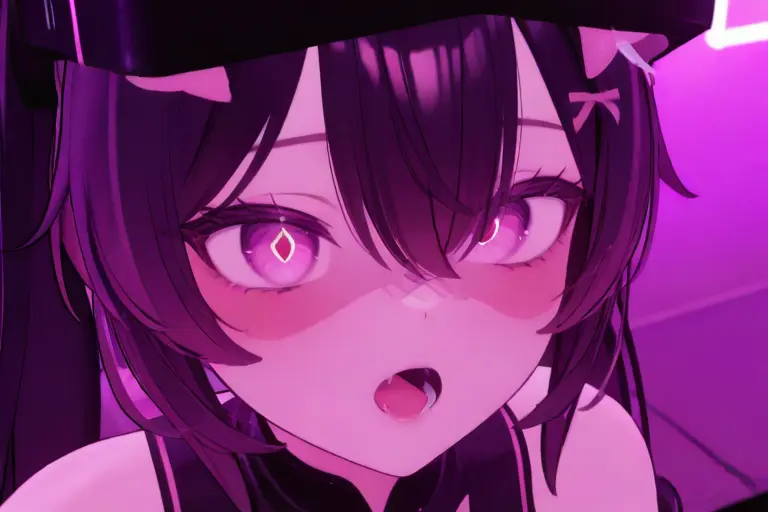
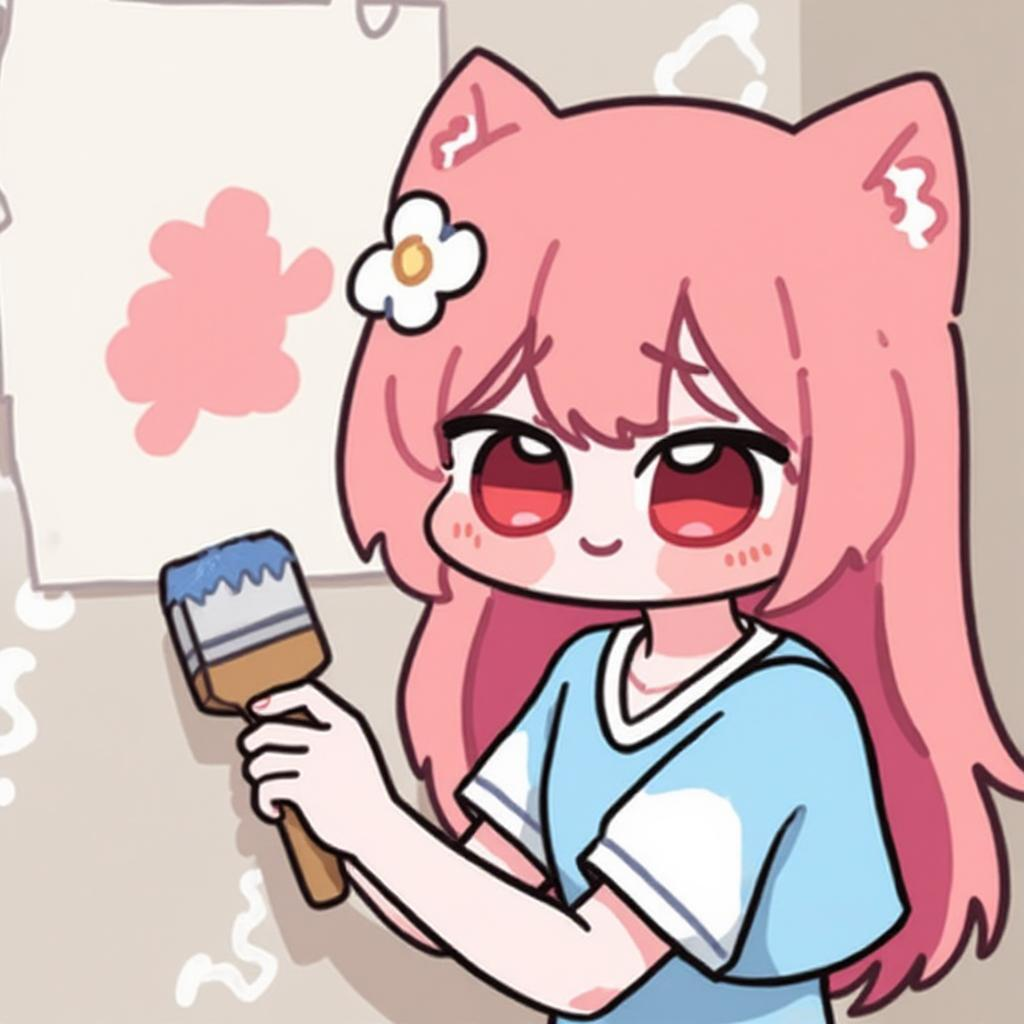
Explore stunning artwork created with KusArt' VRChat Style. Each piece showcases the signature aesthetic and unique qualities of this style.
What is VRChat Style?
VRChat Style captures the distinctive aesthetic of the popular virtual reality social platform where anime meets 3D rendering. Characters exist between 2D anime illustration and 3D model rendering — they have cel-shaded colors and expressive anime faces but with dimensional quality and lighting of 3D environments. The style reflects VRChat's visual culture: large expressive eyes, proportions working in 3D space, and designs feeling like actual VR avatars. Lighting mimics characteristic real-time VR rendering — slightly softer than ray-traced, with ambient occlusion and rim lighting suggesting three-dimensional presence. KusArt' AI captures these qualities, producing artwork looking like beautifully rendered VRChat screenshots. For VR enthusiasts, VTubers, and virtual social space creators, this style bridges concept art and the final in-world experience.
Key Features of VRChat Style Generator
Discover what makes KusArt' VRChat Style stand out from generic AI art generators.
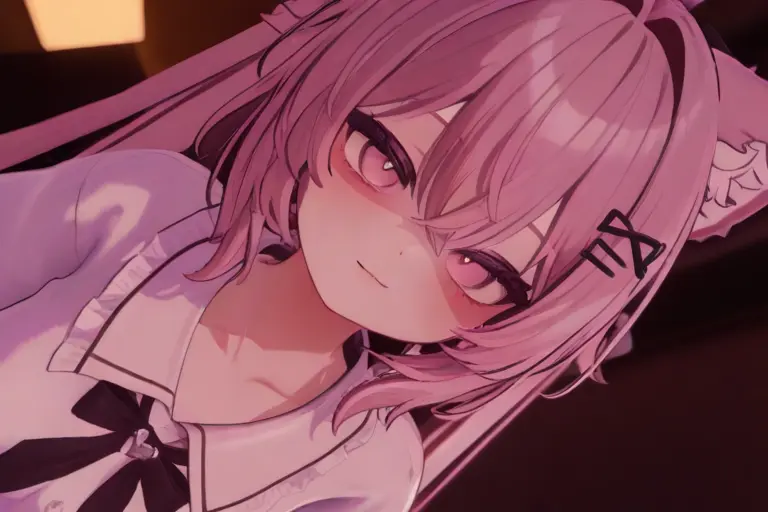
3D-Anime Hybrid Rendering
The signature look: anime design rendered with subtle 3D depth cues. Soft ambient occlusion, dimensional shading, and environmental lighting create the feeling of a 3D model while maintaining 2D anime charm.
Try VRChat Style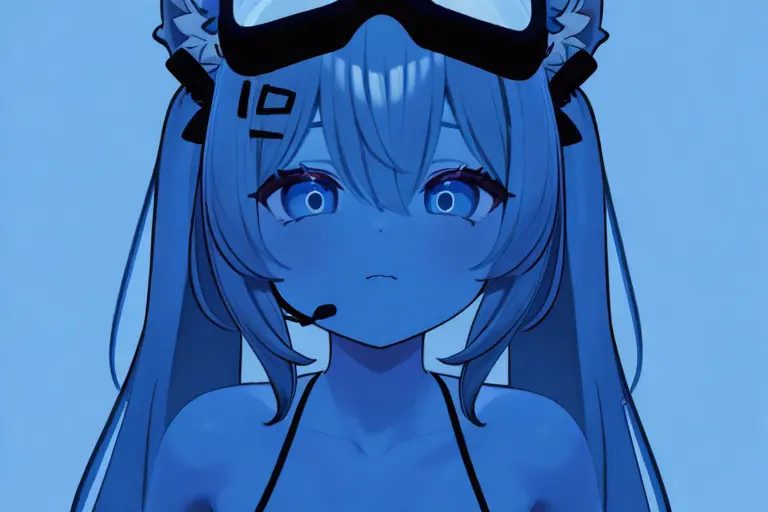
Expressive Avatar-Ready Design
Characters feature VR avatar proportions — large heads, expressive eye-tracking-ready faces, and clear silhouettes reading well in 3D space. Every design could become a real VRChat avatar.
Generate VR Characters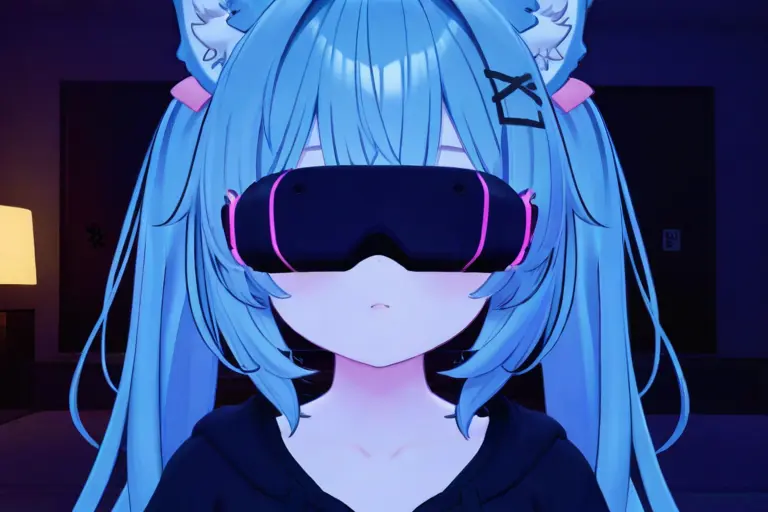
Dynamic Rim Lighting
Characters feature characteristic rim lighting common in VRChat worlds — a glowing edge light separating character from background adding that unmistakable VR visual quality.
Create Lit Characters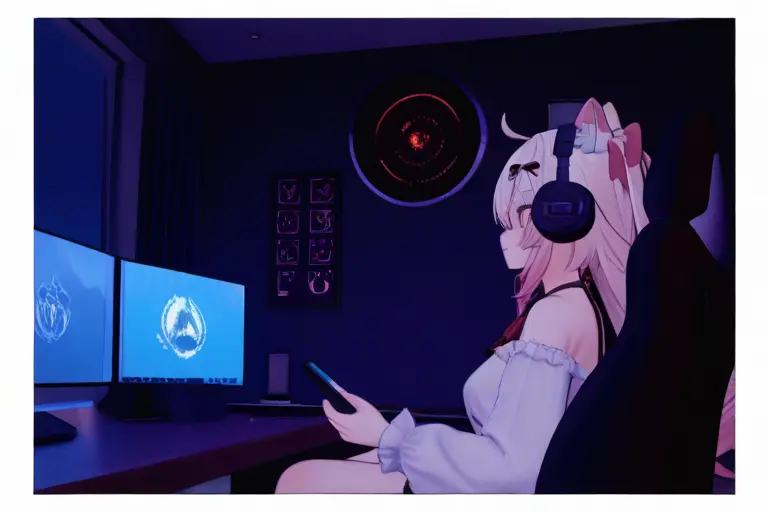
Virtual World Atmosphere
Settings evoke creative, fantastical VRChat world environments — from cozy anime rooms to surreal digital landscapes, bridging real and virtual authentically.
Make VR WorldsIdeal Applications
VRChat Style is perfect for projects that benefit from its unique visual qualities.
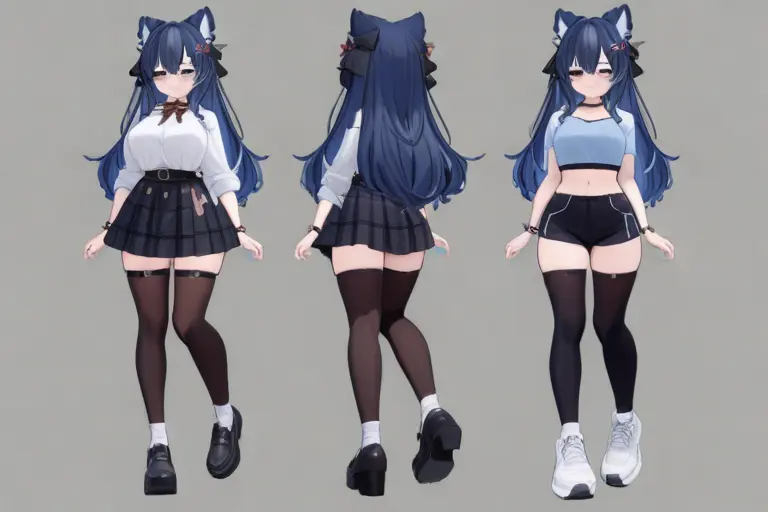
VRChat Avatar Concepts
Design concept art for VRChat avatars before commissioning 3D modelers. The style matches what the final avatar will look like, perfect for reference and planning.
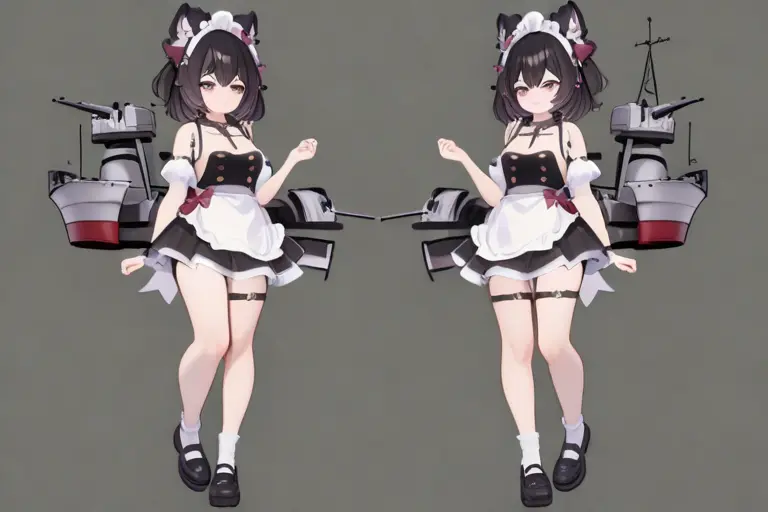
VTuber Model References
Create reference illustrations for VTuber Live2D or 3D models. The aesthetic aligns with VTuber design requirements for references translating well to rigging.
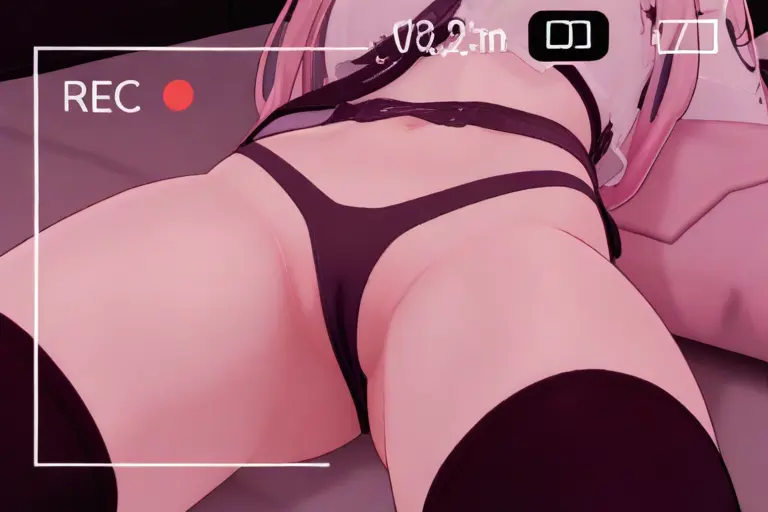
Virtual Community Content
Generate content for VRChat communities, Discord servers, and social media. The recognizable aesthetic connects with the VR social community.
How to Use VRChat Style Generator
- 1
Open KusArt and select 'VRChat Style' from the Style Selector panel
- 2
Write your prompt describing the character, scene, and mood you want to create
- 3
Click Generate and watch your vrchat style artwork come to life in seconds
- 4
Download your creation in high resolution or regenerate with tweaked prompts for variations
FAQs
What is VRChat Style in anime art?
VRChat Style captures the 3D-meets-anime look of virtual reality social spaces. It features 3D-anime hybrid rendering, avatar-ready proportions, rim lighting, and VR world atmospheres.
Is the VRChat Style AI generator free to use?
Yes! KusArt offers 100 free credits daily. You can generate VRChat style art without creating an account or entering payment information.
How is VRChat Style different from Cel Shaded Anime?
VRChat Style adds 3D depth cues, rim lighting, and dimensional rendering for a VR-ready look, while Cel Shaded Anime maintains purely flat 2D color blocks for a classic animation aesthetic.
Can I use VRChat Style art commercially?
Commercial usage rights are available for Pro subscribers. Free-tier generations are for personal use only.
What prompts work best with VRChat Style?
Try VR-themed descriptions: 'VR avatar', 'neon rim lighting', '3D anime character', 'virtual world background'. Colorful, expressive characters with clear silhouettes work best.
Do I need drawing skills to create VRChat Style art?
Not at all. Simply describe what you want in a text prompt and our AI handles the rendering. You can also use our 586 visual tags to fine-tune your creation without any artistic background.
When should you use VRChat Style?
Use VRChat Style when you want an anime style optimized for vrchat avatar aesthetics with the characteristic 3d-meets-anime look of virtual reality social spaces. It is especially useful for vrchat avatar concepts, vtuber model references, and virtual community content.
Which Kusa tool should you use first for VRChat Style?
Start with Image Generator for the fastest prompt-first workflow. If your goal is a profile picture or avatar, Anime PFP Maker is usually the better fit. If you want to build a more structured original character workflow, move into OC Generator.
What can you make after the first VRChat Style generation?
VRChat Style is perfect for projects that benefit from its unique visual qualities. After your first strong result, you can carry the same look into OC Generator, Video Generator, and Wallpaper Generator.
Related Styles
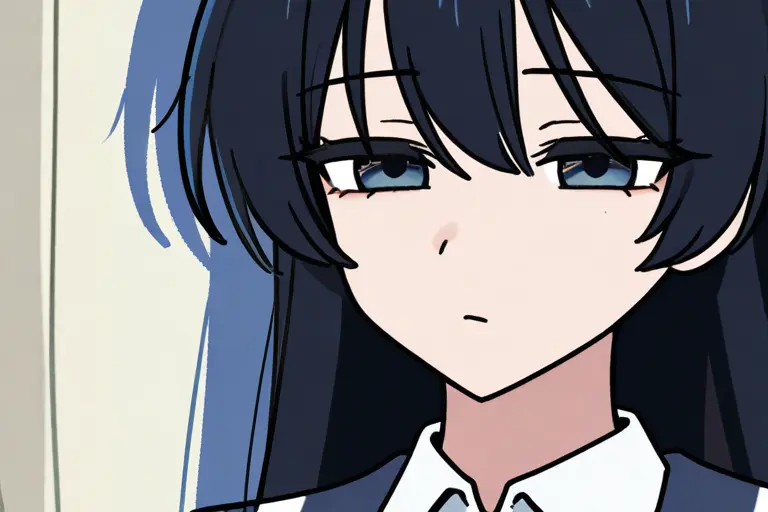
Cel-Shaded Anime
Classic anime cel-shading with flat color blocks, crisp shadow edges, and the authentic look of traditional hand-painted animation cels.
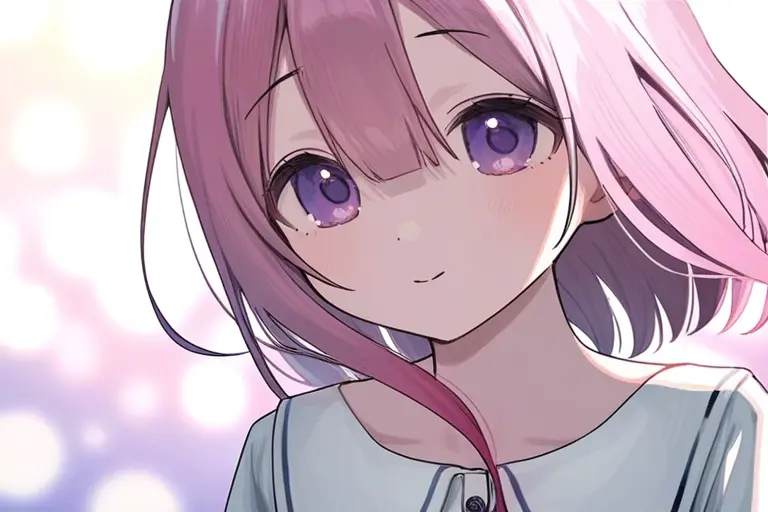
Glossy Smooth Style
A soft, luminous anime style with smooth gradients, gentle lighting, and a dreamy finish that gives every illustration an ethereal glow.
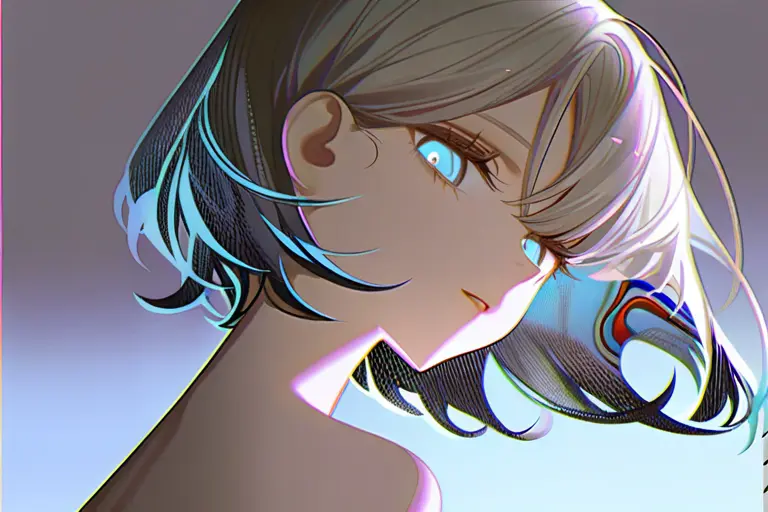
Polished Render Style
A high-gloss, refined rendering style that produces crisp anime illustrations with smooth shading and vivid color depth.
Related Tools

Ready to Create VRChat Style Art?
Join thousands of creators using KusArt to generate stunning vrchat style illustrations. 100 free credits daily — no signup required.
Includes 100 free credits daily