

使用AI生成器创建迷人的Irasutoya Style插图
生成可爱、以Irasutoya为灵感的插图,使用简单形状和友好的表情。清新、可爱、具有普遍吸引力。立即免费开始创作。
Irasutoya Style 示例
探索使用KusArt的Irasutoya Style创建的精美艺术品。每件作品都展现了这种风格的标志性美学和独特品质。
什么是Irasutoya Style?
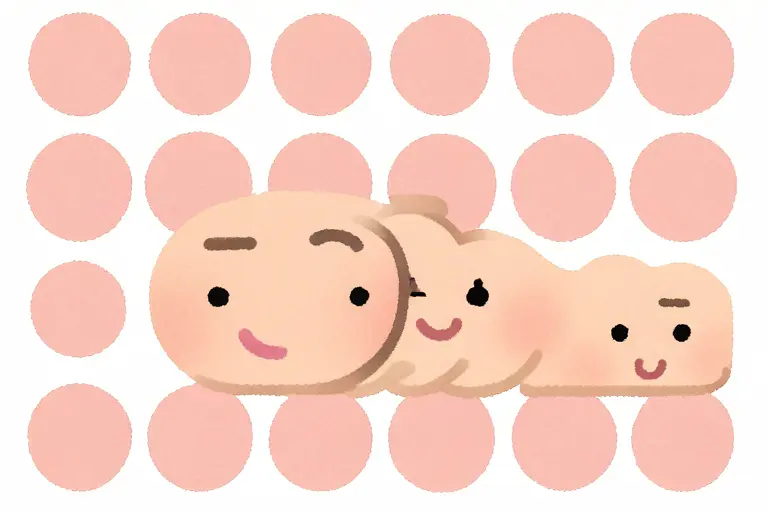
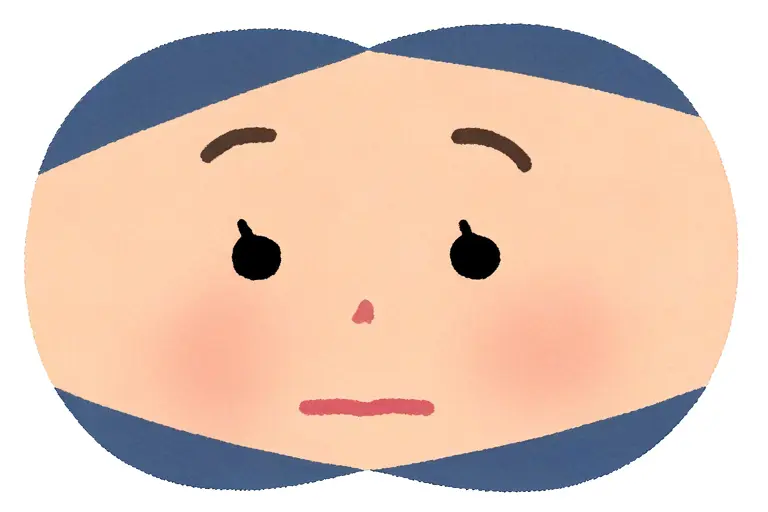
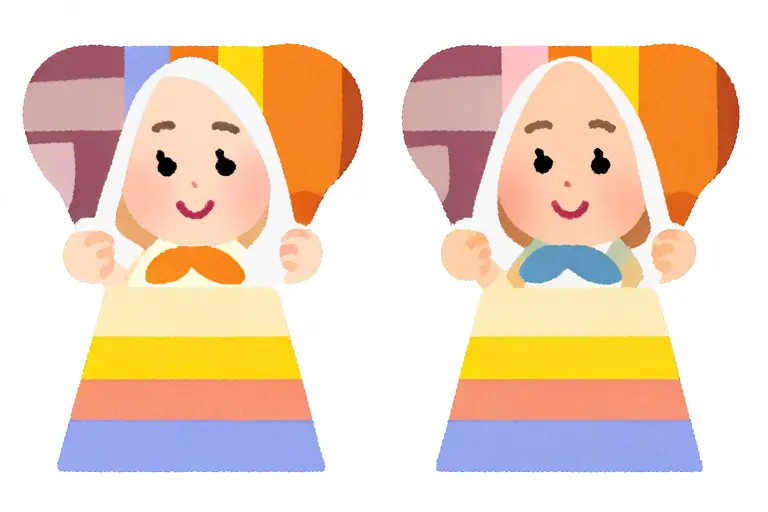
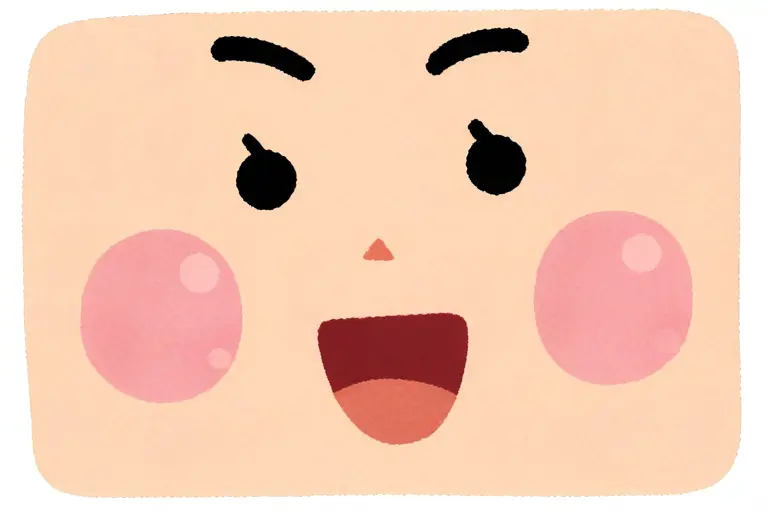
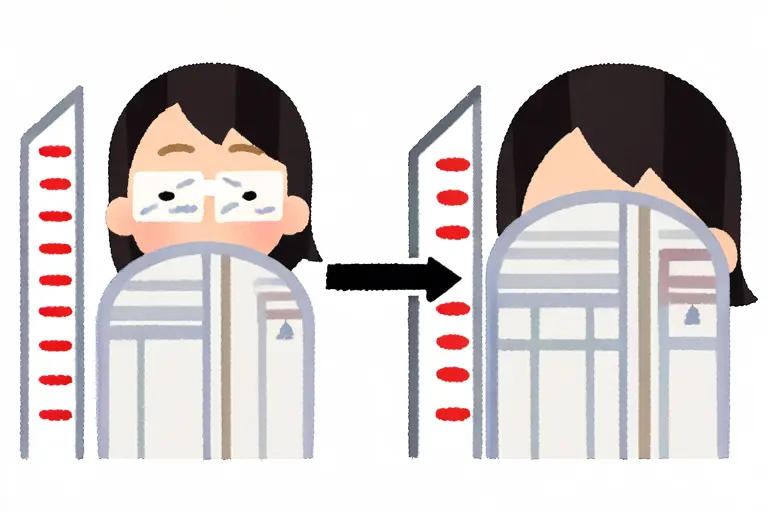
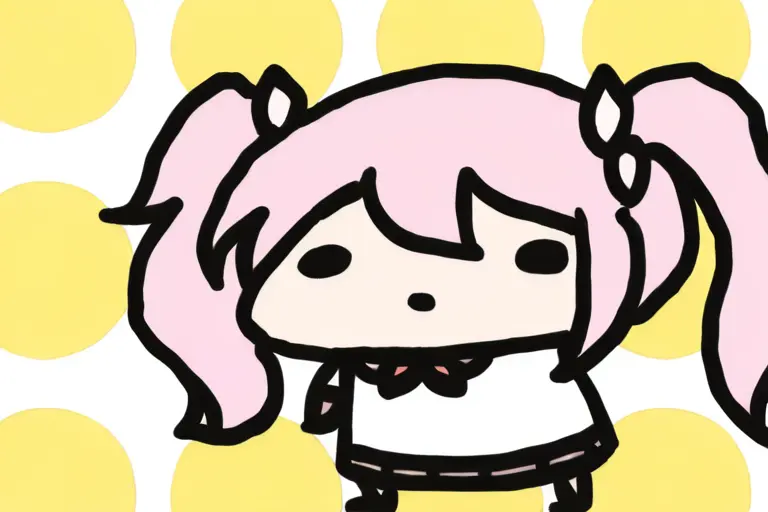
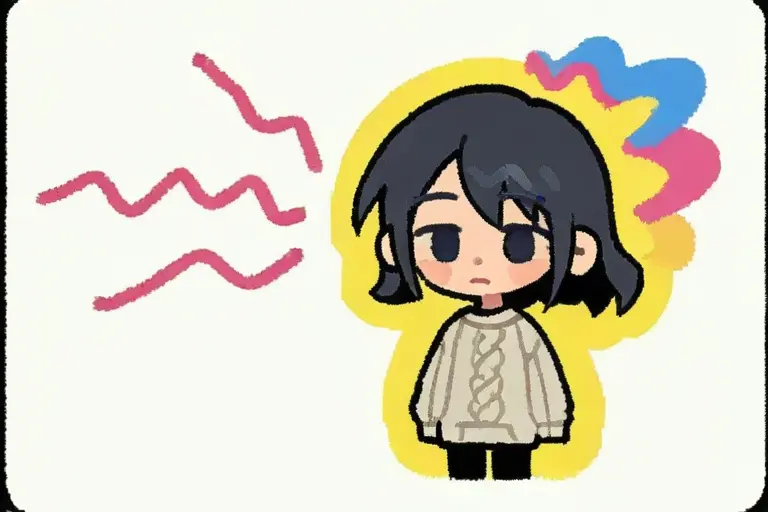
Irasutoya Style 受日本日常生活中的流行插图美学启发——从政府文件到电视节目。这种风格以简单、温暖和普遍易读为特征。人物设计采用圆润、柔和的形状,细节最小化,轮廓柔和,并使用欢快的颜色调色板。表情清晰且适度夸张,以传达情感而不增加复杂性。这种风格的有效性在于其可访问性——任何人都能立即理解所传达的场景。没有艺术上的矫饰,只有纯粹的功能性魅力。KusArt的AI捕捉了本质特征:特征性的圆头、简单的点眼、柔和的粉彩背景,以及每位人物都仿佛在度过完美愉快的一天的感觉。不论是用于演示、文案还是能带来微笑的艺术品,Irasutoya Style 都能提供同等程度的温暖和清晰。
Irasutoya Style 生成器的关键功能
发现KusArt的Irasutoya Style 如何从普通的AI艺术生成器中脱颖而出。
理想应用场景
Irasutoya Style 非常适合受益于其独特视觉品质的项目。

演示和教育内容
为幻灯片和讲义添加友好的视觉元素。简单、清晰的美学能传达概念而不分散注意力。

社交媒体和博客内容
为帖子和标题创建相关、可分享的插图。这种普遍吸引人的风格能为所有受众生成互动。
信息图和解释器
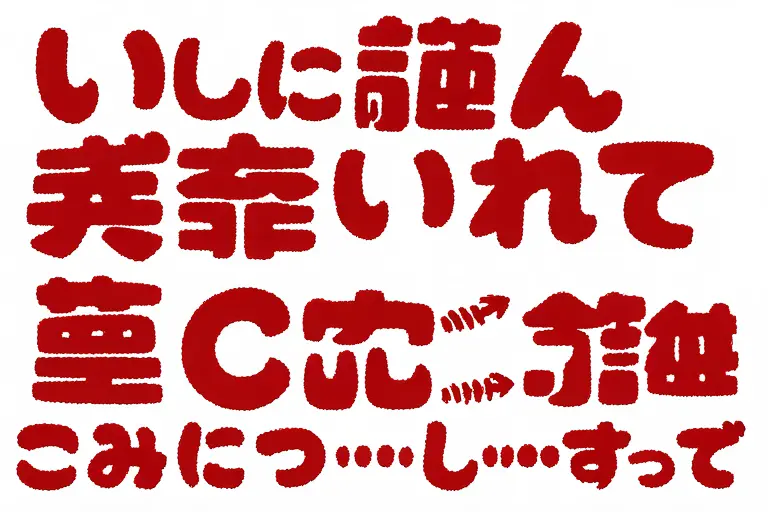
使用引导观众浏览信息的角色构建清晰的视觉叙事。简单美学能保持焦点在数据上,同时添加温暖。
如何使用Irasutoya Style 生成器
- 1
Open KusArt and select 'Irasutoya Style' from the Style Selector panel
- 2
Write your prompt describing the character, scene, and mood you want to create
- 3
Click Generate and watch your irasutoya style artwork come to life in seconds
- 4
Download your creation in high resolution or regenerate with tweaked prompts for variations
常见问题
什么是插图中的Irasutoya Style?
Irasutoya Style 是一种简单、迷人的插图美学,受日本剪贴画文化启发。它的特征包括圆润的人物形状、欢快的粉彩颜色、点眼表情和干净的构图,以创建普遍易读的艺术品。
Irasutoya Style AI生成器是免费使用的吗?
是的!KusArt 提供每日100个免费积分。您可以生成Irasutoya风格艺术,而无需创建账户或输入支付信息。
Irasutoya Style 与 Chibi Dot Eyes 有何不同?
Irasutoya Style 采用更简单、更平坦的设计,细节最小化,以实现剪贴画品质,而 Chibi Dot Eyes 具有更多动漫风格、夸张的可爱比例和更多渲染细节。
我可以商业使用Irasutoya Style 艺术吗?
专业订阅者可获得商业使用权。免费层生成的艺术仅限个人使用。
什么提示与Irasutoya Style 最有效?
保持提示简单且描述性。专注于角色动作或情感,而不是复杂细节。'快乐的女孩挥手'、'老师解释' 或 '烹饪场景' 与这种风格非常匹配。
我需要绘画技能来创建Irasutoya Style 艺术吗?
完全不需要。只需用文本提示描述您想要的内容,我们的AI 会处理渲染。您还可以使用我们的586个视觉标签来微调您的创作,而无需任何艺术背景。
When should you use Irasutoya Style?
Use Irasutoya Style when you want 一种迷人、简单的插图风格,受日本标志性剪贴画美学的启发,具有柔和的颜色、圆润的形状和友好的表情。. It is especially useful for 演示和教育内容, 社交媒体和博客内容, and 信息图和解释器.
Which Kusa tool should you use first for Irasutoya Style?
Start with Image Generator for the fastest prompt-first workflow. If your goal is a profile picture or avatar, Anime PFP Maker is usually the better fit. If you want to build a more structured original character workflow, move into OC Generator.
What can you make after the first Irasutoya Style generation?
Irasutoya Style 非常适合受益于其独特视觉品质的项目。 After your first strong result, you can carry the same look into Sticker Generator, Emoji Workshop, and OC Generator.
相关风格
相关工具


准备好创建Irasutoya Style 艺术了吗?
加入数千名使用KusArt生成精美Irasutoya风格插图的创作者。每日100个免费积分——无需注册。
包括每日 100 免费积分