KusArt
    AI Manga Generator

    AI Manga Generator

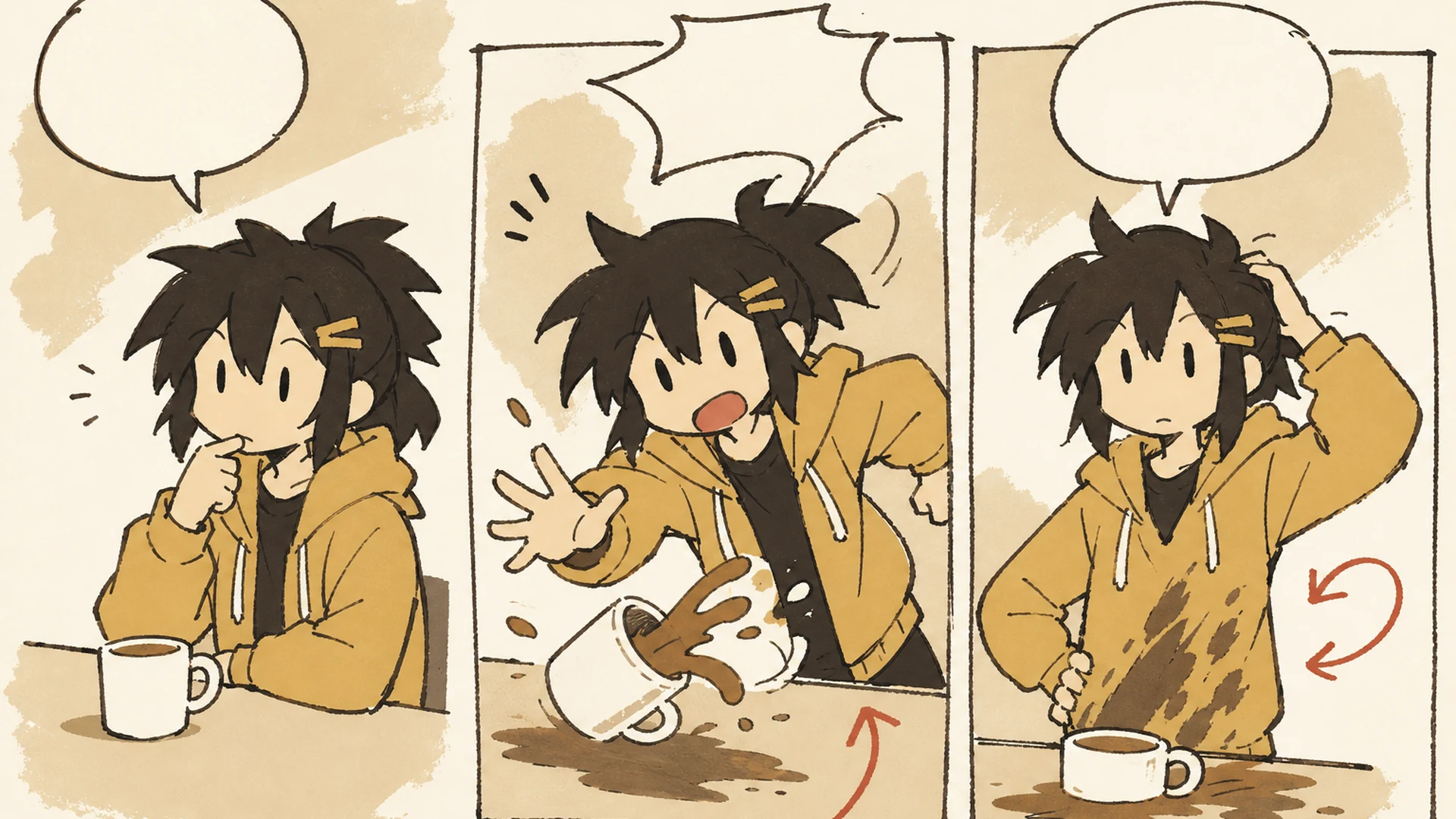
    Use our AI manga generator to turn a story prompt and up to nine character, prop, outfit, or scene references into a coherent multi-panel manga page.

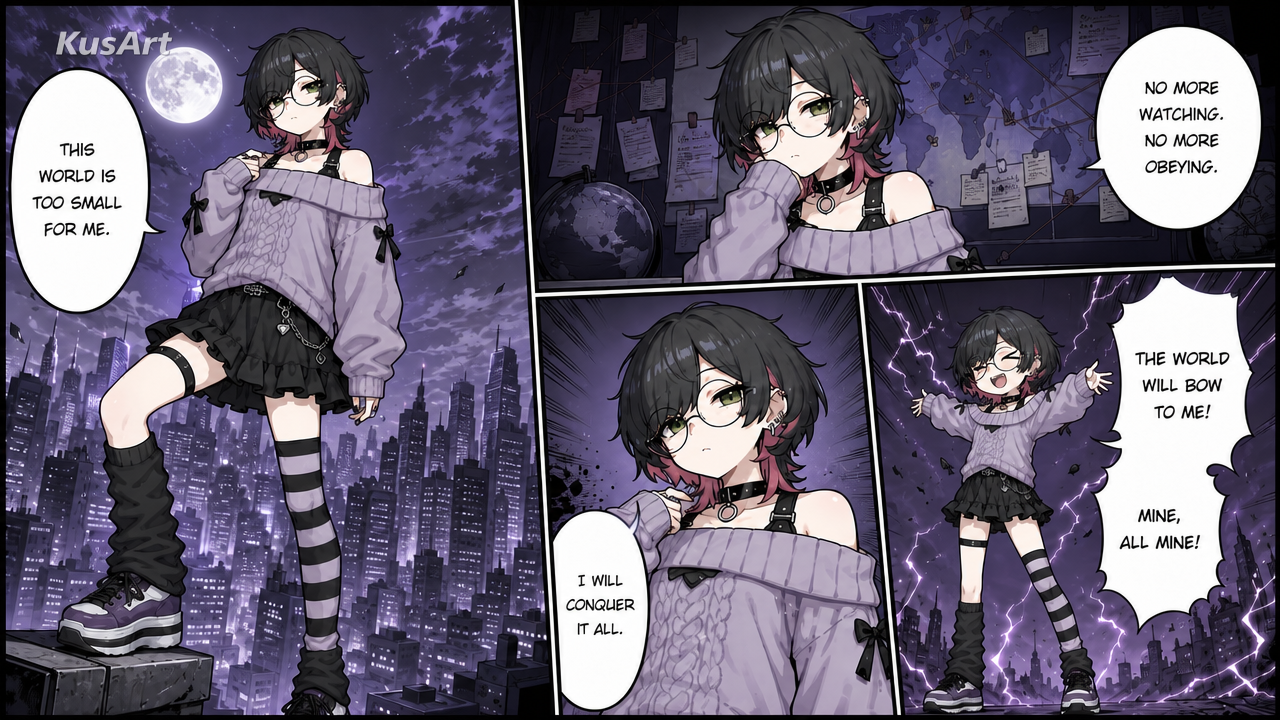
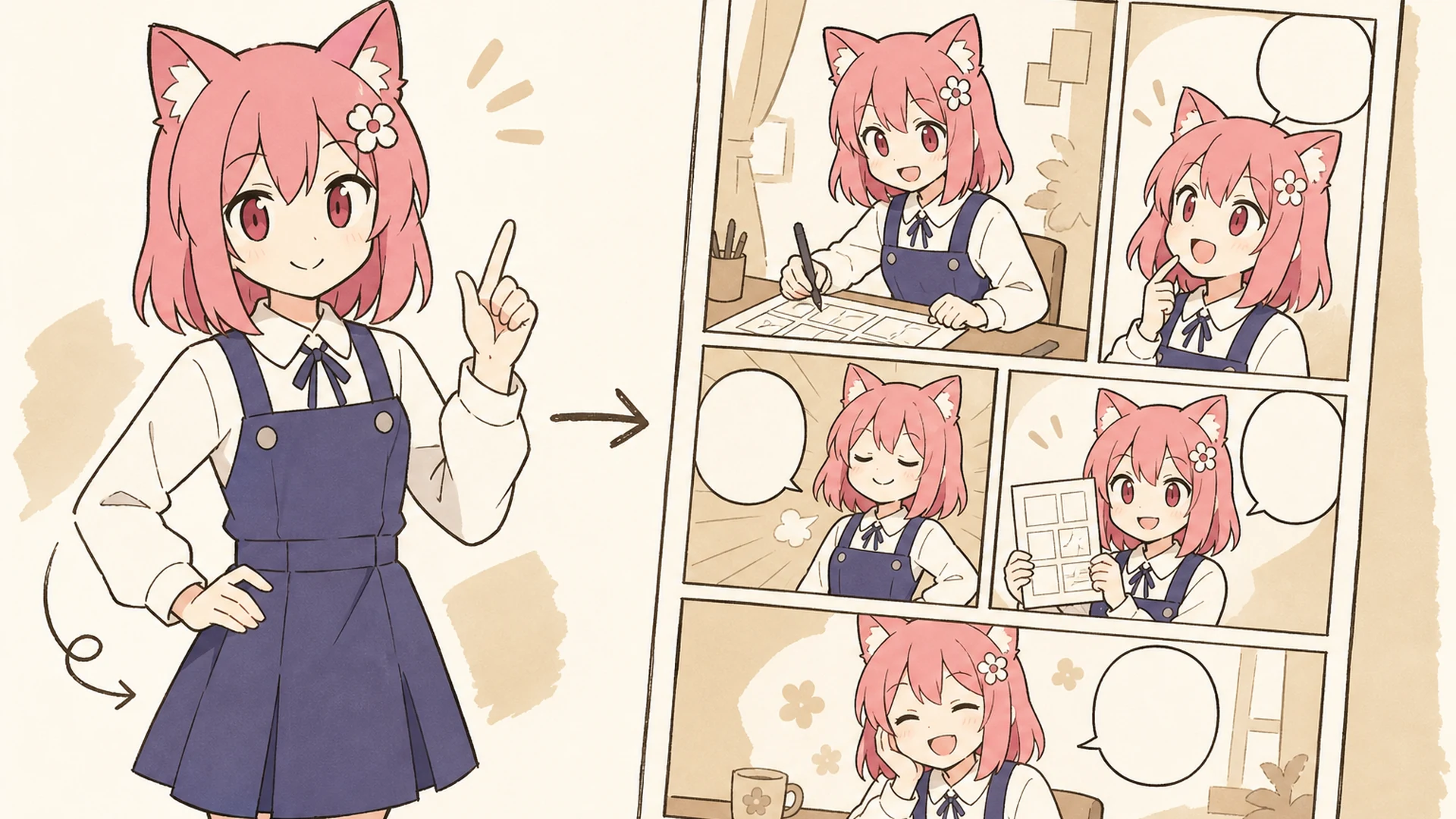
    Manga Page AI Manga Generator result — After
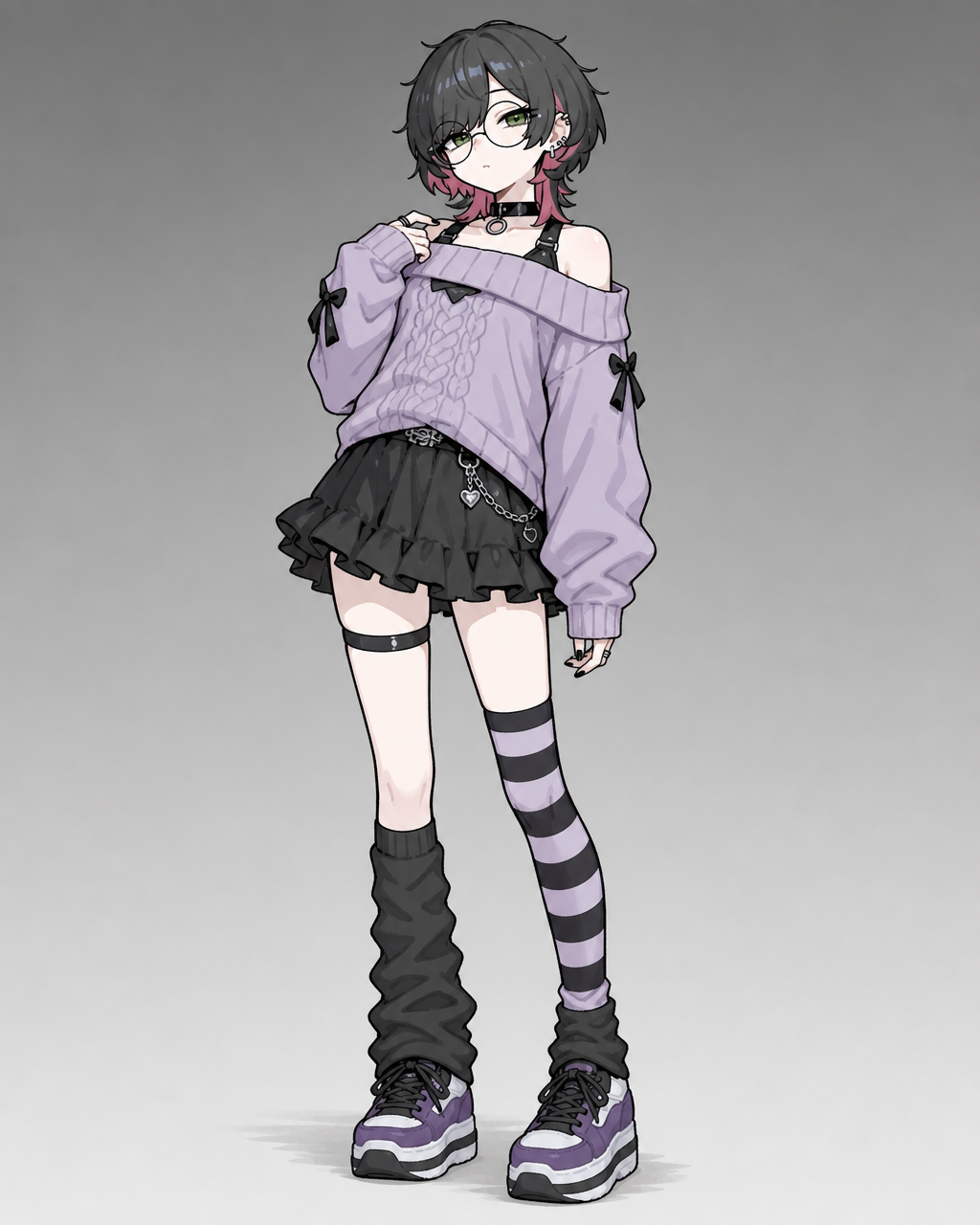
    Manga Page AI Manga Generator result — Before

    Turn a Story Beat Into a Manga Page

    An AI manga generator turns a focused scene into readable sequential art for concepts, webcomics, storyboards, and social posts. Describe the emotional beat, add optional visual references, and let the manga maker AI explore panel rhythm, camera distance, and character acting in one composition. You can refine recurring characters in OC Editor before generating the next page or variation.

    Create Manga
    Create a 16:9 KusArt SEO visual band with no title, subtitle, paragraph, body copy, watermark, labels, dialogue, or decorative pseudo-text. Follow the approved 40/60 composite layout: the fixed pink-haired, red-eyed anime mascot with a flower hair clip gestures beside icon-only pastel story, camera, and panel chips on the left; a large rounded white card on the right shows a polished black-and-white manga page with three to four clear panels, varied shots, consistent characters, and clean empty speech bubbles. Modern Niji anime/manga style, crisp ink lineart, soft screentone, warm-white background, #ff4fa3 accents, one small sky-blue accent, generous whitespace, no photorealism, 3D, thick paint, neon, deep purple, clutter, harsh shadow, extra characters, or gibberish text.

    What Is an AI Manga Generator?

    An AI manga generator converts written direction and optional images into a composed comic page. It works as a manga page generator by arranging the complete canvas, and as a manga panel generator by varying shots, reactions, poses, and transitions inside that page. Clear prompts help the tool connect each panel into one visual sequence instead of producing several unrelated illustrations.

    Create a 16:9 KusArt SEO visual band with no title, subtitle, paragraph, body copy, watermark, labels, dialogue, or decorative pseudo-text. Use the approved 40/60 composite layout: the fixed pink-haired anime mascot explains three icon-only pastel prompt, reference, and layout chips on the left; the right side contains a large rounded white card with a coherent multi-panel manga page, clear reading order, recurring character identity, varied reactions, and clean panel borders. Clean modern Niji manga style, crisp black ink, soft screentone and cel shading, warm-white background, #ff4fa3 accent marks and one sky-blue detail, uncluttered editorial spacing, no photorealism, 3D, thick paint, neon, deep purple, harsh shadows, or gibberish lettering.

    Readable Panels, Consistent Characters

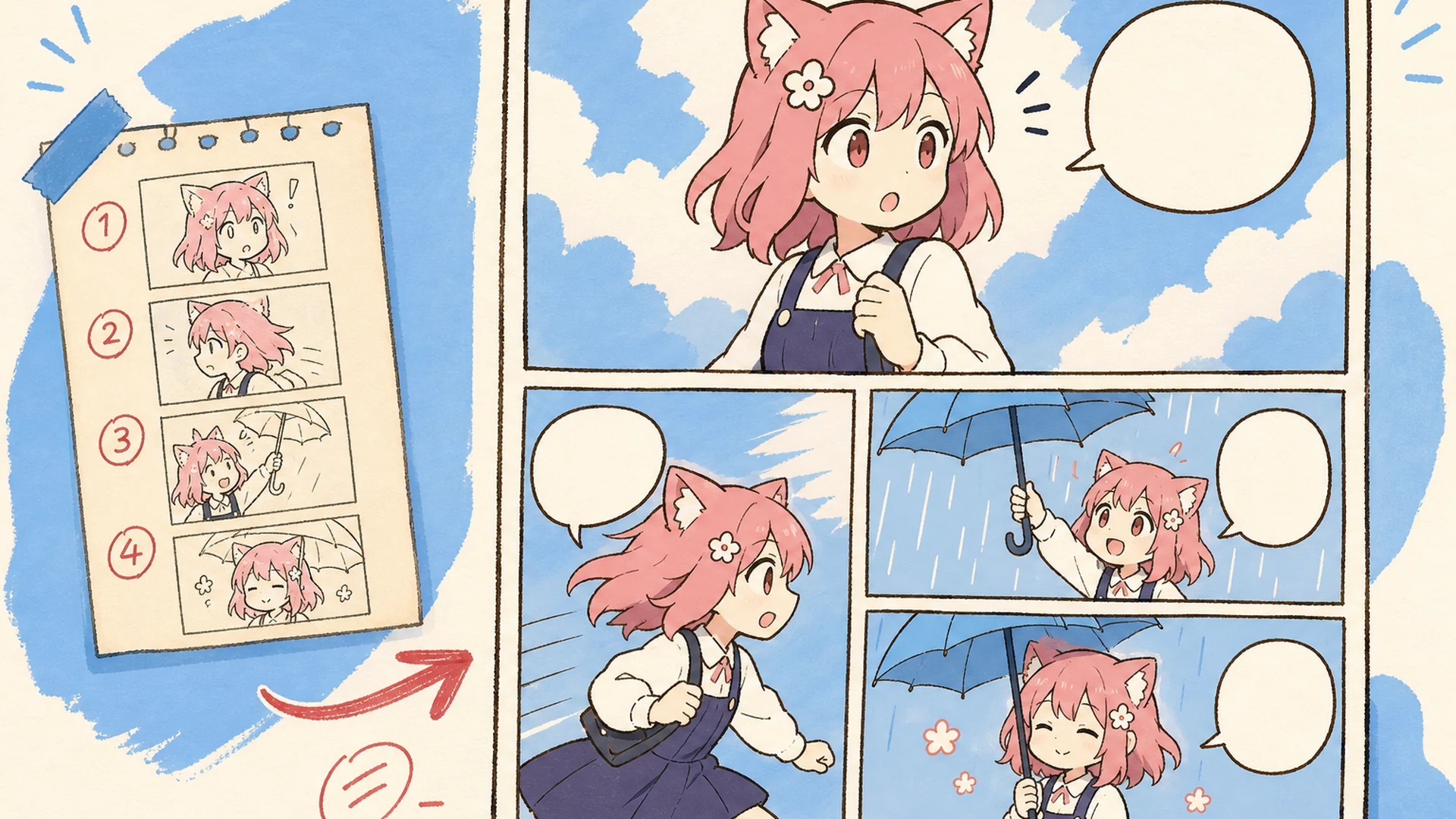
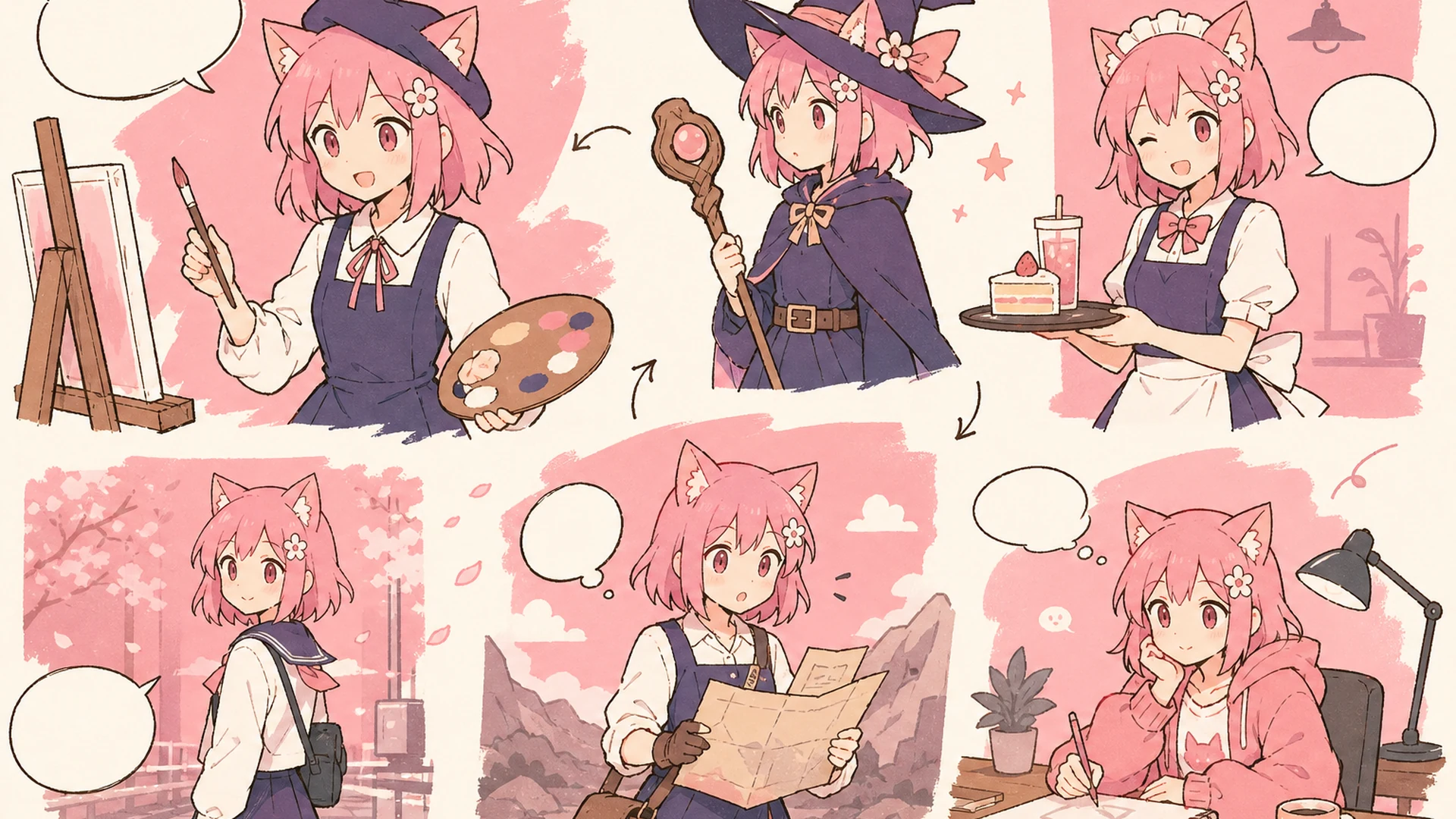
    Sequential art depends on more than attractive images: readers need clear action, recognizable characters, controlled pacing, and an obvious reading path. An AI manga generator can explore those choices quickly while an AI comic generator brief controls genre, mood, dialogue, and camera language. Save promising versions in History, compare how each page communicates the beat, and refine the strongest structure before final art.

    Create a 16:9 KusArt SEO visual band with no title, subtitle, paragraph, body copy, watermark, labels, dialogue, or decorative pseudo-text. Follow the approved 40/60 composite template: the fixed pink-haired mascot points along a simple icon-only three-step story flow on the left, while a large rounded white card on the right shows the same manga heroine consistently across a wide establishing panel, medium action panel, and expressive close-up. Clean modern Niji manga style, crisp lineart, soft screentone, pale warm-white background, #ff4fa3 arrows and accents, one small sky-blue detail, generous whitespace, no photorealism, 3D, thick paint, neon, deep purple, clutter, harsh shadow, off-model faces, extra characters, or gibberish text.

    Storyboard Faster Without Drawing Every Panel

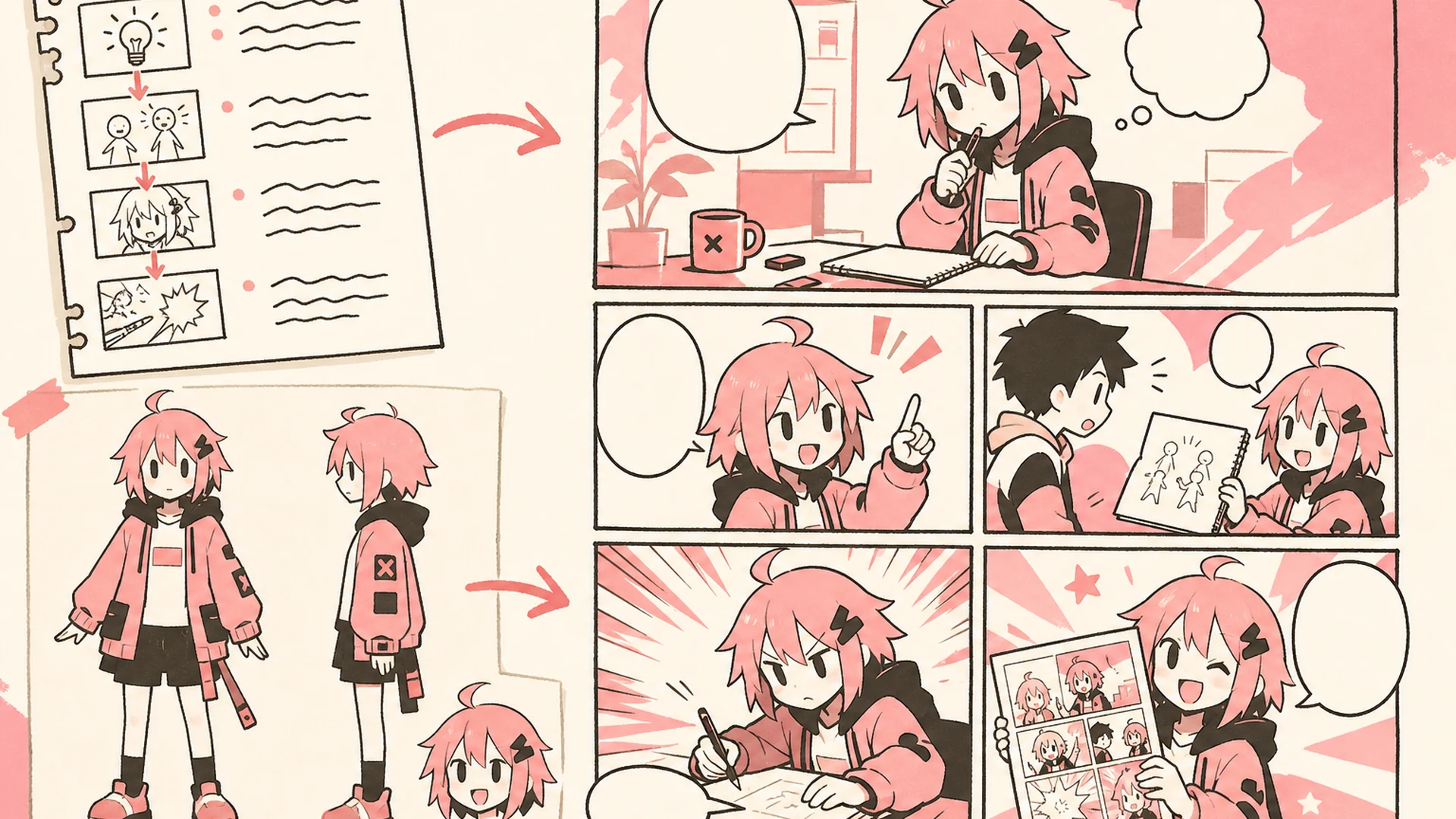
    Manually testing every composition means redrawing the same scene whenever the camera, timing, or dialogue changes. An AI manga generator shortens that early exploration, letting you compare complete page ideas before committing to polished line work. It can also act as a comic strip generator for compact sequences, announcements, or social concepts. Build supporting character or environment references with the AI Image Generator, then bring the approved visual direction into the page workflow.

    Create a 16:9 KusArt SEO visual band with no title, subtitle, paragraph, body copy, watermark, labels, dialogue, or decorative pseudo-text. Use the approved 40/60 composite layout: the fixed pink-haired anime mascot holds a pencil beside small icon-only pastel timing and camera chips on the left; on the right, a large rounded white card transforms a rough scene beat into a clean three-to-four-panel manga draft with obvious reading flow and recurring character continuity. Clean modern Niji manga style, crisp ink lineart, soft screentone, warm-white and pale-cream background, #ff4fa3 accent arrows, one small sky-blue detail, no photorealism, 3D, thick paint, neon, deep purple, clutter, harsh shadow, or gibberish dialogue.

    AI Manga Generator Features

    Focused controls for page flow, visual continuity, and flexible storytelling.

    Multi-Panel Layouts

    The AI manga generator creates separated panels, varied shot sizes, and a readable sequence in one canvas. Use the manga page generator for three- or four-panel layouts, splash pages, or a custom grid with a defined reading direction.

    Up to Nine References

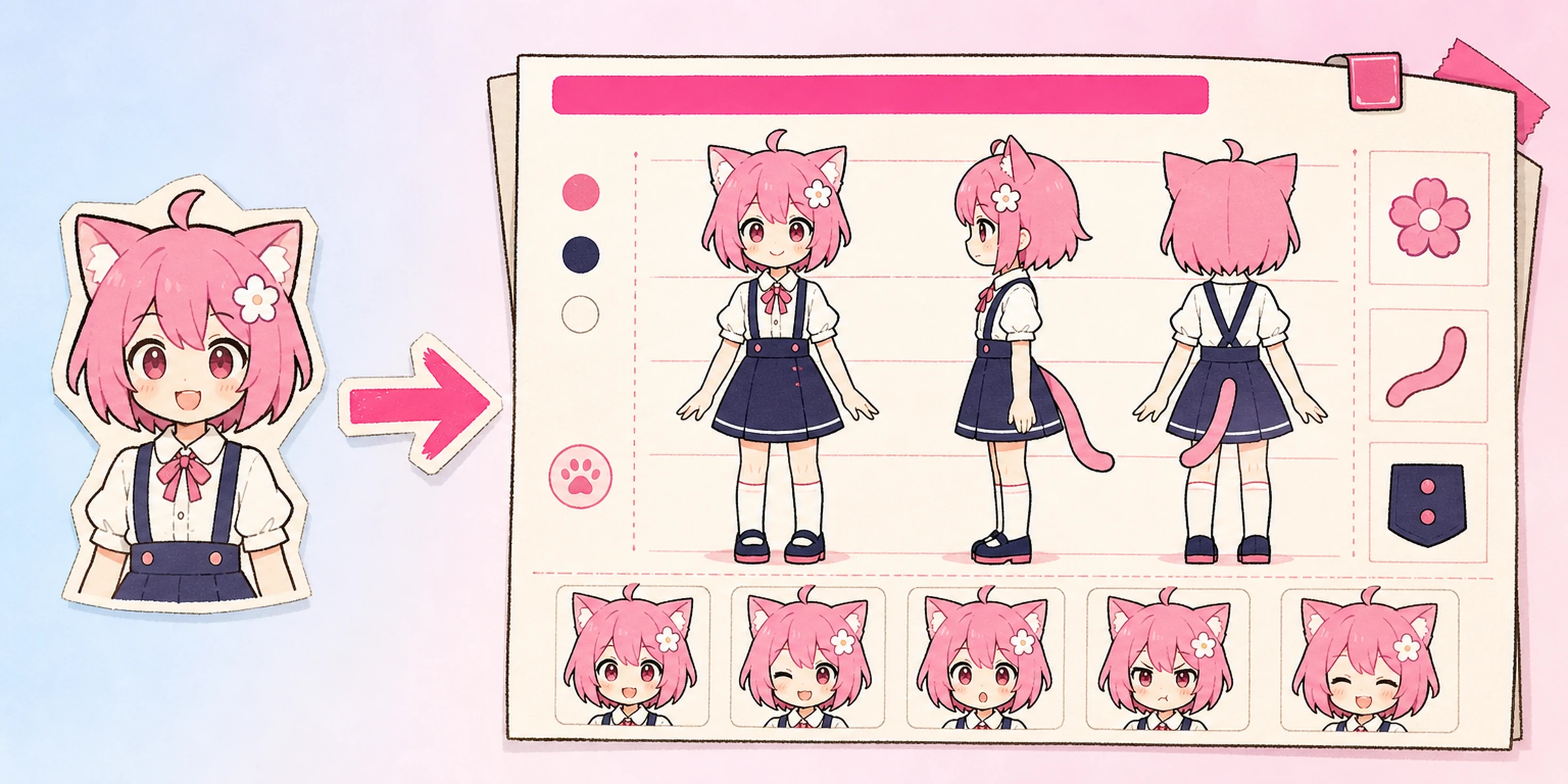
    Guide recurring characters, outfits, props, or settings with up to nine images. A photo to manga workflow can stylize real people or places, while the manga maker AI combines purposeful references and saves results in History.

    Genre and Tone Control

    Use the AI comic generator for shonen, shoujo, seinen, comedy, horror, romance, chibi, or western comic direction. An anime comic generator prompt can specify line weight, screentone, color treatment, mood, and camera language.

    How to Make a Manga Page

    Move from one clear scene idea to a complete manga page in three steps.

    01
    Step

    Describe the Scene

    Write one focused beat with the cast, setting, conflict, action, mood, and ending moment. A manga creator online prompt works best when it names the panel count, reading direction, key shots, and short dialogue.

    02
    Step

    Add Visual References

    Optionally upload up to nine character, outfit, prop, creature, or location images. Label each role clearly so the AI manga generator can connect the right reference to the right subject during photo to manga conversion.

    03
    Step

    Generate the Page

    Select a model and let the AI manga generator compose the page. Check borders, reading order, identities, props, and lettering, then download it or reopen History. If the manga panel generator feels crowded, reduce dialogue or panels.

    Manga Generator Use Cases

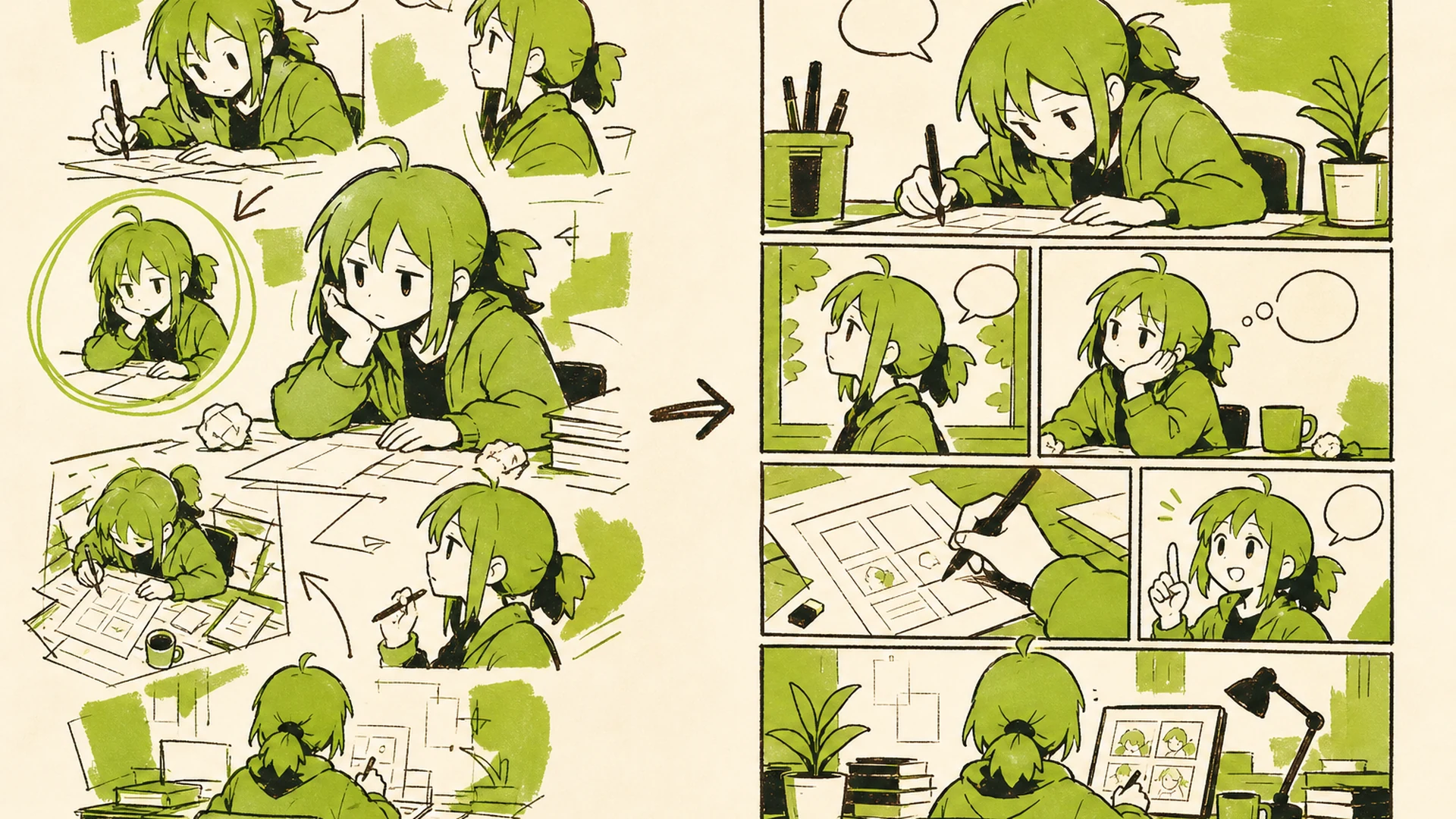
    Create a 16:9 landscape KusArt use-case illustration for webcomic drafts with no title, subtitle, paragraph, body copy, labels, dialogue, watermark, or decorative pseudo-text. Place a pink-haired manga creator on the left comparing thumbnail panels, while a clean multi-panel page draft and episode-beat variations spread across the right; keep the face, hands, thumbnails, and final draft inside the central safe area. Clean modern Niji manga style, crisp lineart, soft screentone, warm-white minimal desk background, #ff4fa3 accents and one small sky-blue detail, no photorealism, 3D, thick paint, neon, deep purple, clutter, harsh shadow, gibberish text, or extra characters.

    Webcomic Drafts

    Use the AI manga generator and AI comic generator workflow to test episode beats, page turns, and character interactions before committing time to final anatomy, backgrounds, lettering, and acting.

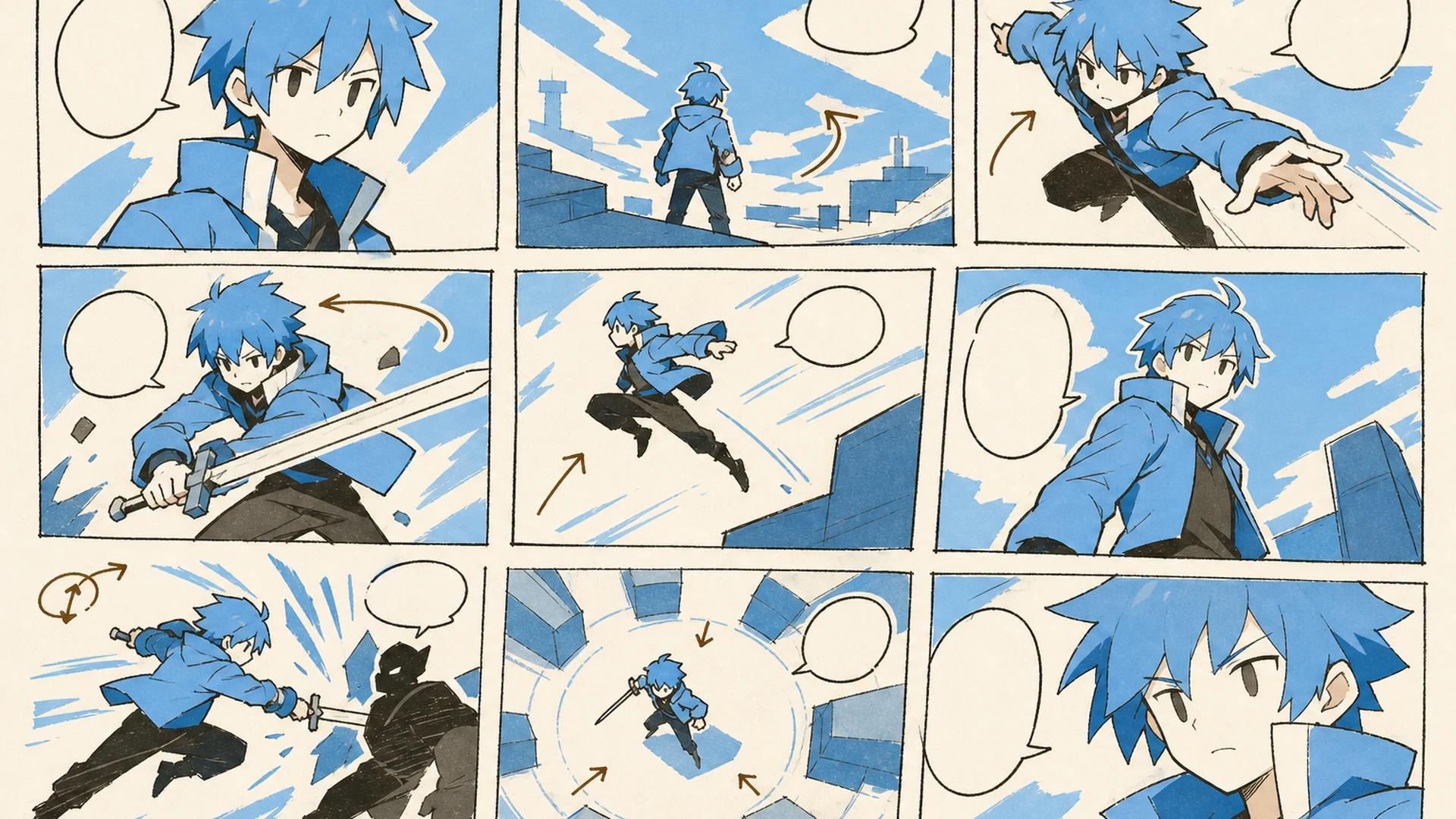
    Create a 16:9 landscape KusArt use-case illustration for storyboards with no title, subtitle, paragraph, body copy, labels, dialogue, watermark, or decorative pseudo-text. Compose a pink-haired anime director on the left arranging three wide visual panels across the right that show action, camera angles, blocking, and an emotional transition using simple arrows and wordless thumbnails; keep all essential panels inside the central safe area. Clean modern Niji manga style, crisp lineart, soft cel shading and screentone, pale cream minimal studio background, #ff4fa3 accents and one sky-blue detail, no photorealism, 3D, thick paint, neon, deep purple, clutter, harsh shadow, gibberish text, or extra characters.

    Storyboards

    Use a comic strip generator approach to visualize action, camera angles, blocking, and emotional transitions for animation, games, video, or live production before polished boards.

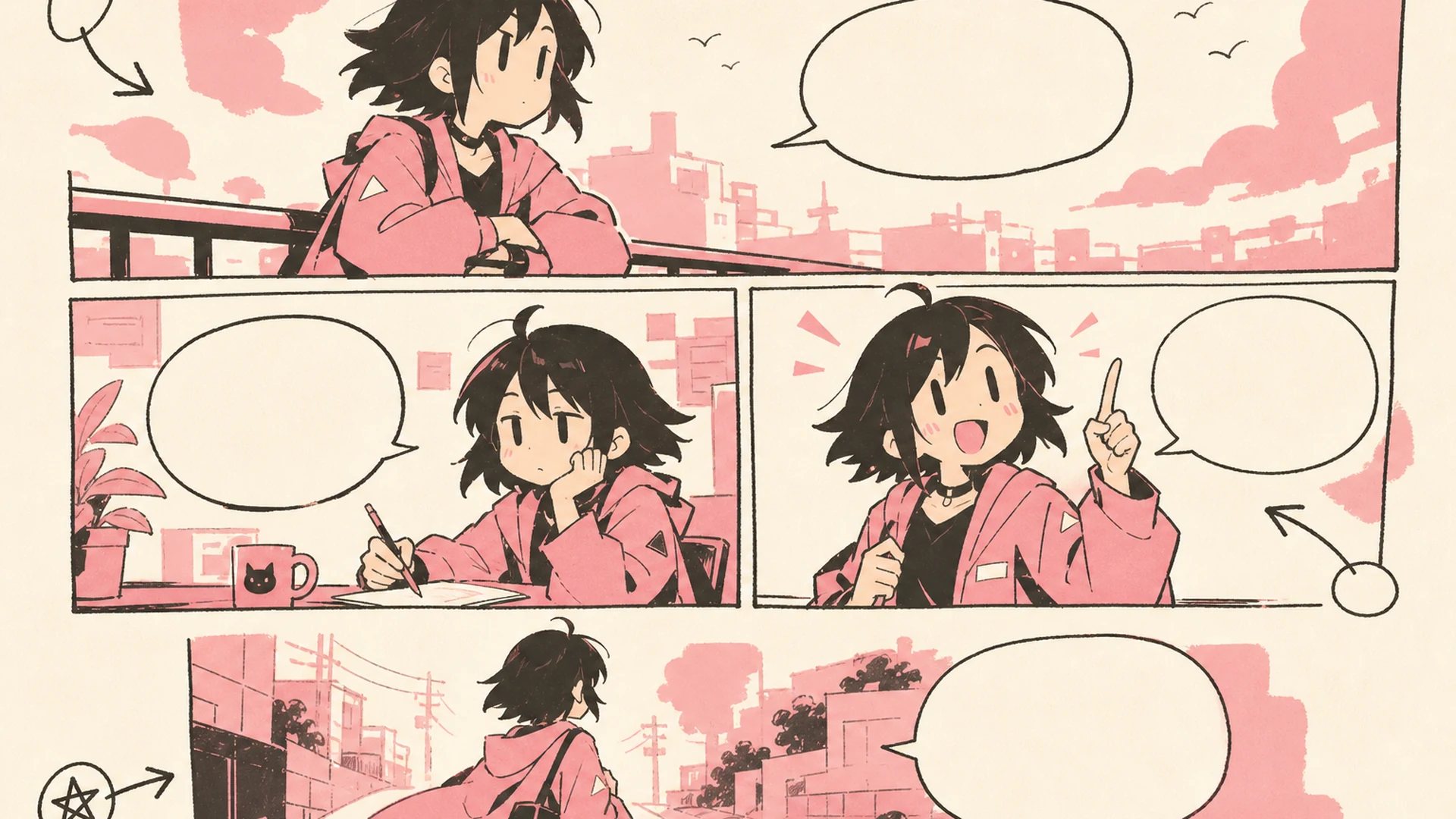
    Create a 16:9 landscape KusArt use-case illustration for social comics with no title, subtitle, paragraph, body copy, labels, dialogue, watermark, or decorative pseudo-text. Place a cheerful pink-haired anime creator on the left presenting a wide three-panel reaction comic on the right with bold expressions, clean borders, and empty caption space suitable for a community post; keep the face, hands, and comic panels inside the central safe area. Clean modern Niji manga style, crisp lineart, soft screentone, warm-white and pale-pink minimal background, #ff4fa3 accents and one sky-blue detail, no photorealism, 3D, thick paint, neon, deep purple, clutter, harsh shadow, gibberish text, or extra characters.

    Social Comics

    Create a compact character moment for announcements, jokes, or community posts. An anime comic generator brief can provide bold reactions and clean separation before captions and platform crops.

    Create a 16:9 landscape KusArt use-case illustration for manga concept exploration with no title, subtitle, paragraph, body copy, labels, dialogue, watermark, or decorative pseudo-text. Compose a pink-haired anime artist on the left comparing four wordless genre variations across the right—action, romance, comedy, and mystery—while preserving one heroine's face, hair, and outfit; keep every variation inside the central safe area. Clean modern Niji manga style, crisp lineart, soft cel shading and screentone, warm-white minimal pastel workspace, #ff4fa3 accents and one small sky-blue detail, no photorealism, 3D, thick paint, neon, deep purple, clutter, harsh shadow, gibberish text, or extra characters.

    Manga Concepts

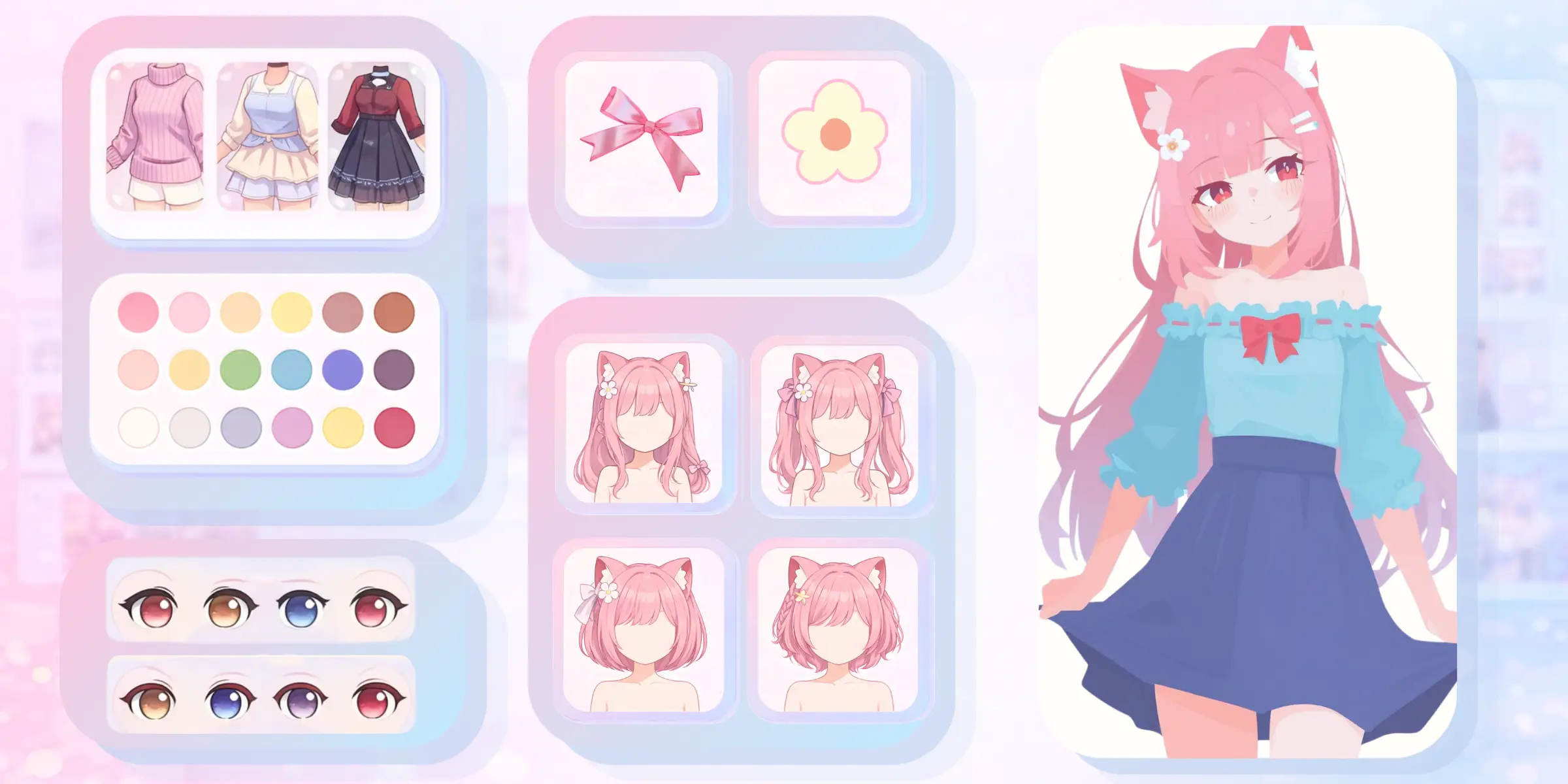
    Use a manga creator online loop to explore genres, outfits, settings, and visual treatments. Compare focused variations, keep the strongest storytelling choice, and refine that direction.

    AI Manga Generator FAQ

    Do I need to upload an image?+
    No. You can generate from a text prompt alone and add references only when a face, outfit, object, or location must guide the result. Up to nine images are supported, but one focused scene can work without any.
    How many panels does it create?+
    The default favors three or four panels, but you can request a splash page, four-koma structure, dense grid, or another arrangement. Match the panel count to the amount of action and dialogue so each beat has room.
    Can it keep a character consistent?+
    Clear references and explicit identity notes help preserve faces, hair, outfits, colors, and proportions. AI can still vary small features during extreme poses or lighting, so review every panel and reuse approved references for serialized work.
    Can I choose a manga genre?+
    Yes. Request shonen, shoujo, seinen, romance, action, comedy, horror, slice-of-life, chibi, or a hybrid direction. Describe line work, color treatment, mood, and visual grammar instead of asking to copy a living artist.
    Can it add dialogue?+
    You can request short dialogue, captions, sound effects, or empty speech-bubble areas. Generated text may contain spelling or layout errors, so important publishing copy should be checked and typeset manually in your preferred design app.
    Can I make manga from a photo?+
    Yes. Upload clear portraits, outfits, props, or locations and explain the role of each reference. Compatible lighting and uncluttered images make it easier to translate real people or places into one coherent stylized scene.
    Is the generated manga ready to publish?+
    Treat the page as a strong draft, concept, or production starting point. Before publishing, review anatomy, continuity, lettering, rights to source material, and platform requirements, then make any necessary edits or redraws.

    Create Your Next Manga Scene

    Add a focused prompt and optional references, then let the AI manga generator compose the complete page.

    Generate Manga