

Create Watercolor Art Characters with AI
Bring your characters to life with watercolor art powered by AI. This style has a raw yet polished look, combining fine, slightly rough linework with a textured, almost paper-like finish. The lines are expressive and sketchy, often with visible strokes that give the drawing energy and movement — closer to a page torn from a watercolor painting sketchbook than a clean digital render. Perfect for character portraits with soft floral backdrops or dreamy watercolor landscape scenery behind them. Generate free on KusArt — no login required.
Watercolor Sketch Examples
A curated gallery of watercolor art character portraits — real sketches created by the KusArt community using this style. Click any image to explore details and try the same prompt.
What Makes Watercolor Sketch Stand Out
Watercolor Sketch is a style built for creators who want their characters to feel hand-drawn, textured, and a little imperfect in the best way. It has a raw yet polished look, combining fine, slightly rough linework with a textured, almost paper-like finish. The lines are expressive and sketchy, often with visible strokes that give the drawing energy and movement, much like an artist's loose watercolor painting study rather than a flat digital illustration. Color washes bleed softly at the edges, pooling and fading the way real pigment does on textured paper, and light bloom is left visibly uneven — a signature trait of genuine watercolor art. Because the style handles organic texture so naturally, it pairs beautifully with soft floral elements and scenery: a character framed by loose watercolor flowers, or posed against a hazy watercolor landscape backdrop, both read as cohesive rather than layered on top. This makes Watercolor Sketch a strong fit not just for character portraits, but for book covers, greeting-card illustration, and botanical-themed original character art where a gentle, painterly hand adds warmth. Compared to sharper vector or cel-shaded anime styles, this watercolor drawing approach favors softness, spontaneity, and visible craft over precision. On KusArt, generating in this style takes the same few seconds as any other — describe your character, select Watercolor Sketch, and get expressive, textured watercolor art with the charm of a real hand-painted page.
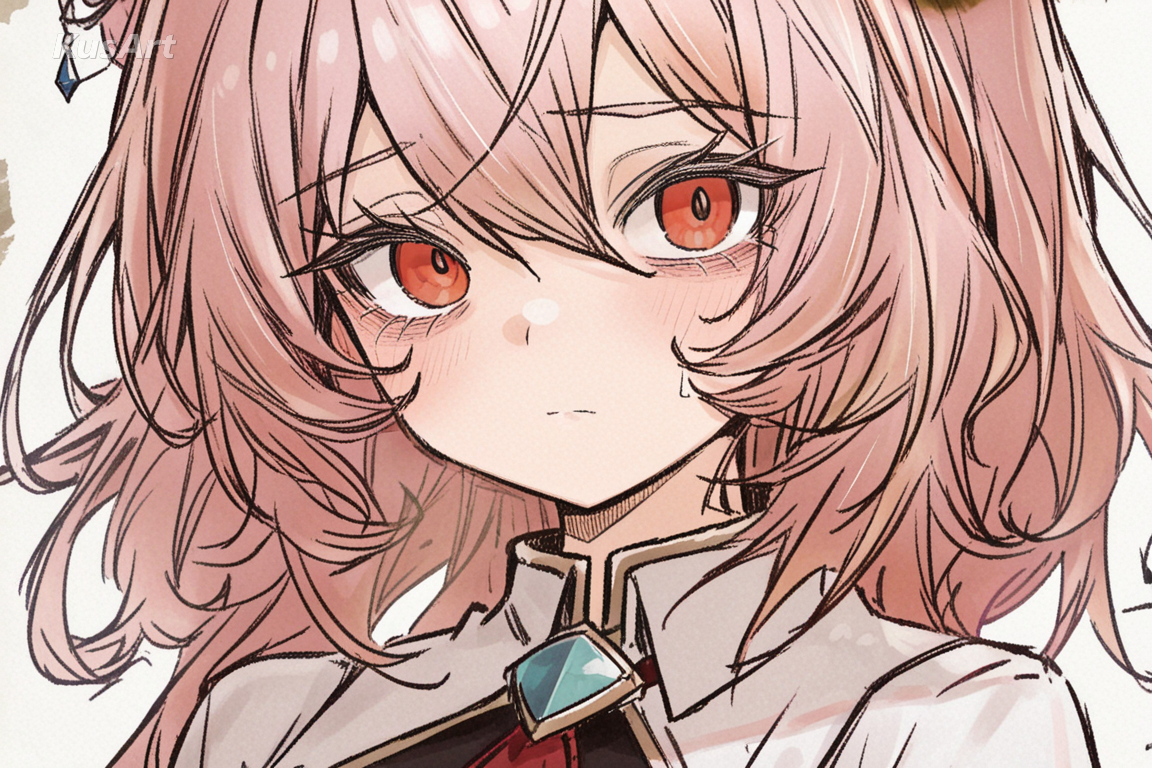
Key Features of Watercolor Sketch
Discover what makes this style the go-to choice for expressive, hand-painted watercolor art character portraits.
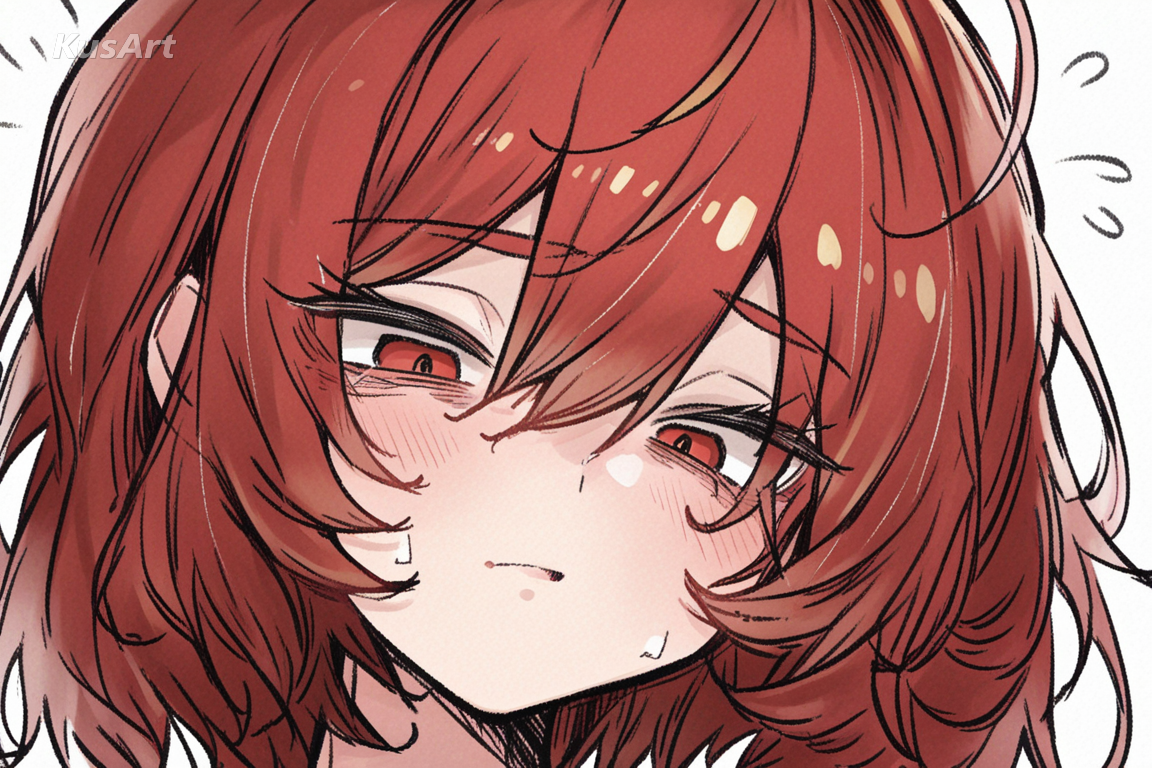
Raw, Expressive Linework
Fine, slightly rough lines give every character a sketchy, hand-drawn energy. Strokes stay visible rather than being smoothed away, echoing the loose confidence of a real watercolor drawing made straight from an artist's sketchbook.
Try Expressive Linework →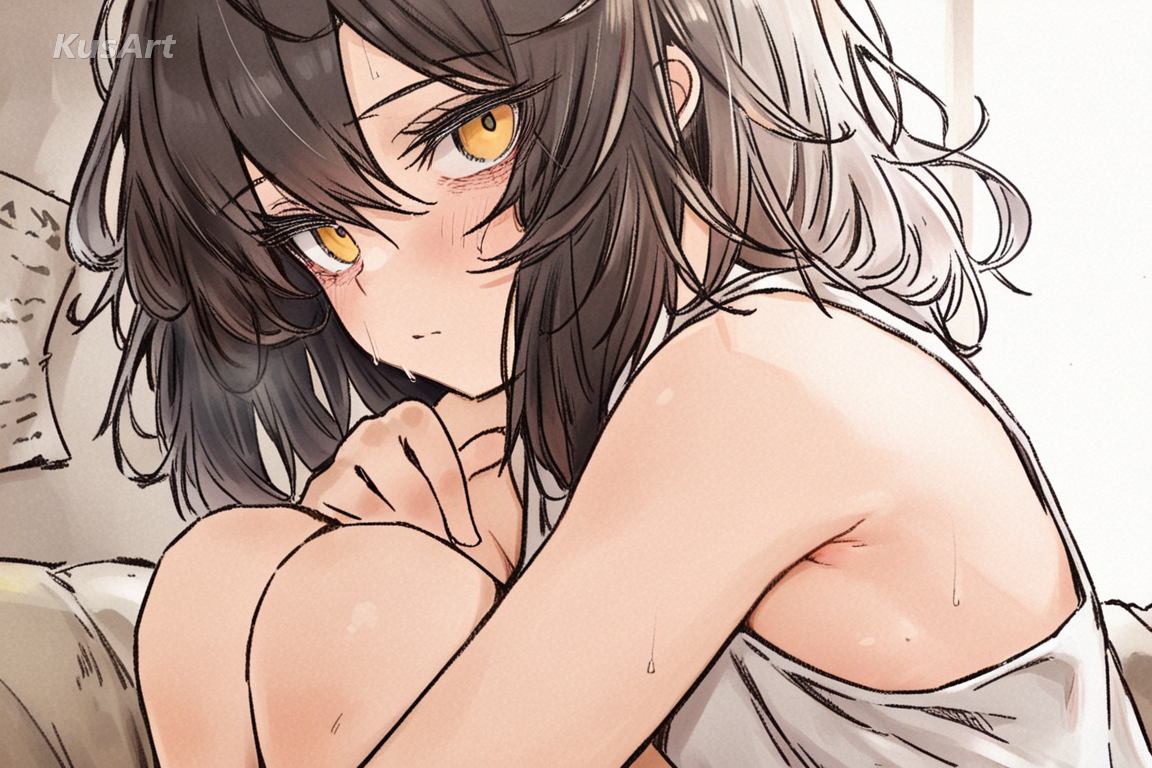
Textured, Paper-Like Finish
Every surface carries a subtle paper grain, making the piece feel physically printed rather than screen-rendered. This textured finish is core to what makes this watercolor art style feel authentically hand-painted rather than digital.
Generate Paper Texture →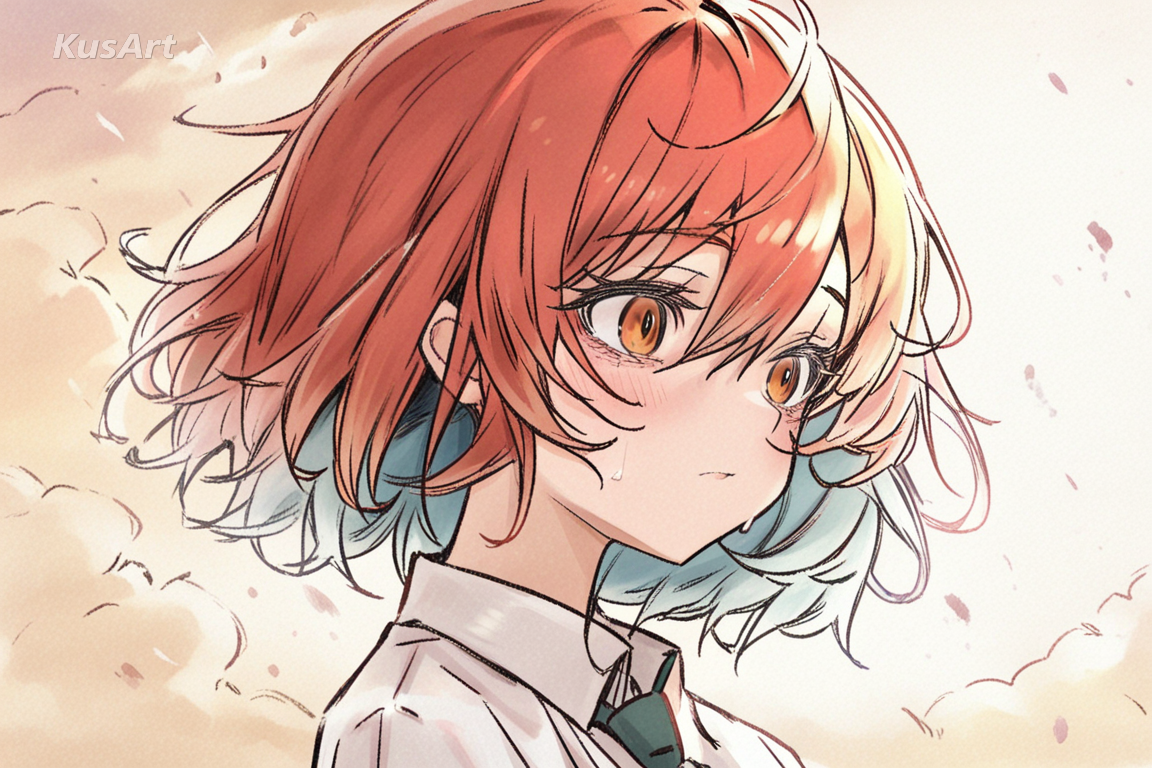
Soft Color Bleed & Wash
Color pools and fades at the edges the way real pigment behaves on wet paper, giving every piece the soft bleed of genuine watercolor painting. This effect is especially striking when combined with floral or scenic backdrops behind the character.
Create with Soft Bleed →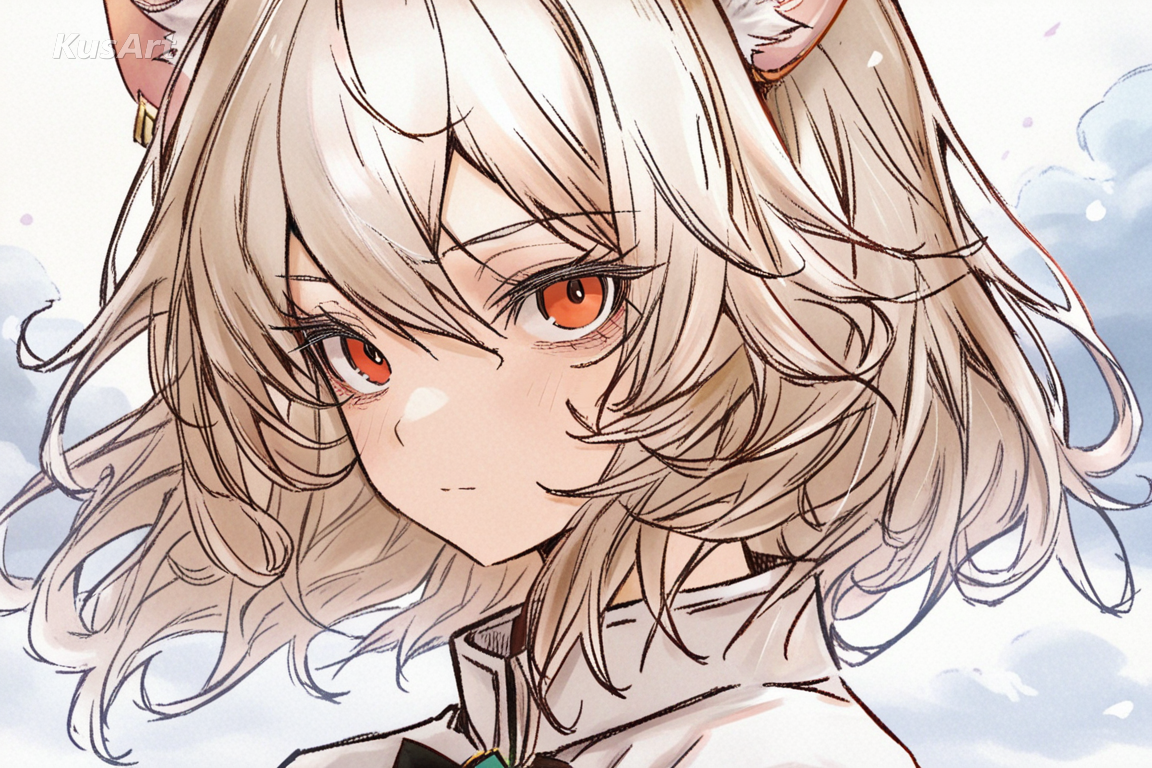
Botanical & Scenic Backdrops
This style renders floral and landscape elements with the same loose, painterly hand as the character — watercolor flowers cascading around a figure, or a gentle watercolor landscape fading into the background, all in one cohesive wash.
Paint Botanical Scenes →Ideal Applications for Watercolor Sketch
This style shines wherever a character needs the soft, hand-painted charm of genuine watercolor art. Here are the best ways to use it.
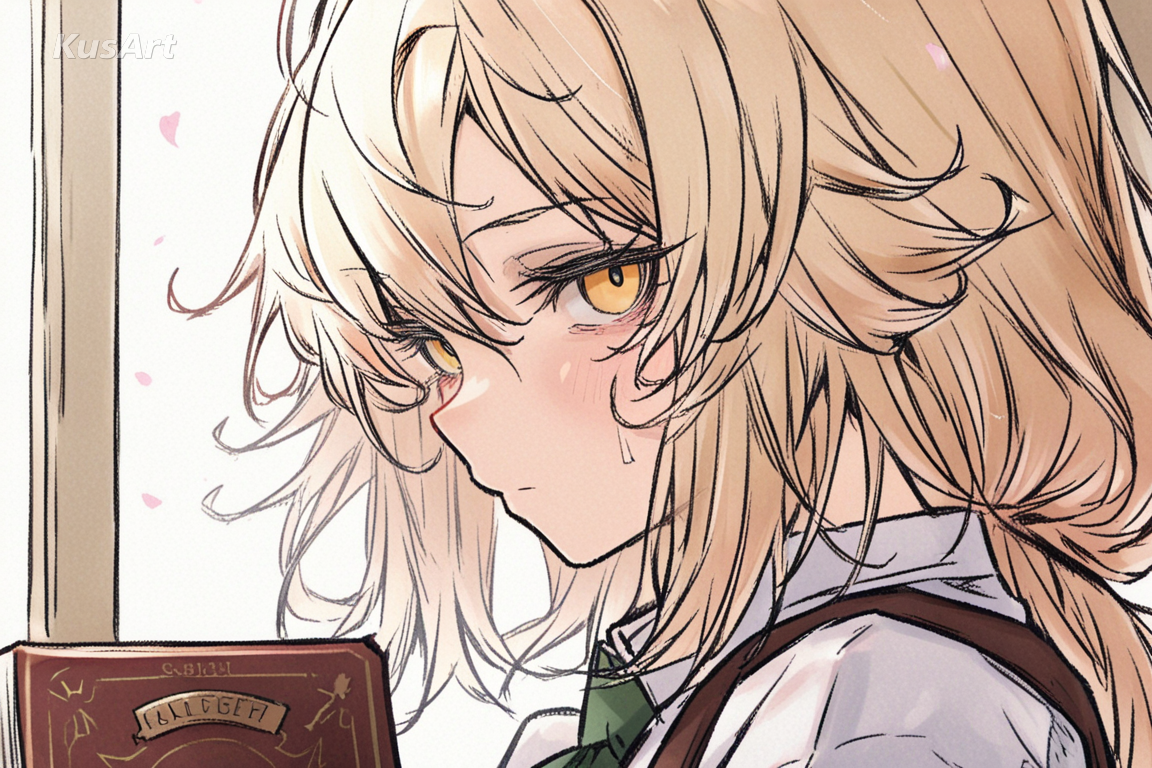
Book Covers & Story Illustration
The expressive, sketchy linework and soft color wash of this watercolor art style translate beautifully to book covers and story illustration, where a painterly hand adds warmth that flat digital art can't replicate.
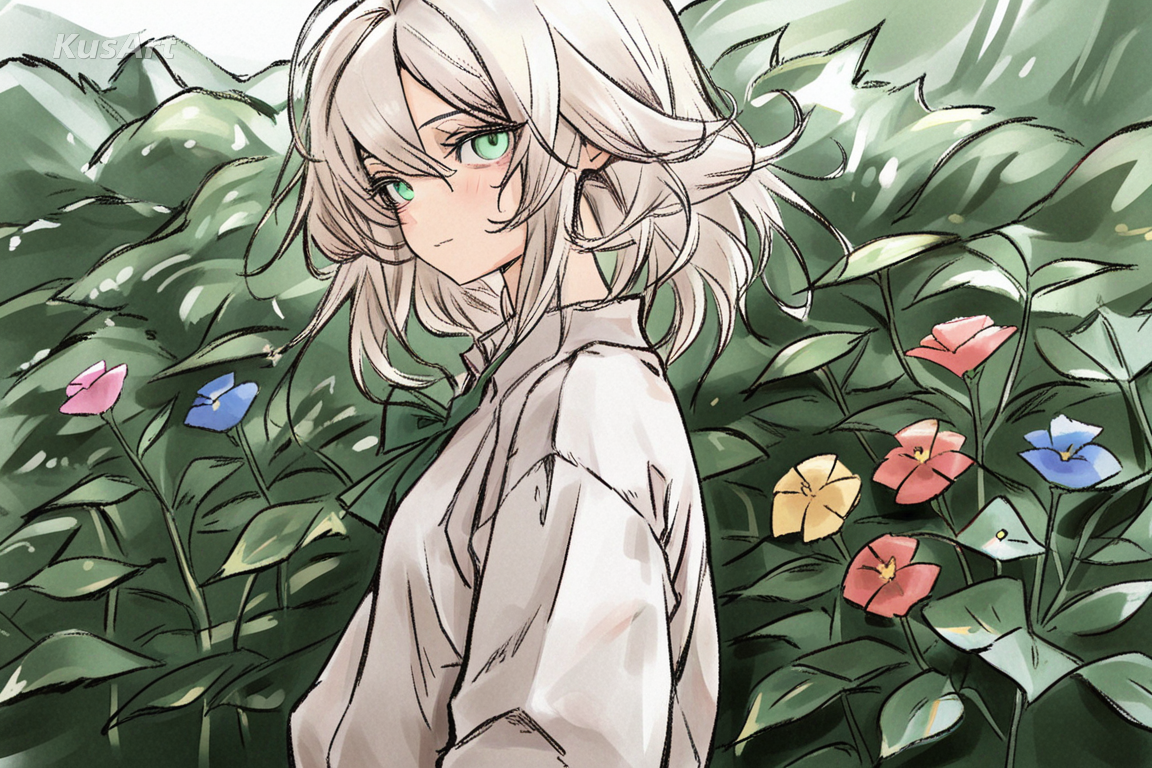
Botanical & Nature-Themed Character Art
Characters framed by watercolor flowers or set against a soft watercolor landscape feel naturally at home in this style, making it ideal for nature-themed OCs, fairy characters, or seasonal character art.
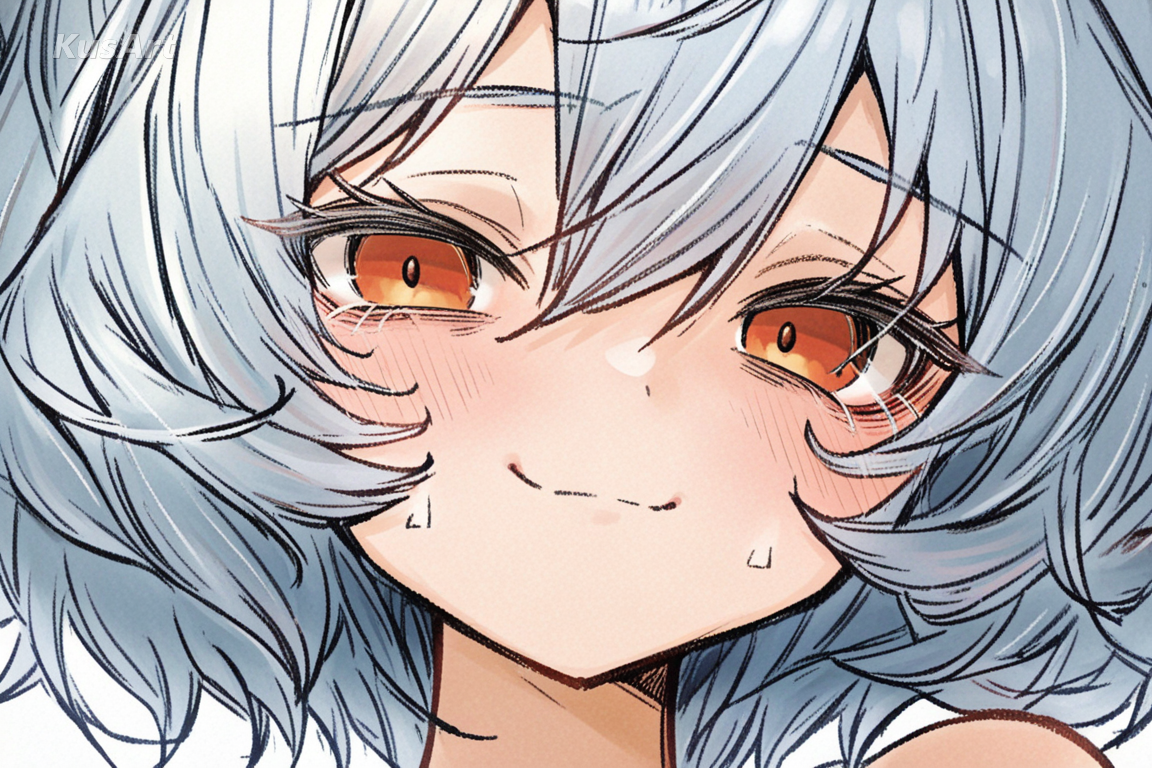
Greeting Cards & Gift Illustration
The warm, textured, paper-like finish of watercolor art makes it a natural choice for greeting-card style illustration — soft, personal, and inviting in a way that feels hand-painted rather than mass-produced.
How to Use Watercolor Sketch Generator
- 1
Go to the KusArt Image Generator and select 'Watercolor Sketch' from the style panel.
- 2
Describe your character — pose, expression, and any floral or scenic backdrop shape the final watercolor art result.
- 3
Click Generate and wait a few seconds for your textured, hand-painted watercolor drawing.
- 4
Download the result, or refine details further with Image-to-Image editing to deepen the watercolor art effect.
FAQs
What is Watercolor Sketch?
Watercolor Sketch is an AI art style combining fine, slightly rough linework with a textured, paper-like finish — genuine watercolor art with visible brush strokes and soft color bleed, built for expressive character portraits.
Is this watercolor art style free to use on KusArt?
Yes — KusArt offers free AI art generation with no login required. You can generate unlimited Watercolor Sketch portraits at no cost.
Can this style include backgrounds like watercolor flowers?
Yes — this watercolor art style handles floral and scenic elements naturally, so a character can be set among watercolor flowers or against a soft watercolor landscape in one cohesive image.
What prompts work best for this style?
Describe pose, expression, and any floral or scenic backdrop for best results. Keywords like 'soft wash,' 'paper texture,' or 'sketchy linework' help this watercolor drawing style shine.
Can I use these images commercially?
AI-generated images on KusArt can be used for personal projects, social media, and creative portfolios. Check our terms of service for specific commercial usage guidelines.
How long does generation take?
Most watercolor art generations complete in under 10 seconds, so you can iterate on your character quickly.
Which Kusa tool should you use first for Watercolor Sketch?
Start with Image Generator for the fastest prompt-first workflow. If your goal is a profile picture or avatar, Anime PFP Maker is usually the better fit. If you want to build a more structured original character workflow, move into OC Generator.
What can you make after the first Watercolor Sketch generation?
This style shines wherever a character needs the soft, hand-painted charm of genuine watercolor art. Here are the best ways to use it. After your first strong result, you can carry the same look into OC Generator, Wallpaper Generator, and Sticker Generator.
Related Styles
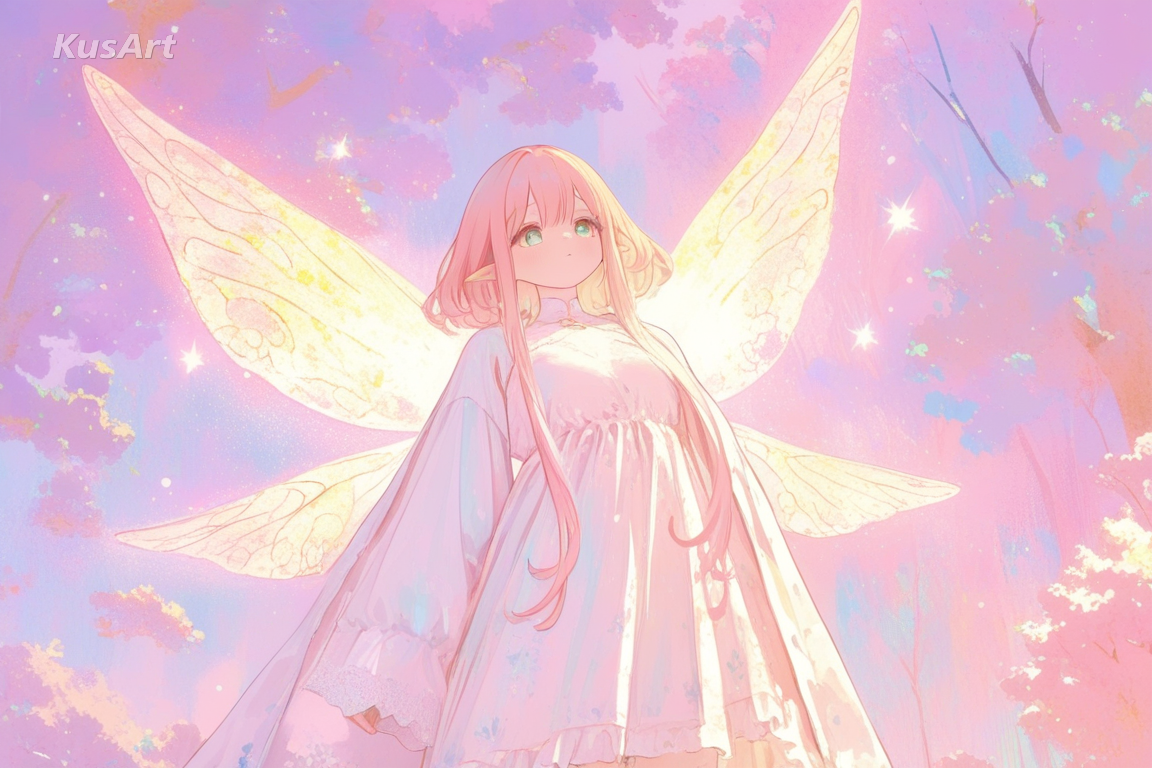
Pastel Fantasy
Dreamy, storybook-like fantasy art with meticulous detail and soft painterly textures in a gentle pastel palette.
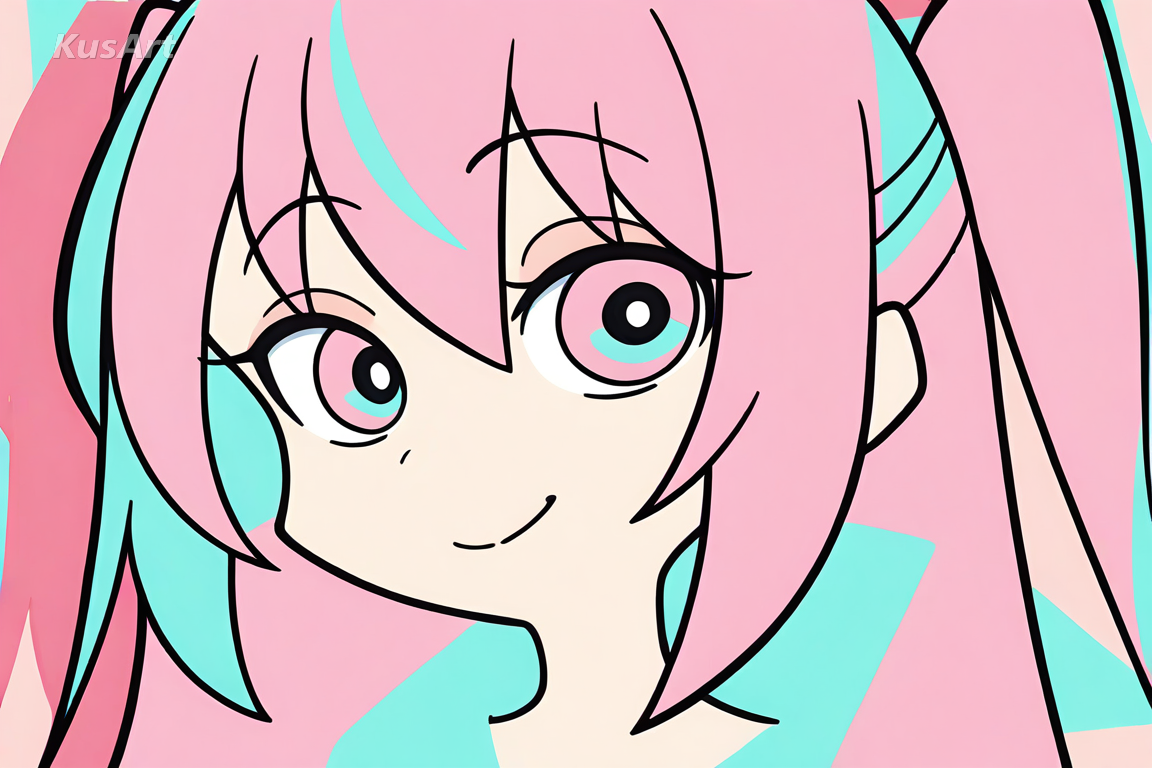
Flat Minimalist
Clean linework, bold shapes, and flat colors for sharp, graphic minimalist art that emphasizes silhouette over texture.
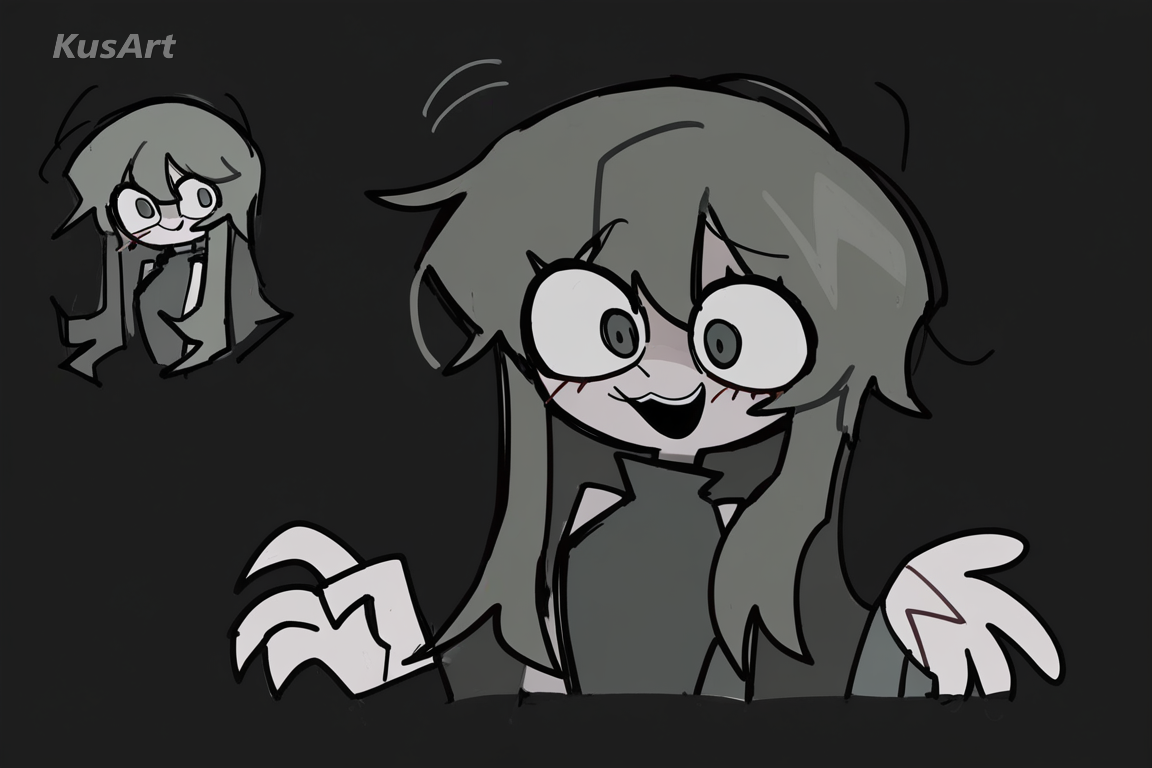
Sketch Pop
Playful, expressive sketch art with visible hand-drawn outlines and flat pop-art color for raw, spontaneous character energy.
Related Tools

OC Generator
Turn your Watercolor Sketch portrait into a fully developed original character.
Try Tool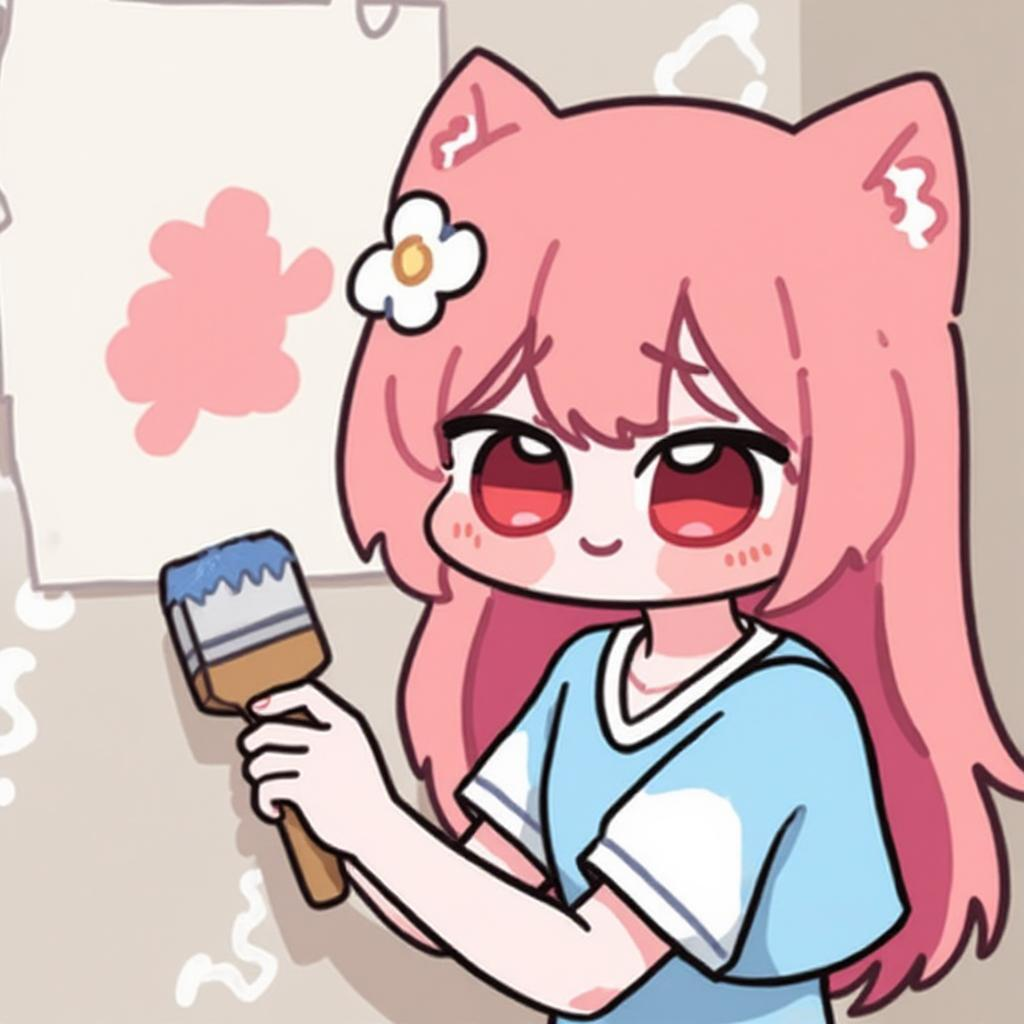
Wallpaper Generator
Transform your watercolor art portrait into a soft, textured wallpaper.
Try Tool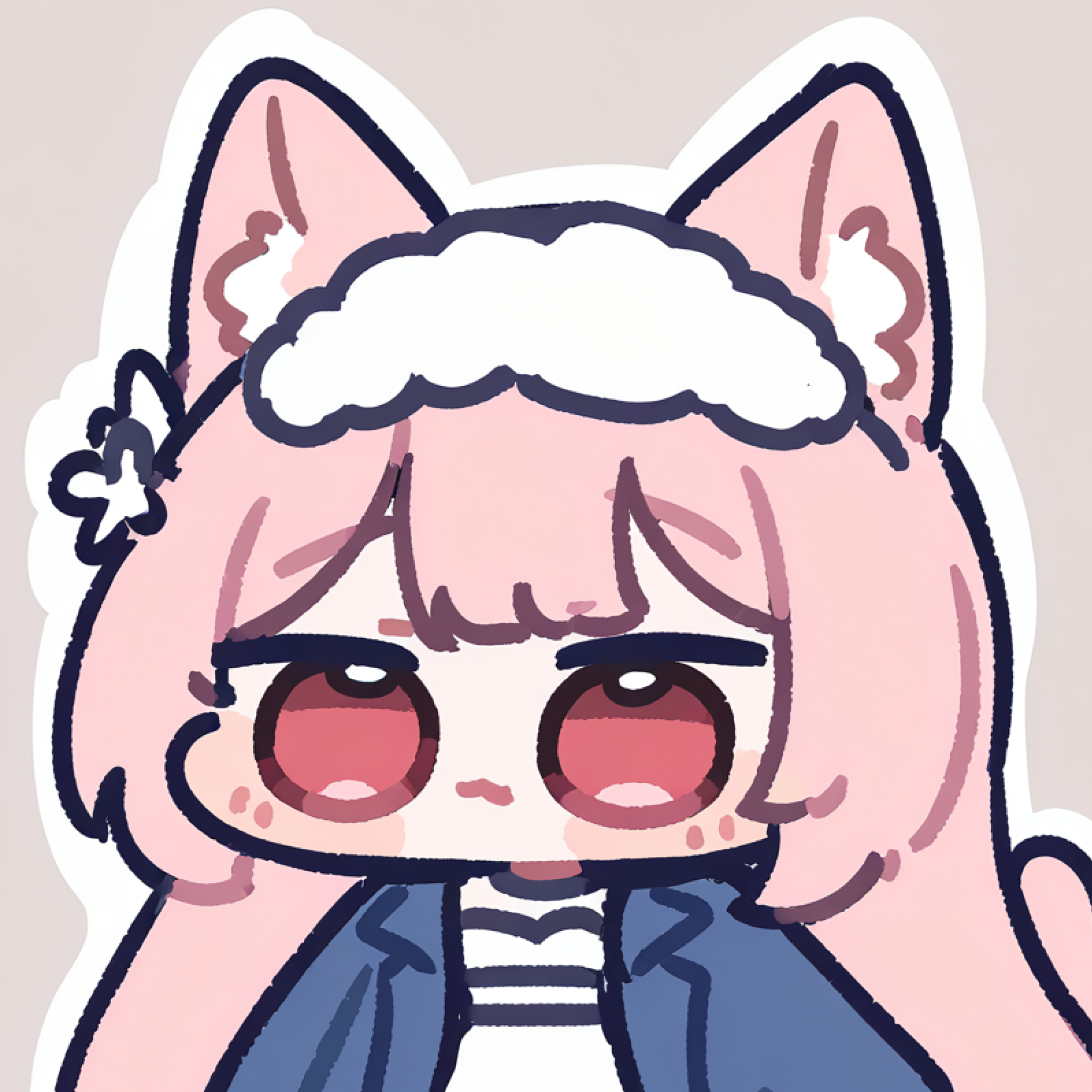
Sticker Generator
Turn your watercolor art character into a set of soft, hand-painted stickers.
Try ToolCreate Your Watercolor Sketch Portrait
Generate expressive, textured watercolor art in seconds — free and no login required.
Includes 100 free credits daily