

Create Gothic Art Oil Paintings with AI
Bring your characters into a world of candlelit shadow and classical drama with gothic art oil paintings powered by AI. This style blends classical European portraiture with gothic undertones, resembling an oil painting on canvas — deep chiaroscuro shadows, rich velvet and lace detailing, and a moody, aristocratic atmosphere. Whether you're designing a brooding vampire lord, a gothic art heroine, or a dark fantasy noble, this style gives every character the weight and texture of a painted masterpiece. Generate free on KusArt — no login required.
Gothic Oil Art Examples
A curated gallery of gothic art oil paintings — real character portraits created by the KusArt community using this style. Click any image to explore details and try the same prompt.
What Makes Gothic Oil Art Stand Out
Gothic Oil Art is a style built for creators who want their characters to feel like they stepped out of a candlelit cathedral or an old aristocratic manor. It blends classical European portraiture with gothic undertones, resembling an oil painting on canvas rather than a flat digital illustration. Brushwork is thick and textured, with visible strokes catching the light the way real canvas brushwork does — skin is rendered in warm, sculpted highlights against deep, velvety shadow. Color palettes lean into blacks, deep burgundies, and muted golds, giving every piece a baroque art sensibility rather than the bright flatness of typical anime shading. Ornate details matter here: lace collars, corseted bodices, candelabras, and gilded frame-worthy composition all reinforce the gothic painting tradition this style draws from. Faces are rendered with dramatic chiaroscuro lighting, half in shadow, half illuminated, lending every gothic artwork a theatrical, almost cinematic tension. This makes the gothic art style especially suited to dark fantasy characters, vampire nobility, gothic romance leads, or any original character who needs a haunting, painterly presence. On KusArt, generating this style takes the same few seconds as any other — describe your character, select Gothic Oil Art, and get a museum-grade painted portrait with the moody grandeur usually reserved for gallery canvases.
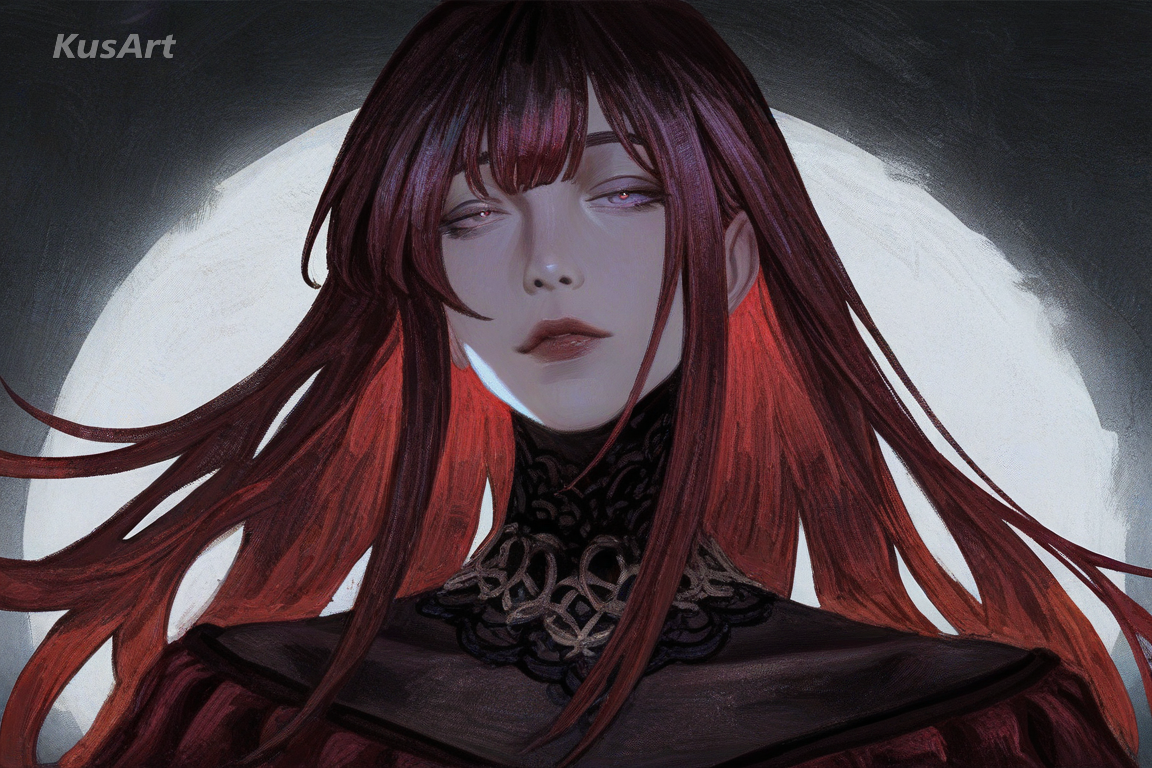
Key Features of Gothic Oil Art
Discover what makes this style the go-to choice for dramatic, painterly character portraits.
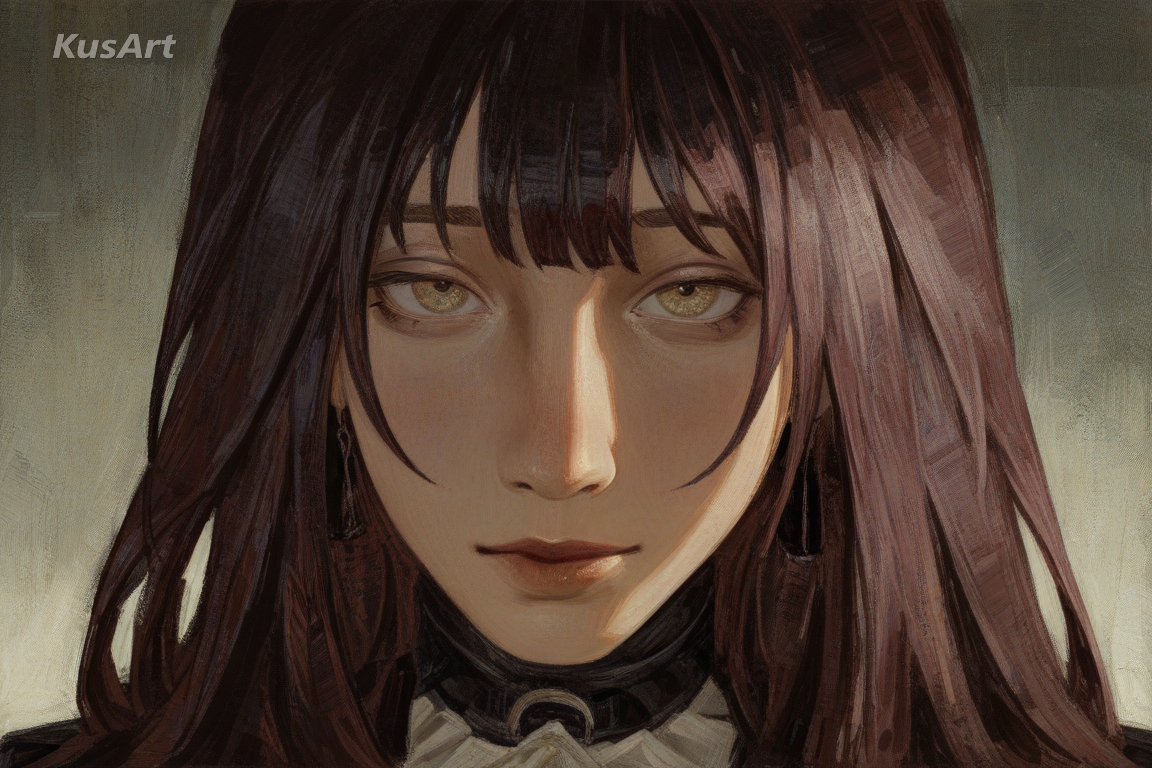
Classical Oil Painting Brushwork
Every gothic art portrait carries the thick, textured brushstrokes of real canvas painting. Highlights are built up in layers rather than flat gradients, and edges stay soft where light fades into shadow — the same technique found in classical European portraiture, translated for AI generation.
Try Canvas Texture →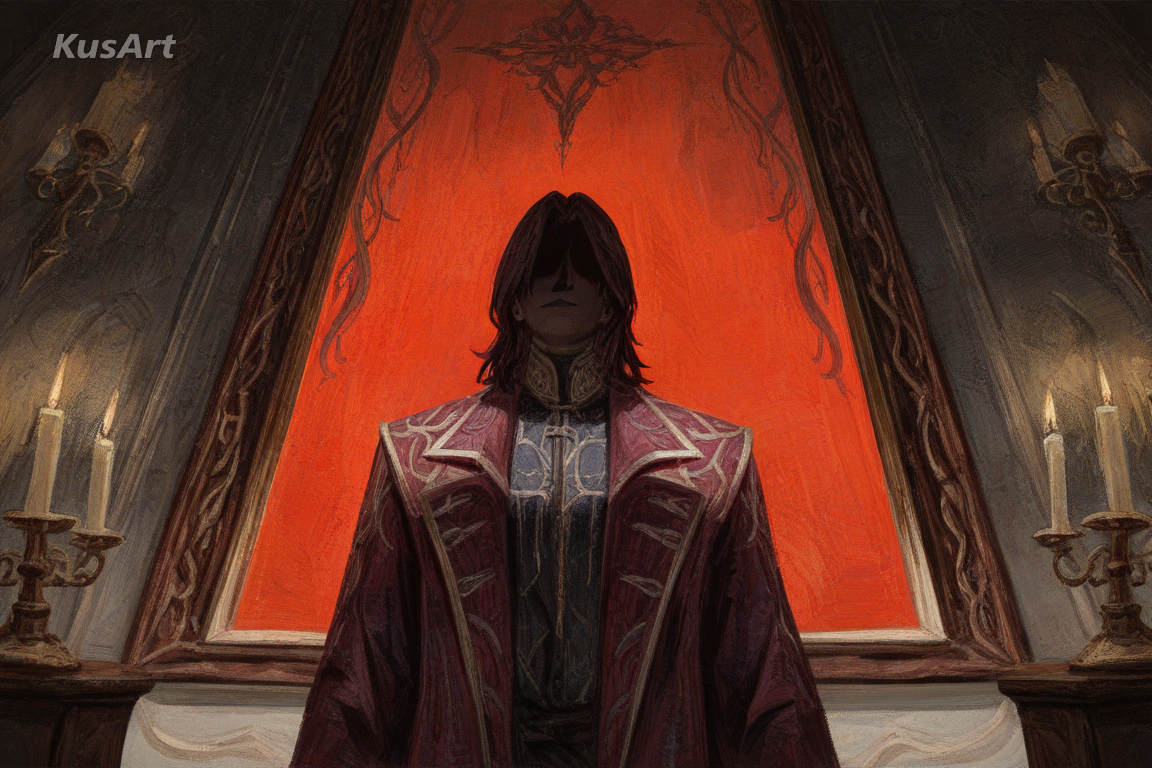
Baroque Art Ornamentation
Lace, velvet, gilded jewelry, and candlelit interiors give this style its baroque art richness. Costume and set details are rendered with the same theatrical excess found in 17th-century portrait painting, turning any character into a gothic artwork worthy of a manor hall.
Generate Baroque Detail →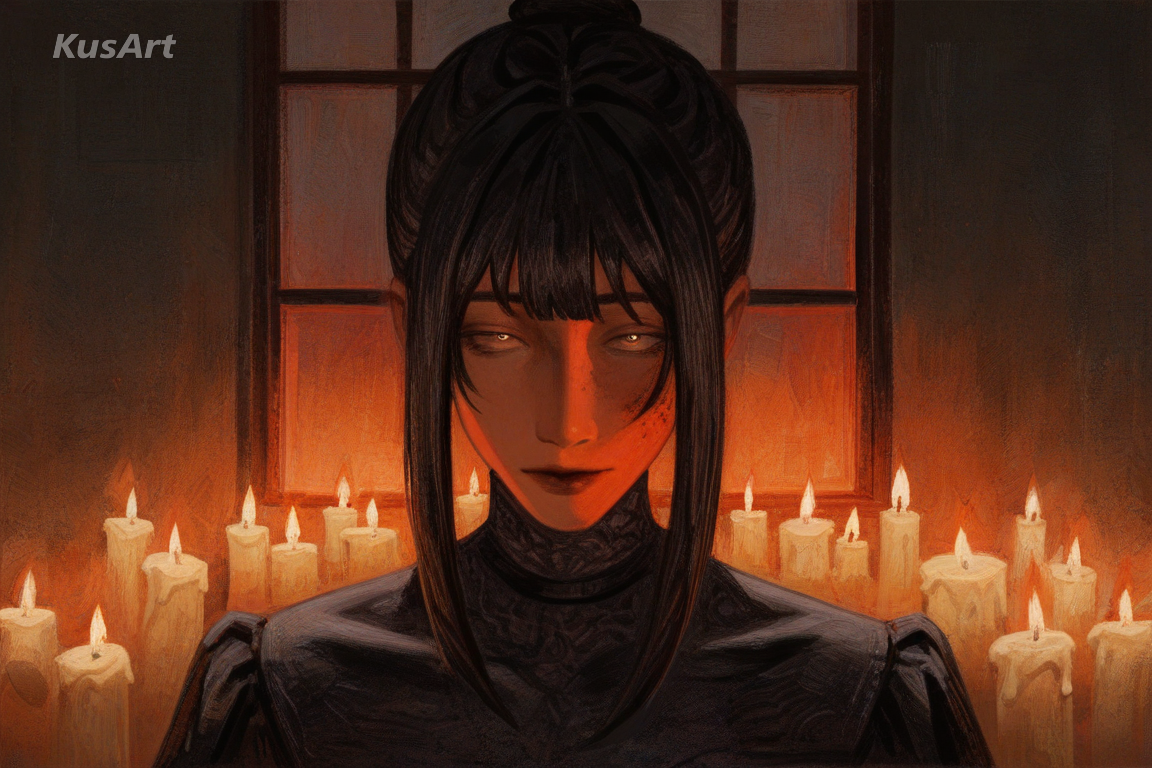
Dramatic Chiaroscuro Shadow
Faces and figures are lit from a single dramatic source, half swallowed in shadow — a hallmark of gothic painting tradition. This high-contrast lighting gives every gothic art piece a haunting, cinematic mood rather than the flat, even lighting typical of anime art.
Create with Dramatic Shadow →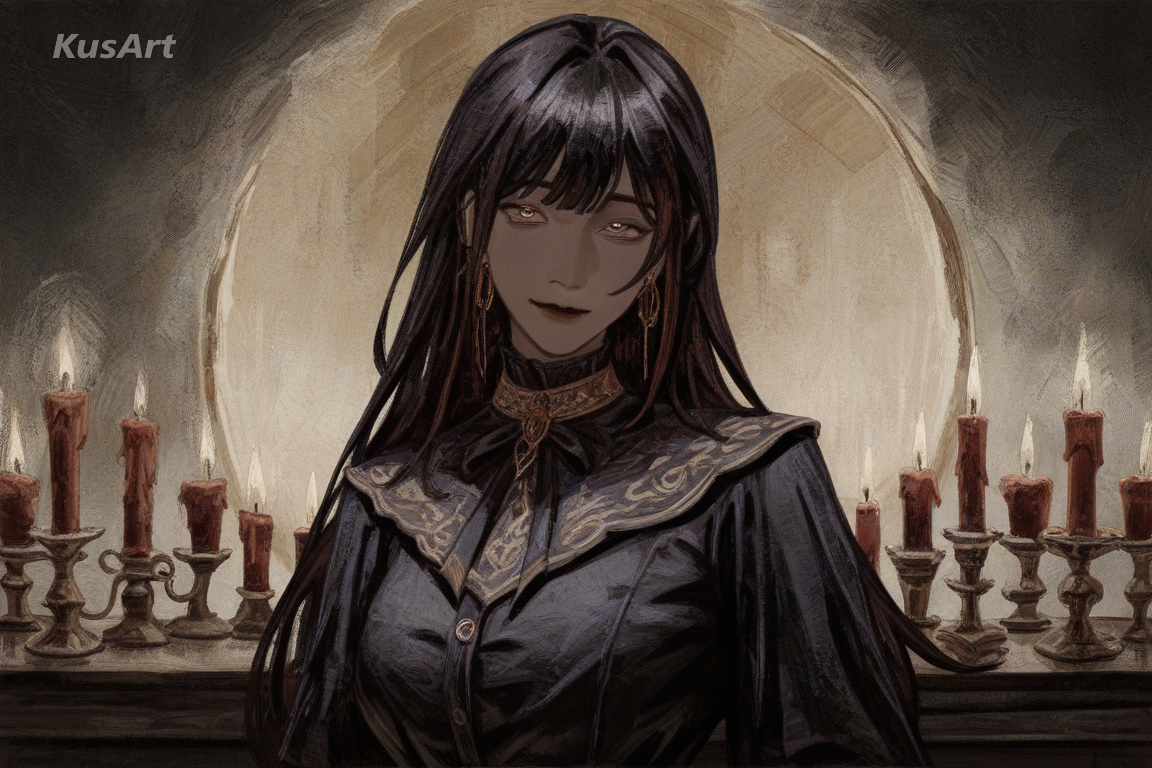
Deep, Aristocratic Color Palette
Blacks, burgundies, and muted golds dominate the gothic art color scheme, evoking old manors and candlelit halls. This restrained, aristocratic palette separates the style from bright anime looks and reinforces its painted canvas heritage.
Paint with Gothic Tones →Ideal Applications for Gothic Oil Art
This style shines wherever a character needs the weight, drama, and texture of classical gothic art. Here are the best ways to use it.
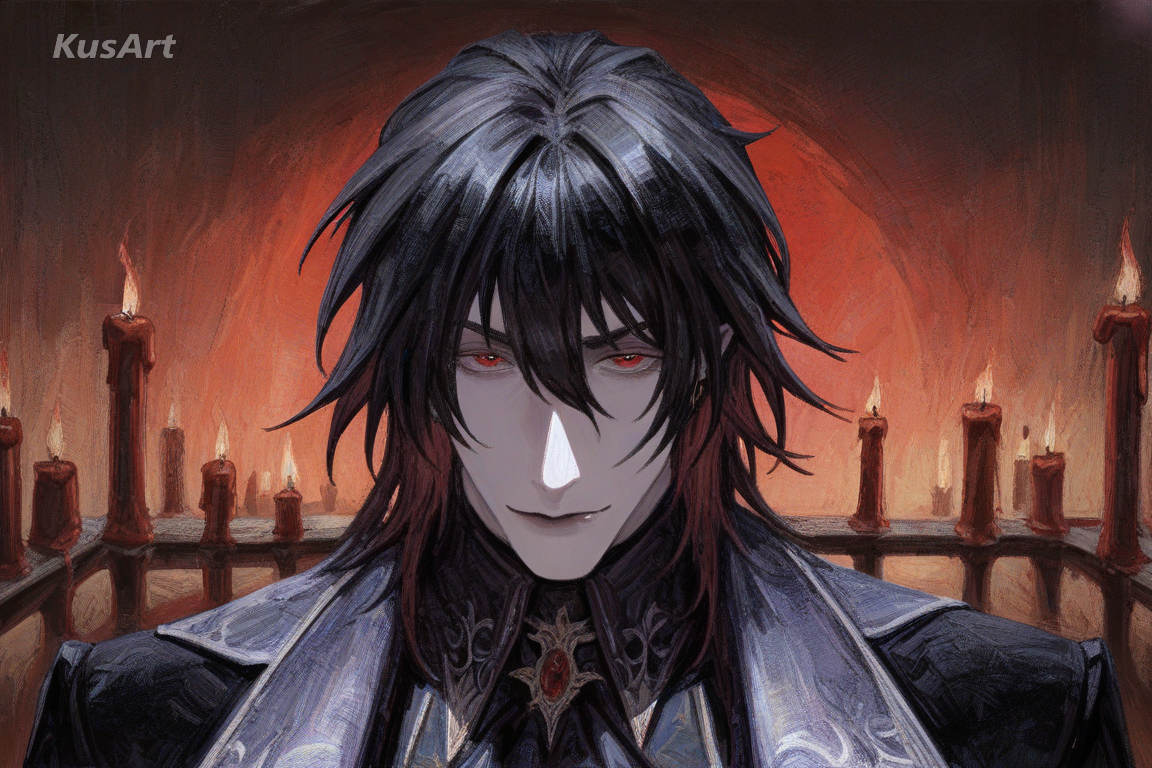
Dark Fantasy & Vampire Characters
Vampire lords, cursed nobles, and dark fantasy leads all benefit from the gothic art treatment — deep shadow, aristocratic costuming, and oil painting texture give these characters an ancient, haunted presence no flat anime style can match.
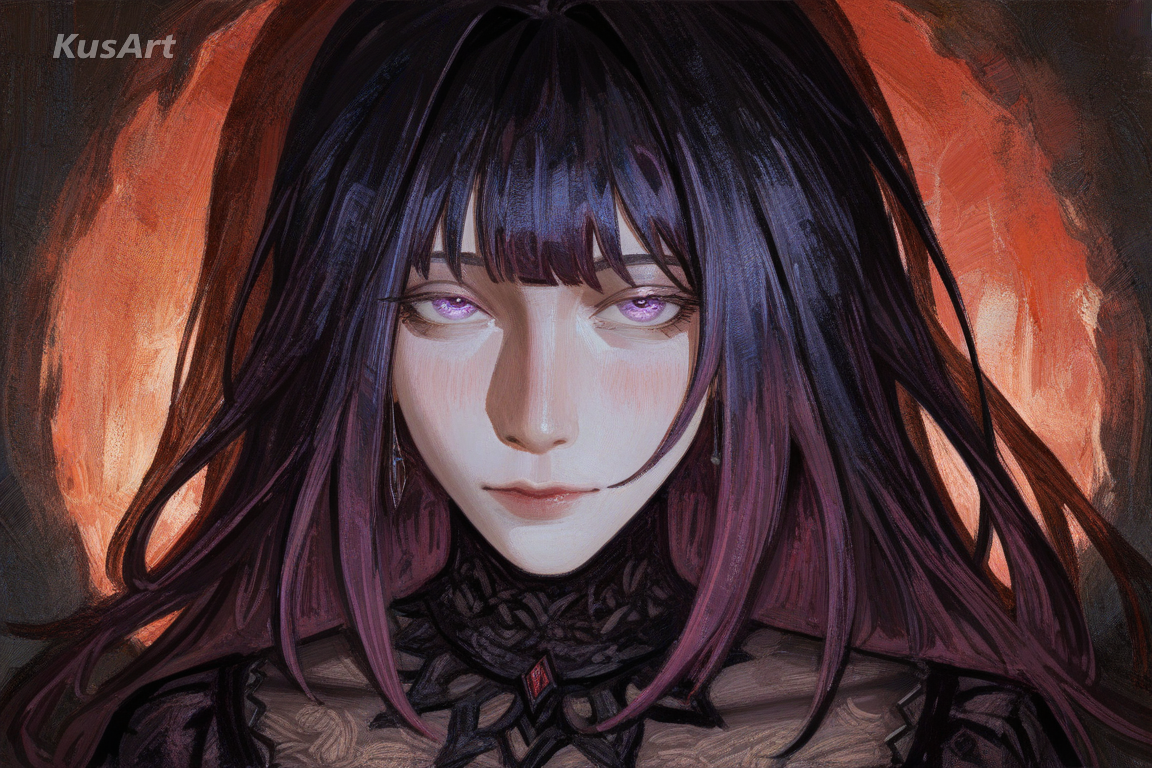
Gothic Romance Novel Covers
The moody, painterly quality of this gothic art style translates naturally to book covers and story illustration, where a touch of baroque art grandeur elevates a gothic romance lead above typical character art.
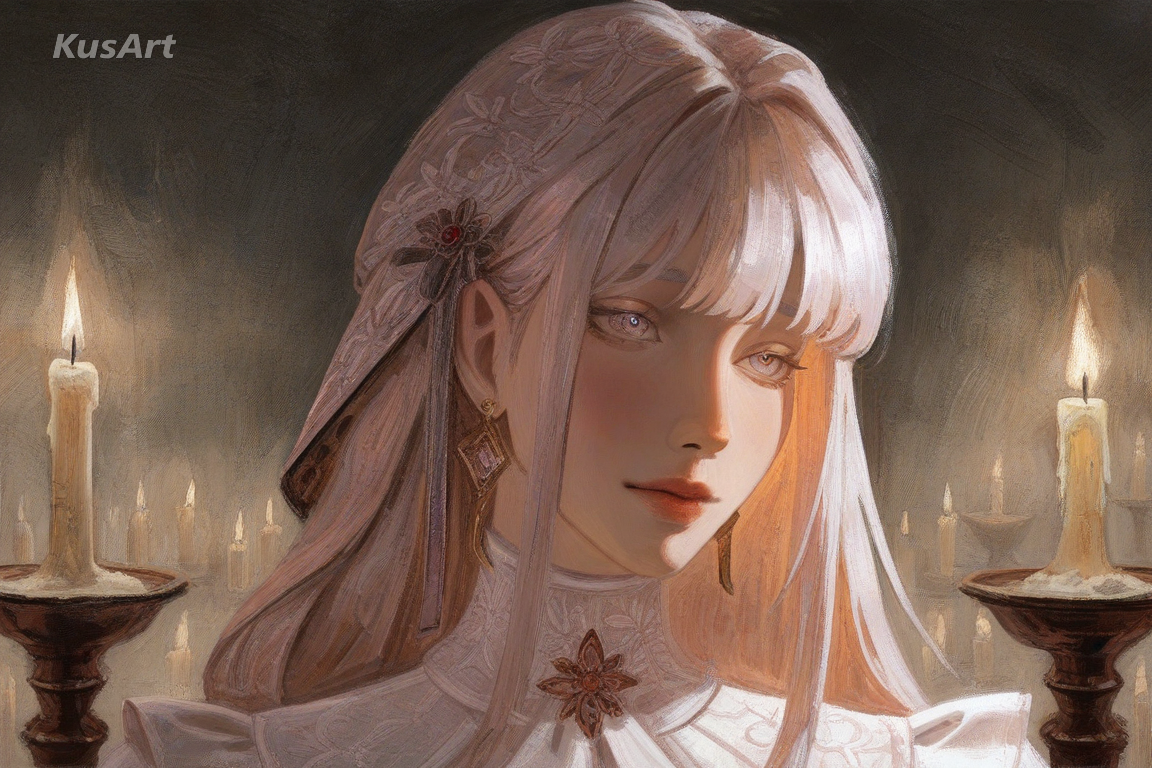
Original Character Portraits & Lore Art
For creators building a gothic artwork identity around an OC, this style delivers museum-grade painterly texture that makes lore art, character sheets, and profile portraits feel genuinely ancient and storied.
How to Use Gothic Oil Art Generator
- 1
Go to the KusArt Image Generator and select 'Gothic Oil Art' from the style panel.
- 2
Describe your character — costume, expression, and lighting all shape the final gothic art result.
- 3
Click Generate and wait a few seconds for your dramatic, painterly canvas portrait.
- 4
Download the result, or refine details further with Image-to-Image editing for even richer gothic artwork.
FAQs
What is Gothic Oil Art?
Gothic Oil Art is an AI art style that blends classical European portraiture with gothic undertones, resembling an oil painting on canvas. It's built for dark, dramatic character portraits with baroque art texture.
Is this gothic art style free to use on KusArt?
Yes — KusArt offers free AI art generation with no login required. You can generate unlimited Gothic Oil Art paintings at no cost.
How is this different from regular painted portrait styles?
This style specifically pairs canvas brushwork texture with gothic themes — dark palettes, chiaroscuro shadow, and aristocratic costuming — rather than generic classical portraiture, giving it a distinct gothic art identity.
What prompts work best for this gothic art style?
Describe costume, lighting, and mood for best results. Keywords like 'candlelight,' 'velvet,' or 'chiaroscuro' help push the gothic painting atmosphere further.
Can I use these images commercially?
AI-generated images on KusArt can be used for personal projects, social media, and creative portfolios. Check our terms of service for specific commercial usage guidelines.
How long does generation take?
Most gothic art generations complete in under 10 seconds, so you can iterate on your character quickly.
Which Kusa tool should you use first for Gothic Oil Art?
Start with Image Generator for the fastest prompt-first workflow. If your goal is a profile picture or avatar, Anime PFP Maker is usually the better fit. If you want to build a more structured original character workflow, move into OC Generator.
What can you make after the first Gothic Oil Art generation?
This style shines wherever a character needs the weight, drama, and texture of classical gothic art. Here are the best ways to use it. After your first strong result, you can carry the same look into OC Generator, Wallpaper Generator, and Video Generator.
Related Styles
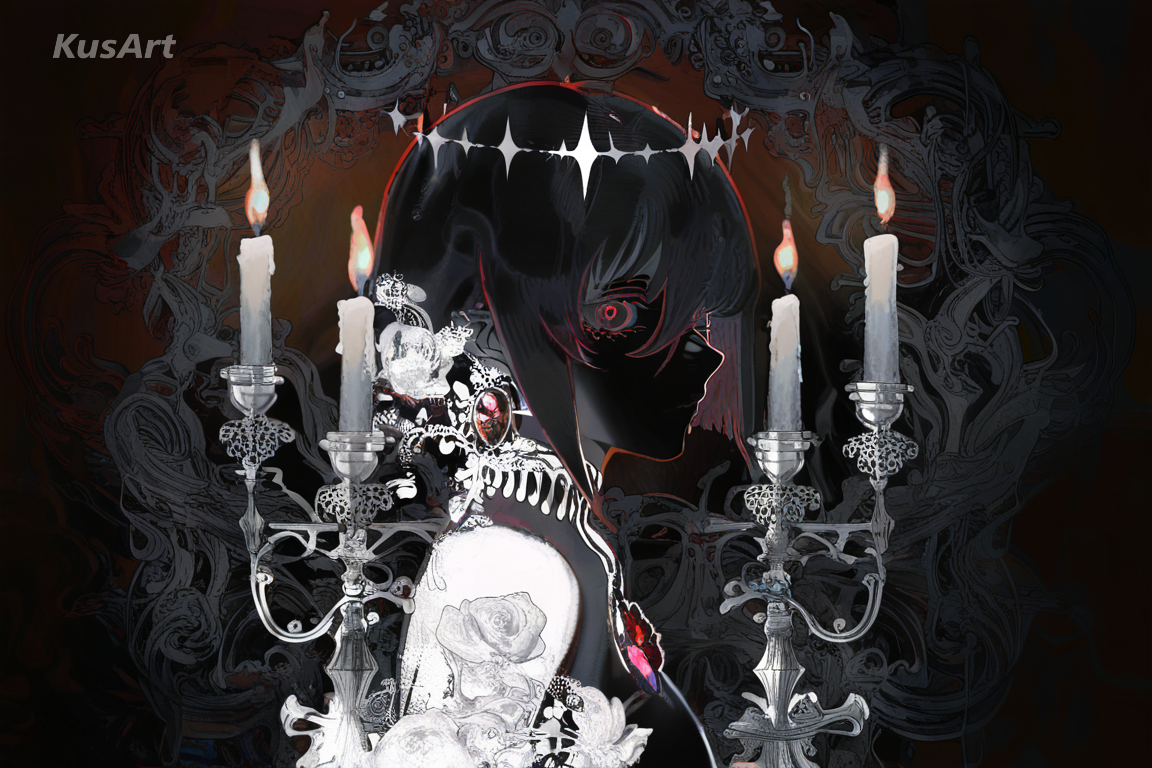
Dark Elegance
Dark romantic aesthetics fused with refined, intricate detailing — moody gothic character art built for emo wallpapers.
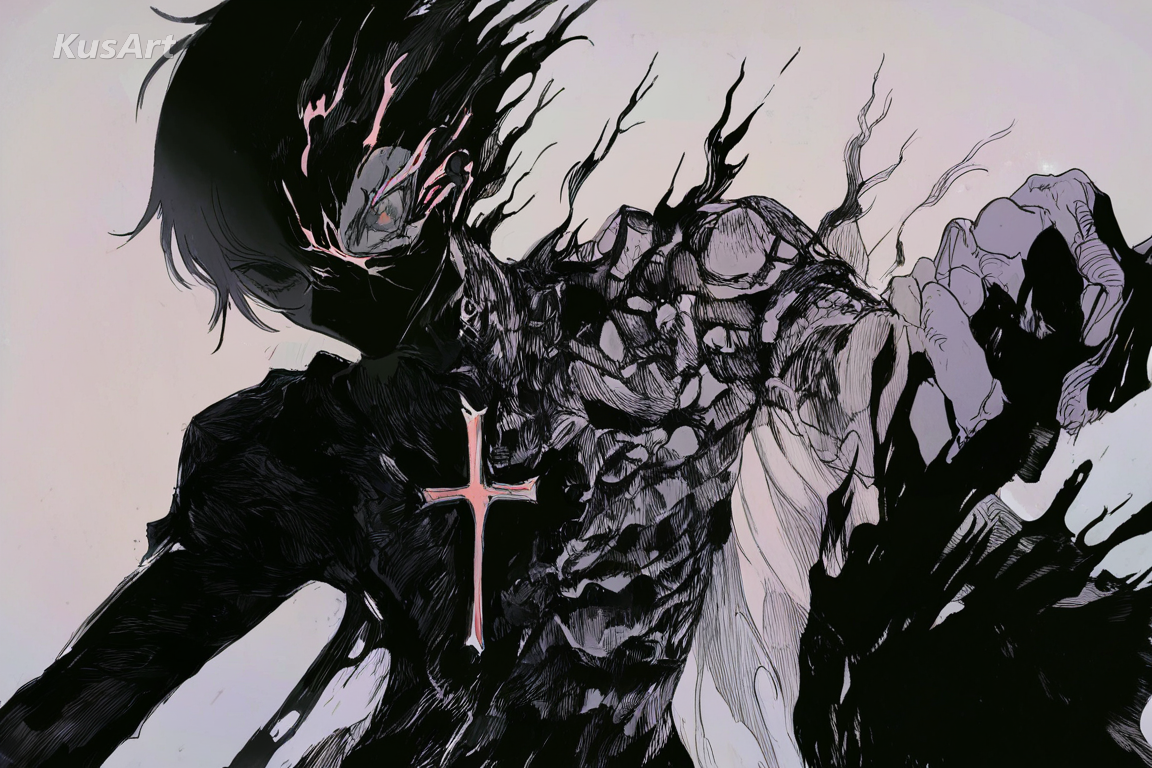
Sketch Noir
Rough, hand-drawn linework and moody atmospheric coloring for a raw, film noir-inspired character art style.
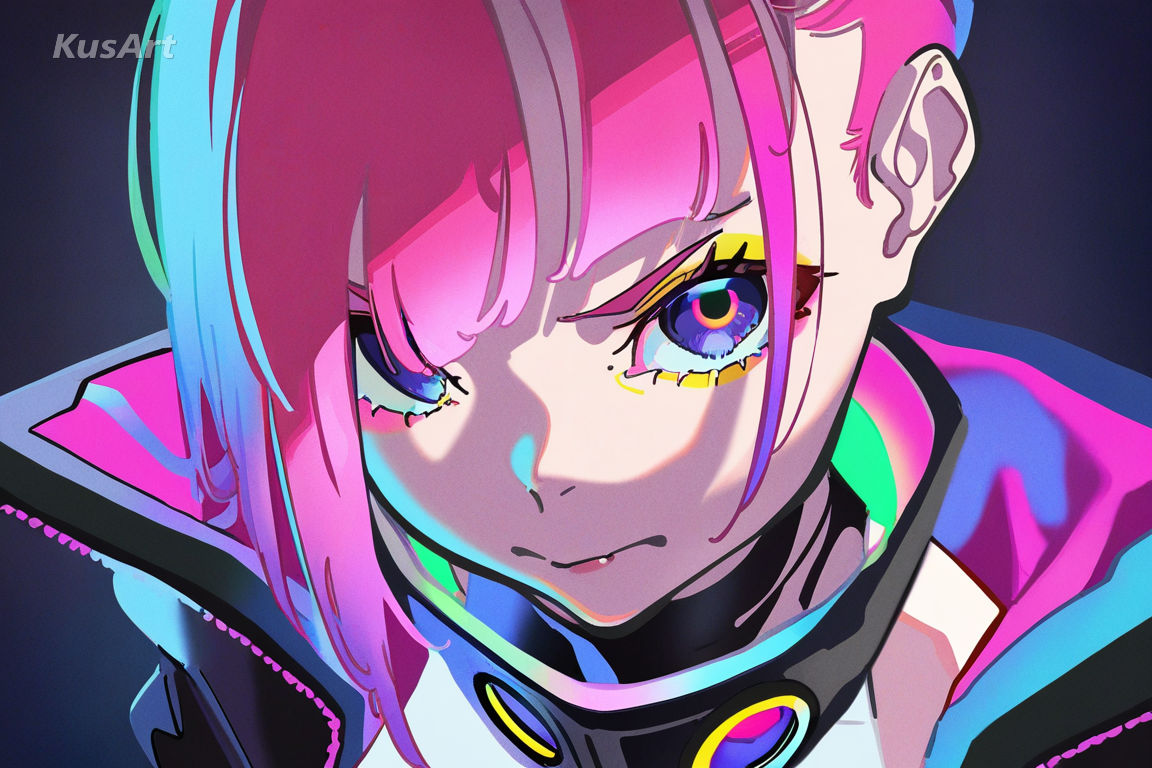
Neo Punk
Sleek, rebellious characters with sharp digital linework, bold contrast, and edgy fashion for a true cyberpunk aesthetic.
Related Tools


Create Your Gothic Oil Art Portrait
Generate dramatic, painterly gothic art in seconds — free and no login required.
Includes 100 free credits daily