

Create Cinematic Photography-Inspired Character Art with AI
Cinematic Glow applies a cinematic photography mood to painterly character illustration — dramatic rim lighting, warm color grading reminiscent of golden hour photography, and a soft, film-like atmosphere that wraps around every subject. Features stay naturalistic and gently detailed, so the lighting itself carries the emotion rather than exaggerated linework. This isn't a photo generator; it's an AI illustration style built around a cinematic photography sensibility, applied entirely through paint and gradient. Generate free on KusArt — no login required.
Cinematic Glow Examples
A curated gallery of Cinematic Glow artwork carrying that dramatic cinematic photography mood — real character illustration created by the KusArt community. Click any image to explore details and try the same prompt.
What Makes Cinematic Glow Stand Out
Cinematic Glow captures a painterly, almost film-like atmosphere with a strong emphasis on lighting and mood, borrowing its emotional language from cinematic photography without ever claiming to be an actual photograph. Characters are depicted with soft, naturalistic features enhanced by dramatic illumination — strong rim lighting traces the edge of hair and shoulders, while warm color grading echoes golden hour photography, washing skin tones the way late-afternoon sun would in a well-lit film frame. Elsewhere, the style borrows from light painting photography, letting glowing highlights trail and bloom around a subject the way a long-exposure light source would. The result feels less like a flat illustration and more like a captured moment, with light doing most of the emotional work rather than exaggerated expression or linework. Shadows stay soft and directional, never harsh, and color transitions blend the way light actually falls across a face, which is what gives this style its distinctly cinematic photography quality. This makes Cinematic Glow especially suited to character portraits that need atmosphere and presence — moody key art, dramatic character reveals, or any illustration where mood matters as much as the subject itself. Compared to flatter anime styles, this look leans into naturalistic shading and soft gradient work reminiscent of portrait photography, but the end result is always illustration, painted rather than photographed. On KusArt, generating in this style takes just a few seconds — describe your character and the mood you want, select Cinematic Glow, and get dramatic, film-like lighting applied to your character instantly.
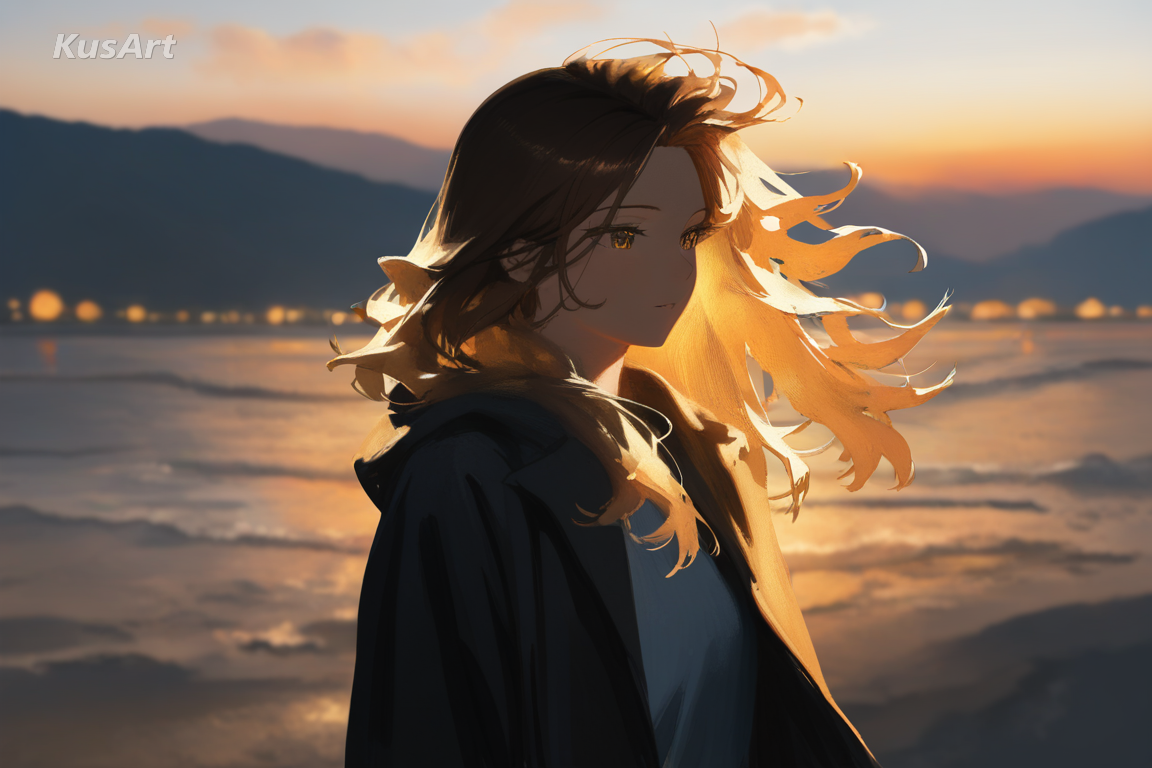
Key Features of Cinematic Glow
Discover what makes this style the go-to choice for atmospheric, film-like character illustration.
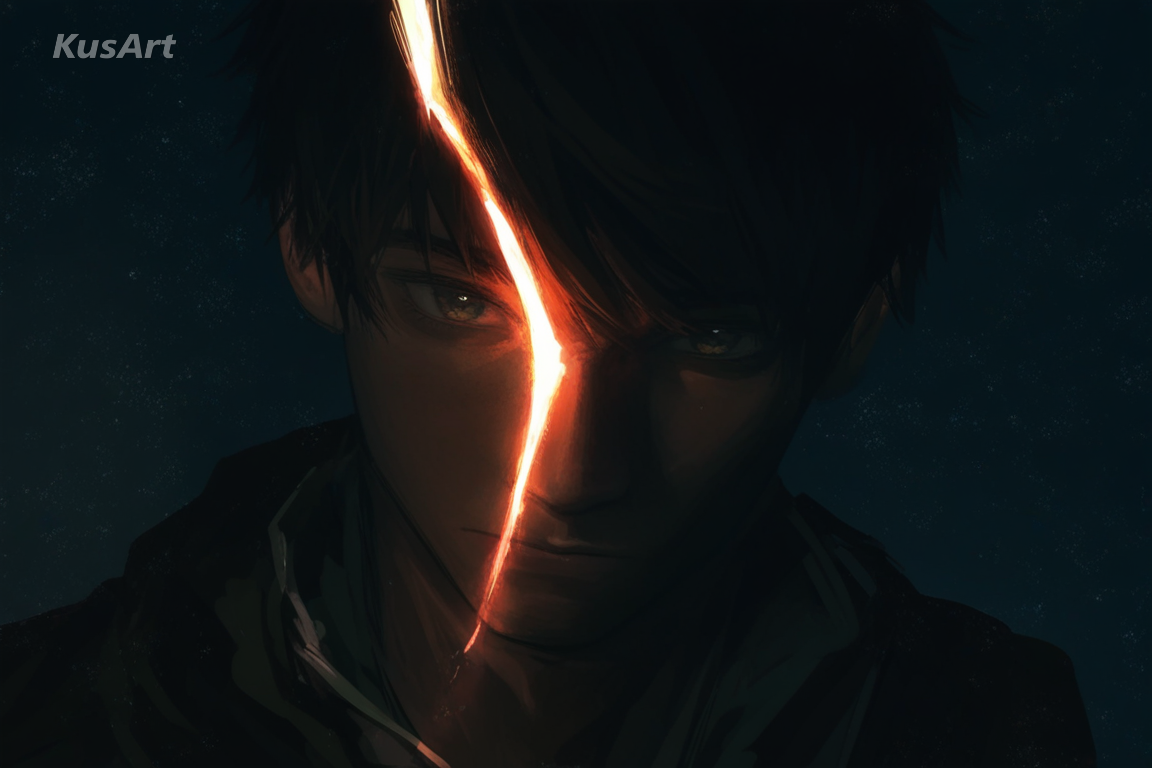
Dramatic Rim Lighting
A strong rim light traces the edge of hair, shoulders, and jawline, separating the character from the background the way rim lighting does in a well-shot film frame. It's the single detail that gives this style its unmistakable cinematic photography presence.
Try Dramatic Lighting →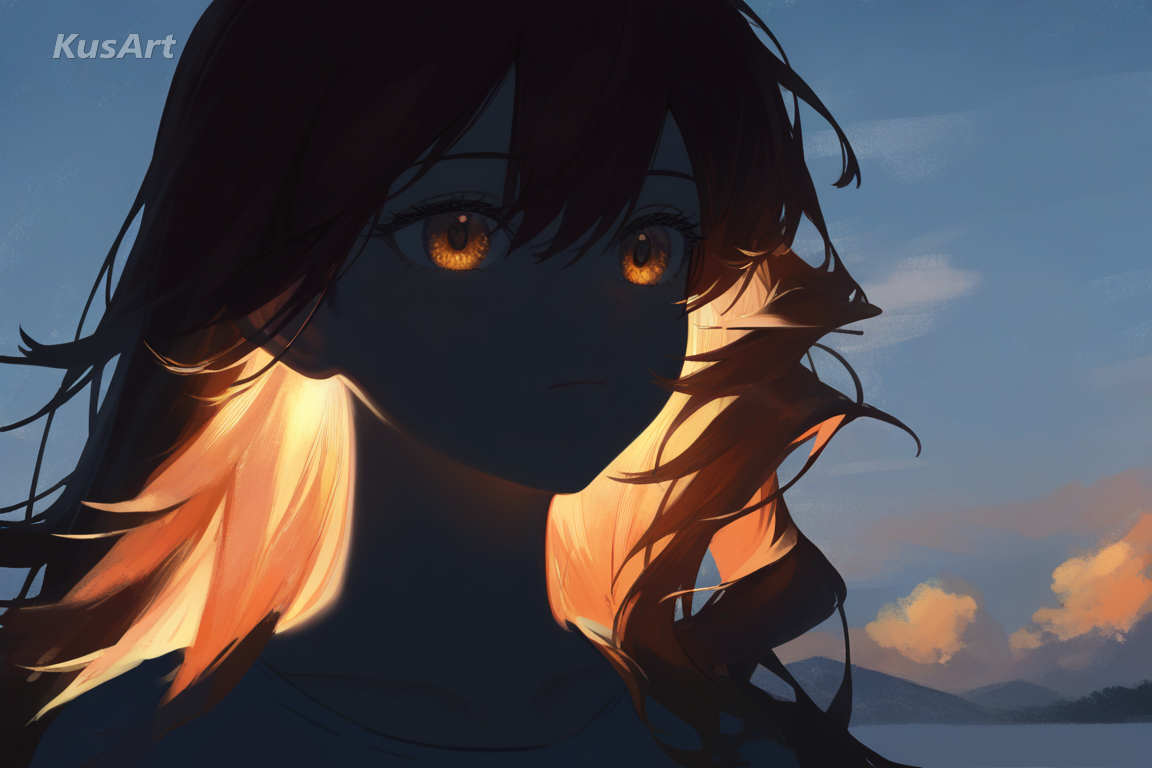
Golden-Hour Color Grading
Warm, amber-toned light washes across skin and hair, echoing golden hour photography's soft, low-angle glow. This color grading is what gives every portrait its nostalgic, emotionally warm undertone.
Generate Golden-Hour Glow →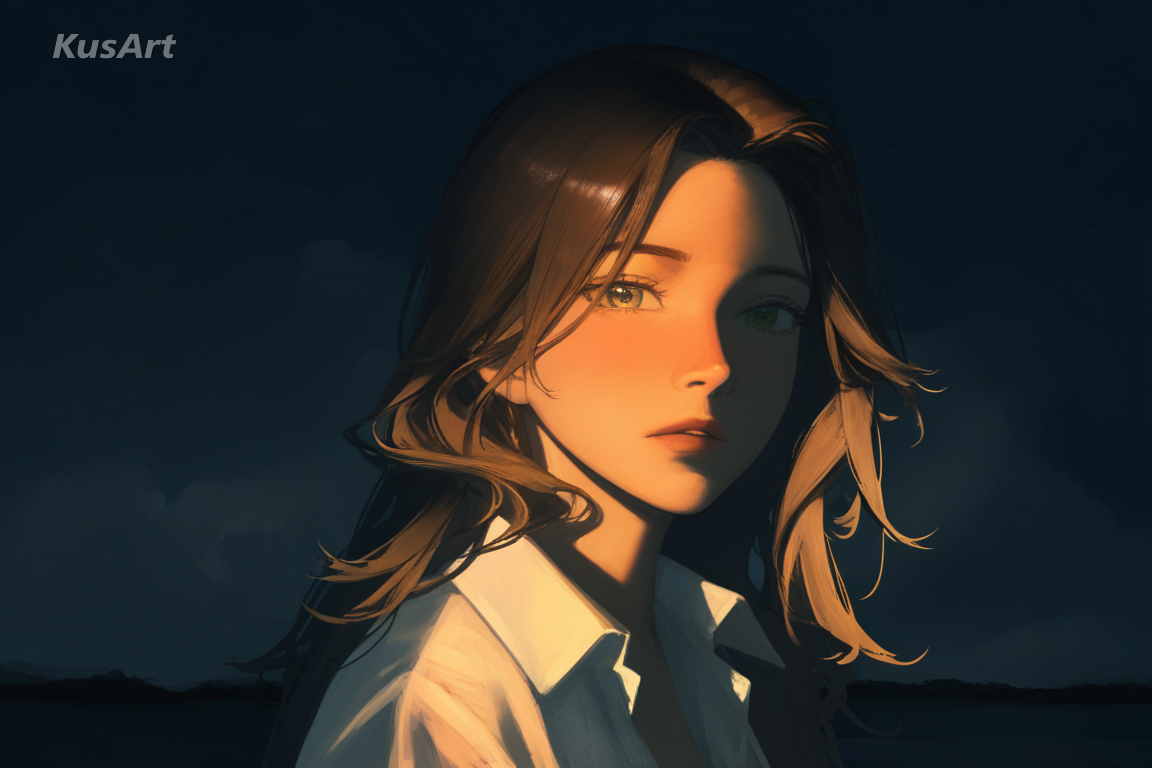
Painterly, Film-Like Atmosphere
Brushwork stays soft and blended rather than crisp and linear, giving every piece the atmospheric depth of a painted film still, closer in feeling to portrait photography than flat cel art. Light and shadow carry more weight than outline here.
Create Film-Like Atmosphere →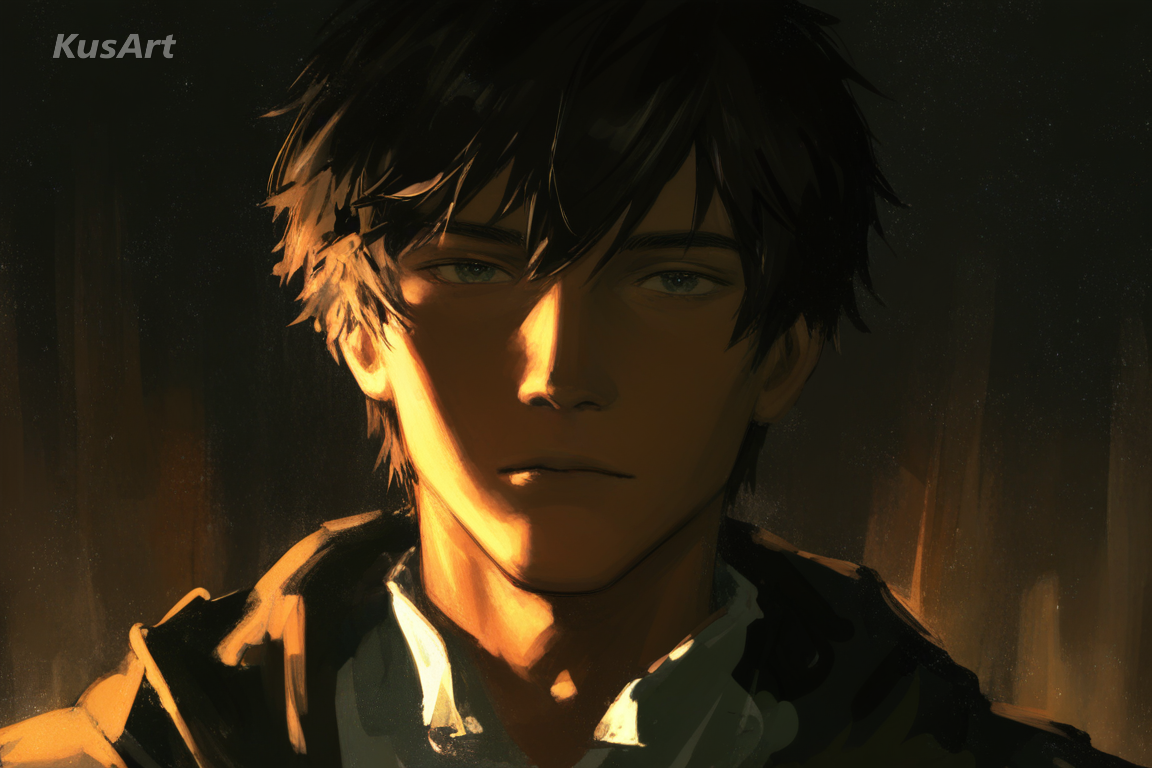
Naturalistic, Softly Detailed Features
Faces stay gently realistic rather than sharply stylized, letting a glow reminiscent of light painting photography do the emotional heavy lifting instead of exaggerated expression.
Draw Naturalistic Detail →Ideal Applications for Cinematic Glow
This style shines anywhere a character needs mood, atmosphere, and a cinematic photography glow instead of flat, even lighting. Here are the best ways to use it.
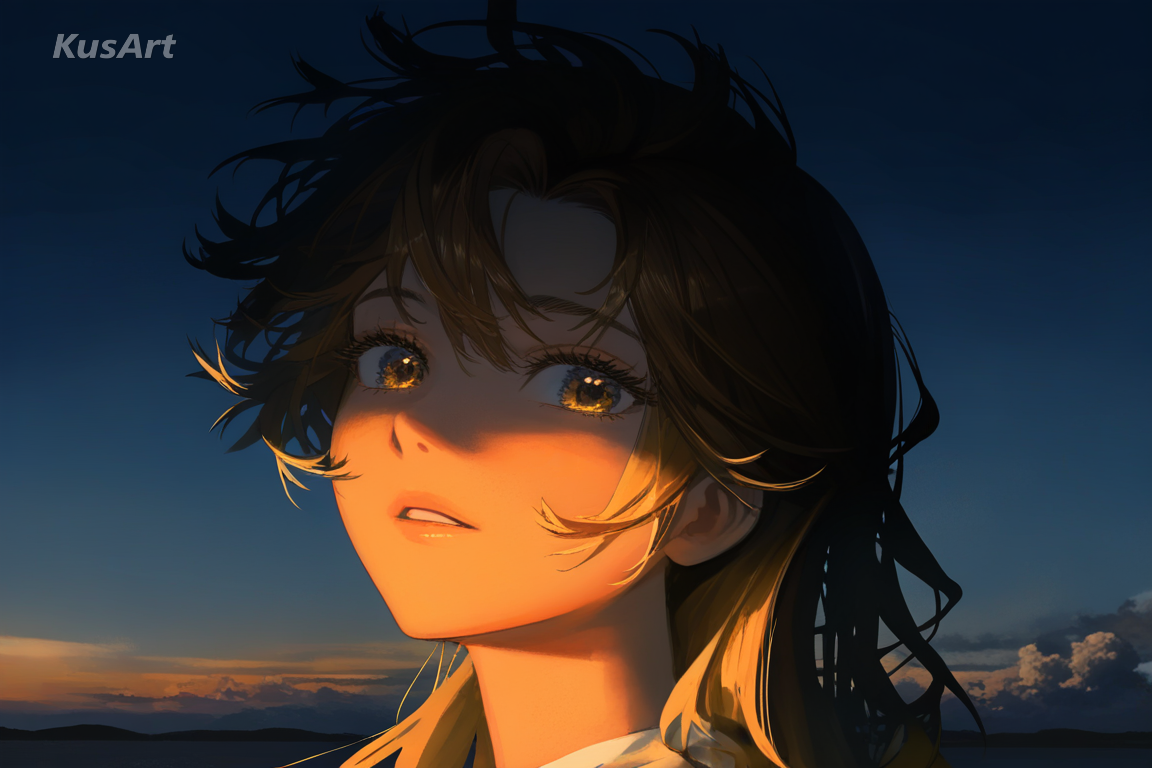
Moody Key Art & Character Reveals
The dramatic rim lighting and warm tones reminiscent of golden hour photography make Cinematic Glow a natural fit for key art and dramatic character reveals, where the goal is a striking first impression built entirely on lighting and mood.
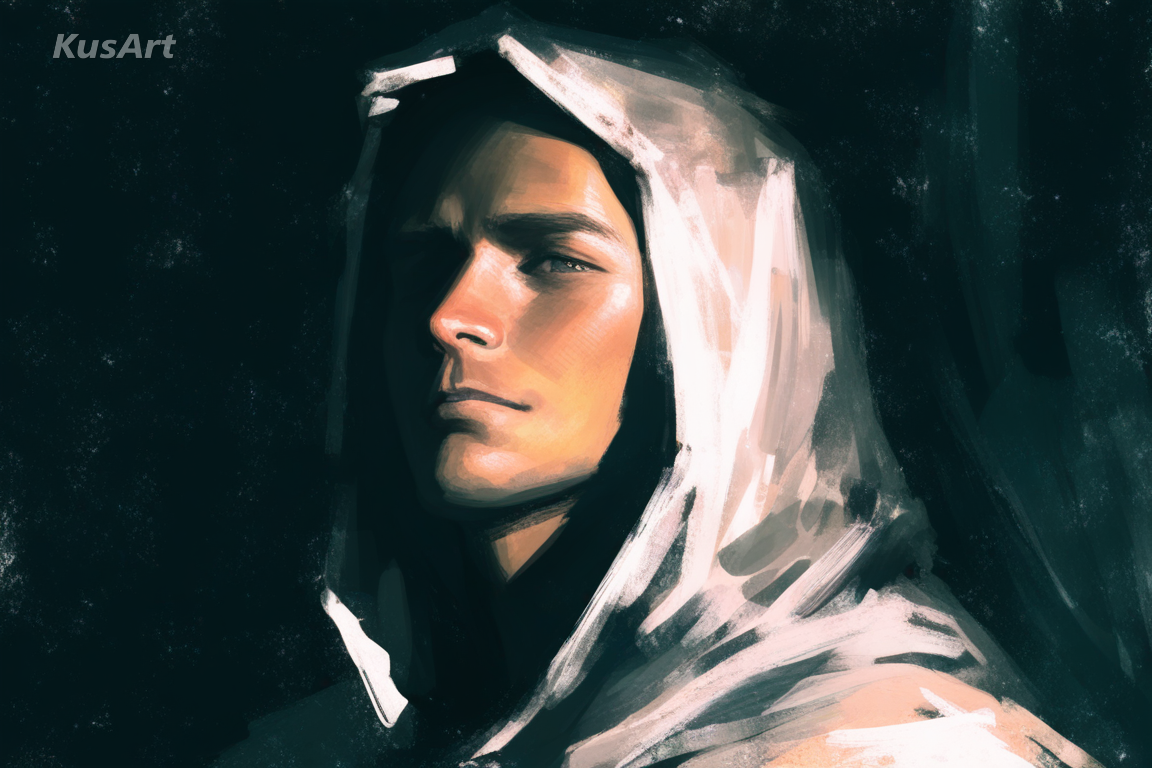
Atmospheric Portrait Illustration
For creators who want a portrait with real presence, this style borrows the soft, directional shadow language of portrait photography while staying fully painterly and illustrated.
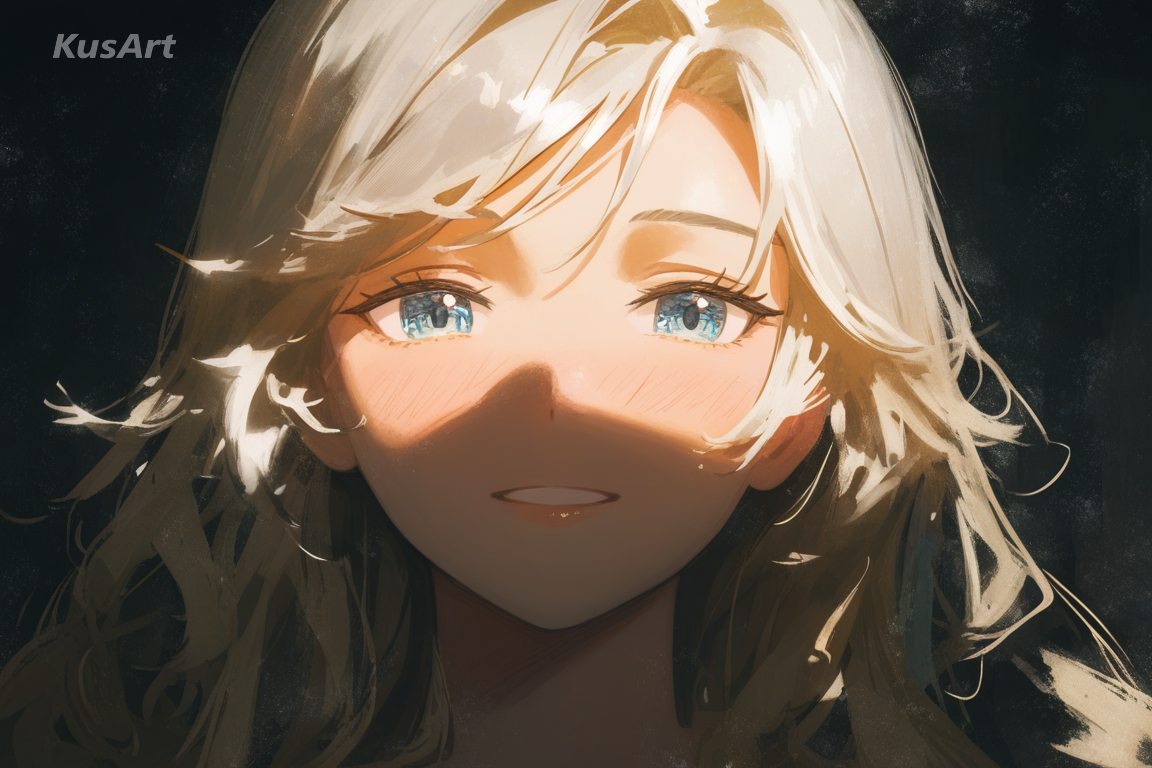
Emotional Original Character Art
For OCs that need to feel cinematic and emotionally weighted, the rim lighting and a subtle glow borrowed from light painting photography give a character presence without needing an elaborate background or busy composition.
How to Use Cinematic Glow Generator
- 1
Go to the KusArt Image Generator and select 'Cinematic Glow' from the style panel.
- 2
Describe your character and the mood or time of day — this shapes the rim lighting and color grading.
- 3
Click Generate and wait a few seconds for your dramatic, cinematic photography-style portrait.
- 4
Download the result, or refine details further with Image-to-Image editing to push the atmosphere further.
FAQs
What is Cinematic Glow?
Cinematic Glow is an AI art style that applies cinematic photography lighting — dramatic rim light, golden hour photography color grading — to painterly character illustration. It's illustration, not literal photography.
Does this style generate real photographs?
No — Cinematic Glow is an illustration style. It uses cinematic photography lighting and mood, but every result is a painted, hand-illustrated character, not a camera-captured photo.
Is Cinematic Glow free to use on KusArt?
Yes — KusArt offers free AI art generation with no login required. You can generate unlimited Cinematic Glow artwork at no cost.
What prompts work best for this style?
Describe your character, mood, and time of day for best results. Keywords like 'golden hour,' 'rim lighting,' or 'dramatic shadow' help this style shine.
Can I use these images commercially?
AI-generated images on KusArt can be used for personal projects, social media, and creative portfolios. Check our terms of service for specific commercial usage guidelines.
How long does generation take?
Most Cinematic Glow generations complete in under 10 seconds, so you can quickly iterate on cinematic photography-style lighting and mood.
Which Kusa tool should you use first for Cinematic Glow?
Start with Image Generator for the fastest prompt-first workflow. If your goal is a profile picture or avatar, Anime PFP Maker is usually the better fit. If you want to build a more structured original character workflow, move into OC Generator.
What can you make after the first Cinematic Glow generation?
This style shines anywhere a character needs mood, atmosphere, and a cinematic photography glow instead of flat, even lighting. Here are the best ways to use it. After your first strong result, you can carry the same look into Wallpaper Generator, OC Generator, and Video Generator.
Related Styles
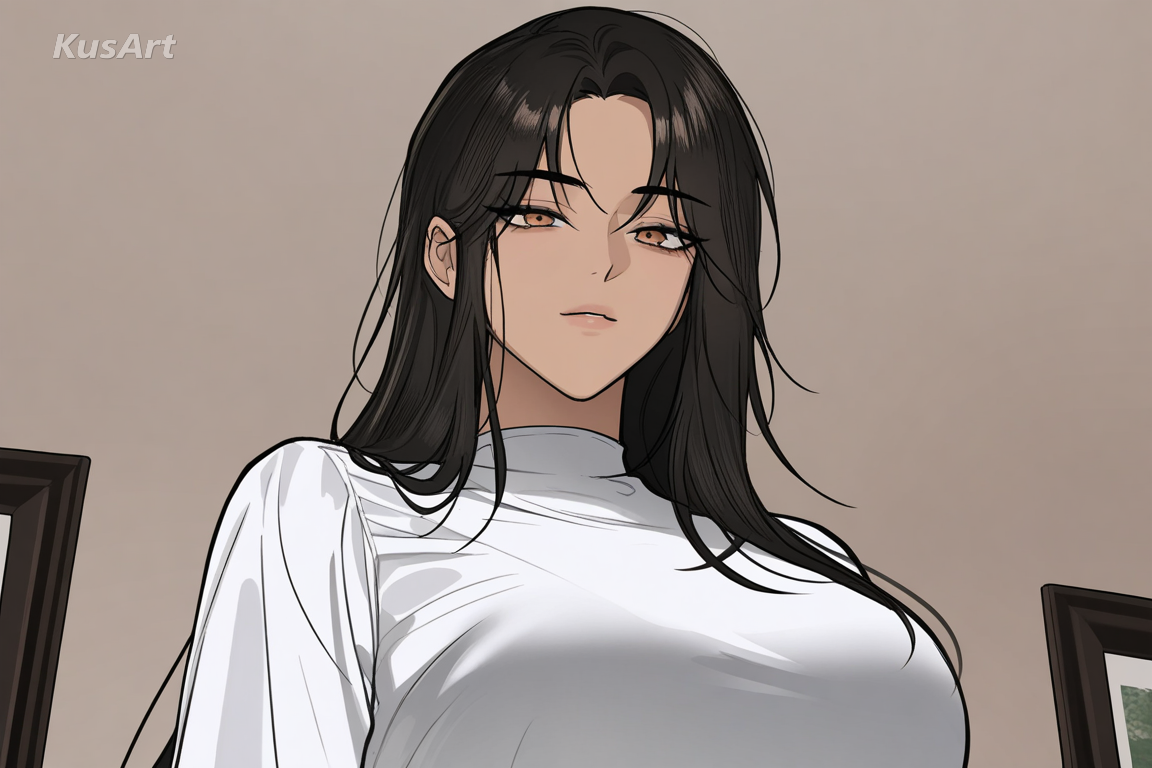
Manhwa Sleek
Polished, semi-realistic rendering with sharp features and fashionable styling in the modern Korean manhwa tradition.
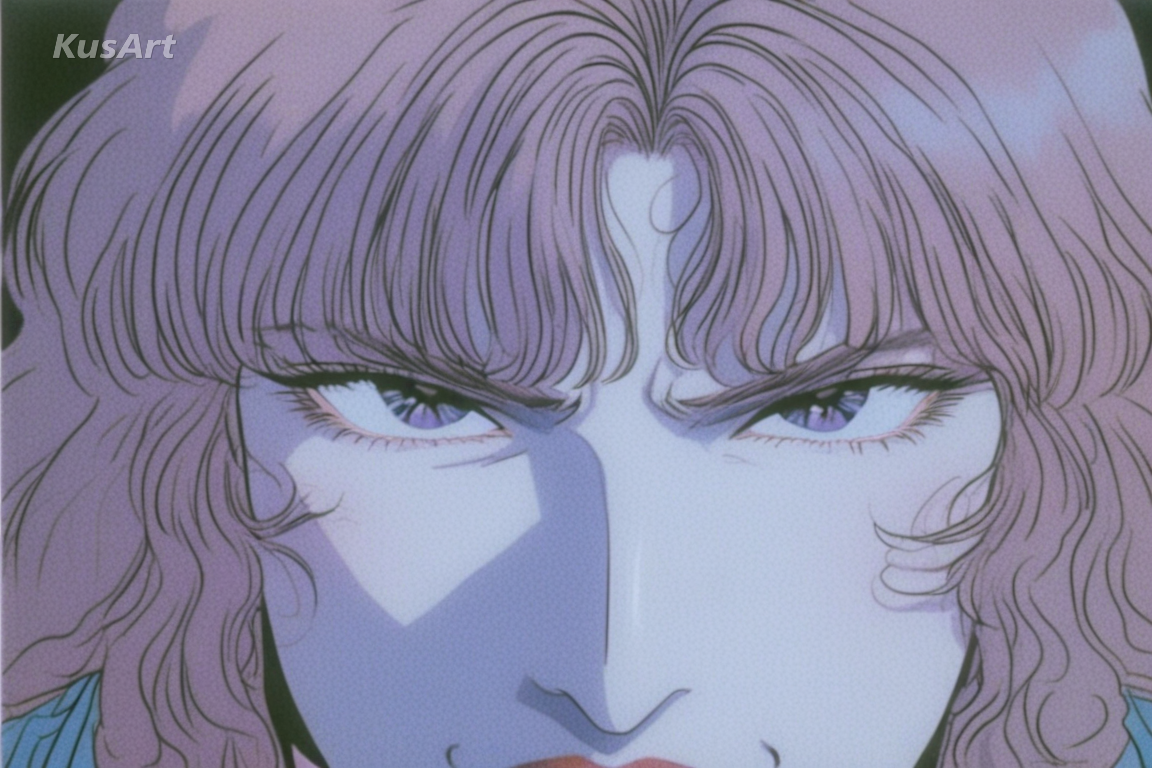
90s Realism
Sharp VHS-era linework, rich color, and grounded detail for nostalgic, artbook-style character portraits.
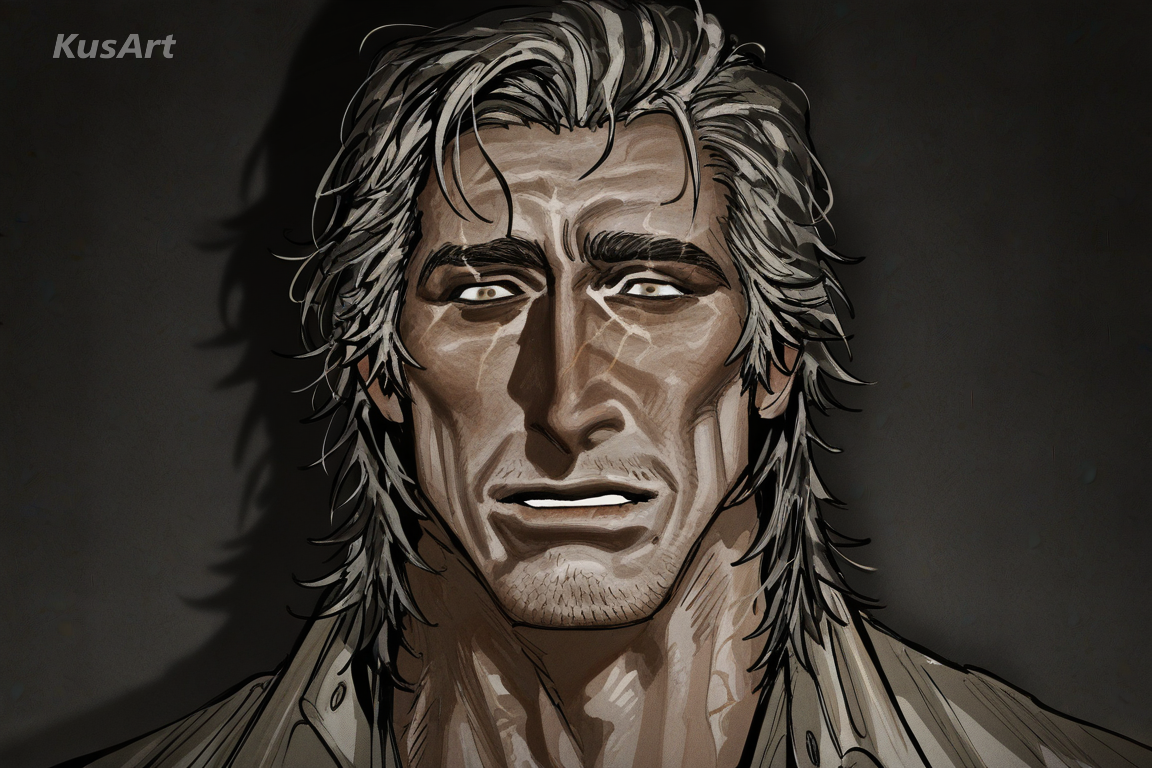
Grit Realism
Weathered faces, deep facial lines, and rugged texture for mature characters rendered in true realism art.
Related Tools

Wallpaper Generator
Turn your Cinematic Glow portrait into a moody, high-resolution wallpaper.
Try Tool
OC Generator
Develop your Cinematic Glow character into a fully realized original character.
Try Tool
Video Generator
Bring your Cinematic Glow character to life with dramatic, atmospheric motion.
Try ToolCreate Your Cinematic Photography-Style Portrait
Generate dramatic, cinematic photography-inspired character art in seconds — free and no login required.
Includes 100 free credits daily