
Feature 01
Text-to-Image and Image Editing
Generate from a blank prompt or upload images as context for edits, remixes, product compositions, screenshot redesigns, and style transfer experiments.

Create, edit, and understand images with precise prompt control, multi-image references, sharp typography, and flexible output settings.
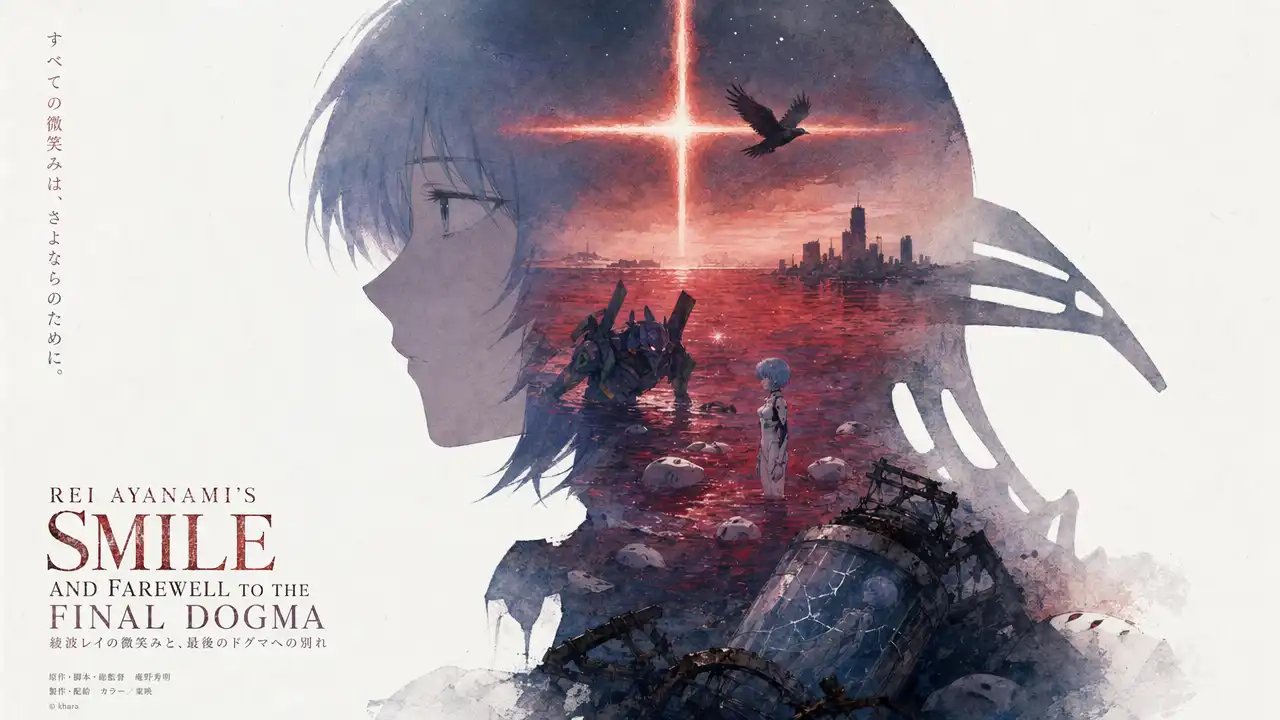
GPT Image 2 brings text-to-image, image-to-image, and image editing into one prompt-first workspace. Use AI Image Generator when you want broad anime creation, then use GPT Image 2 when exact text rendering, screenshot understanding, and multi-image references matter more.
model workspace
GPT Image 2
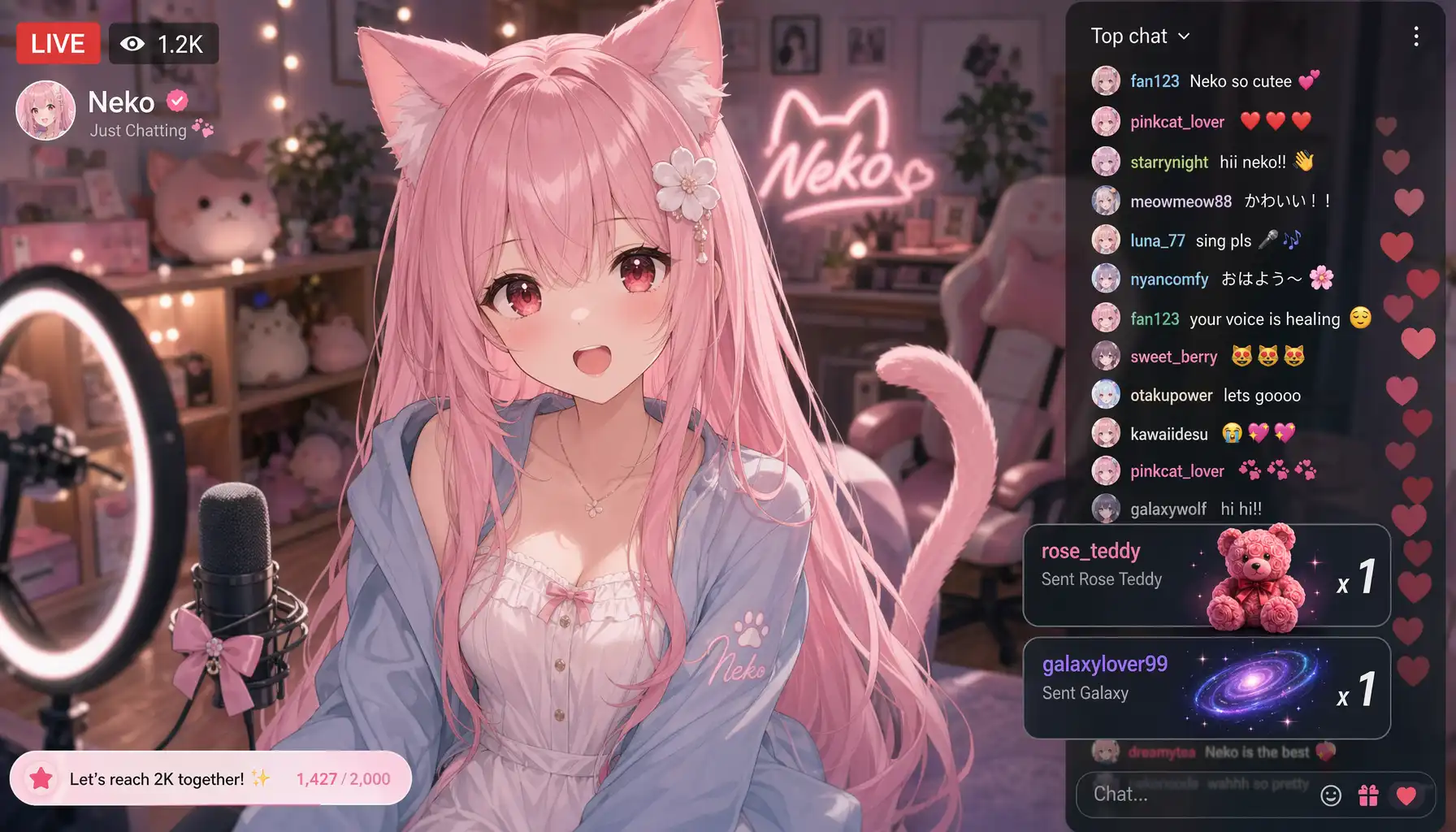
GPT Image 2 is a powerful image generation model designed to understand visual context, follow detailed instructions, and render readable text inside images. This page packages that model into a Kusa tool with uploads, prompt control, ratios, output count, and pixel-level choices.
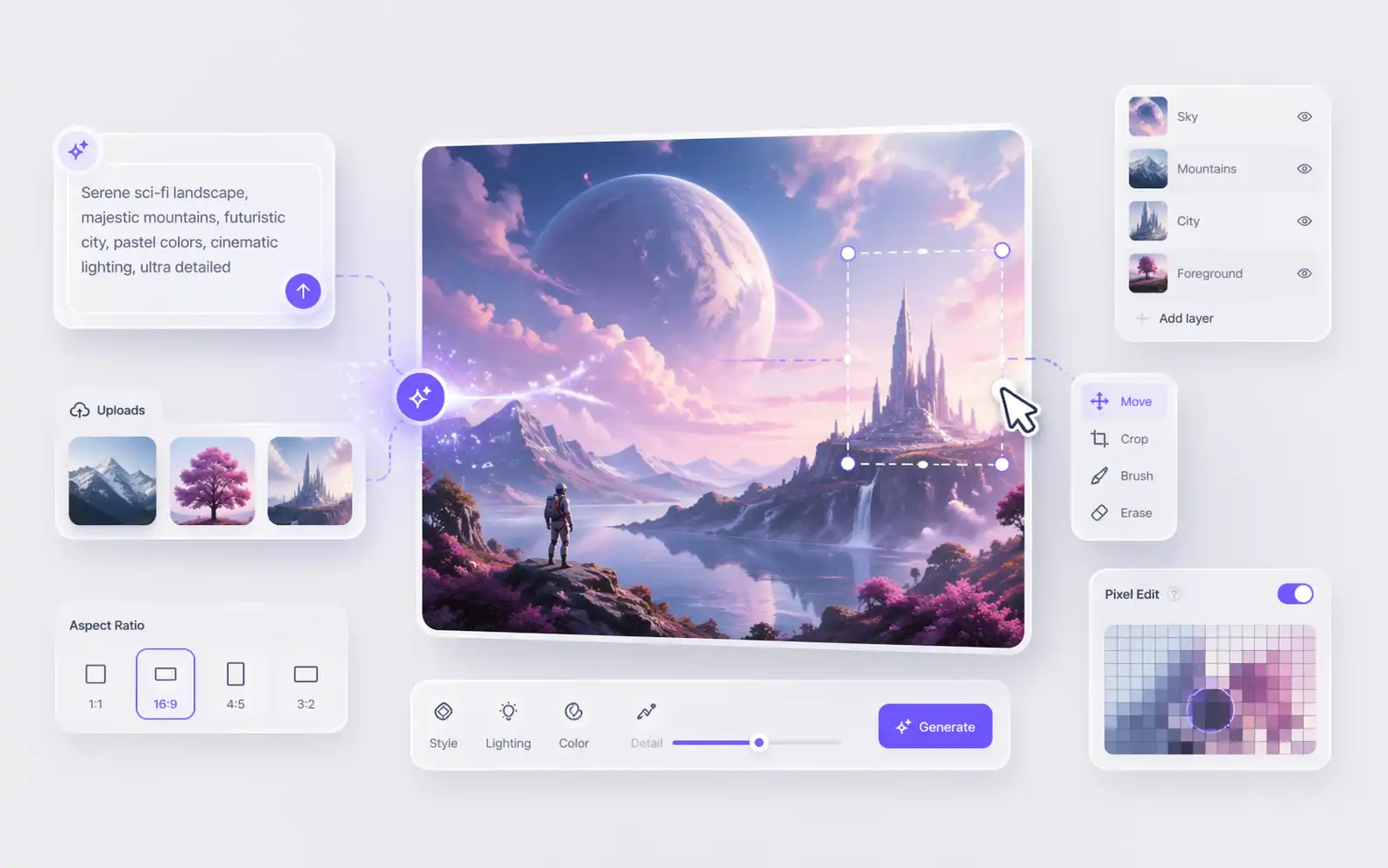
Many image tasks now start from existing material: a screenshot, a reference board, a product photo, or a rough composition. GPT Image 2 can reason over those inputs while Prompt Inspector, History, and Kusa generation tools help you iterate without losing the exact brief.
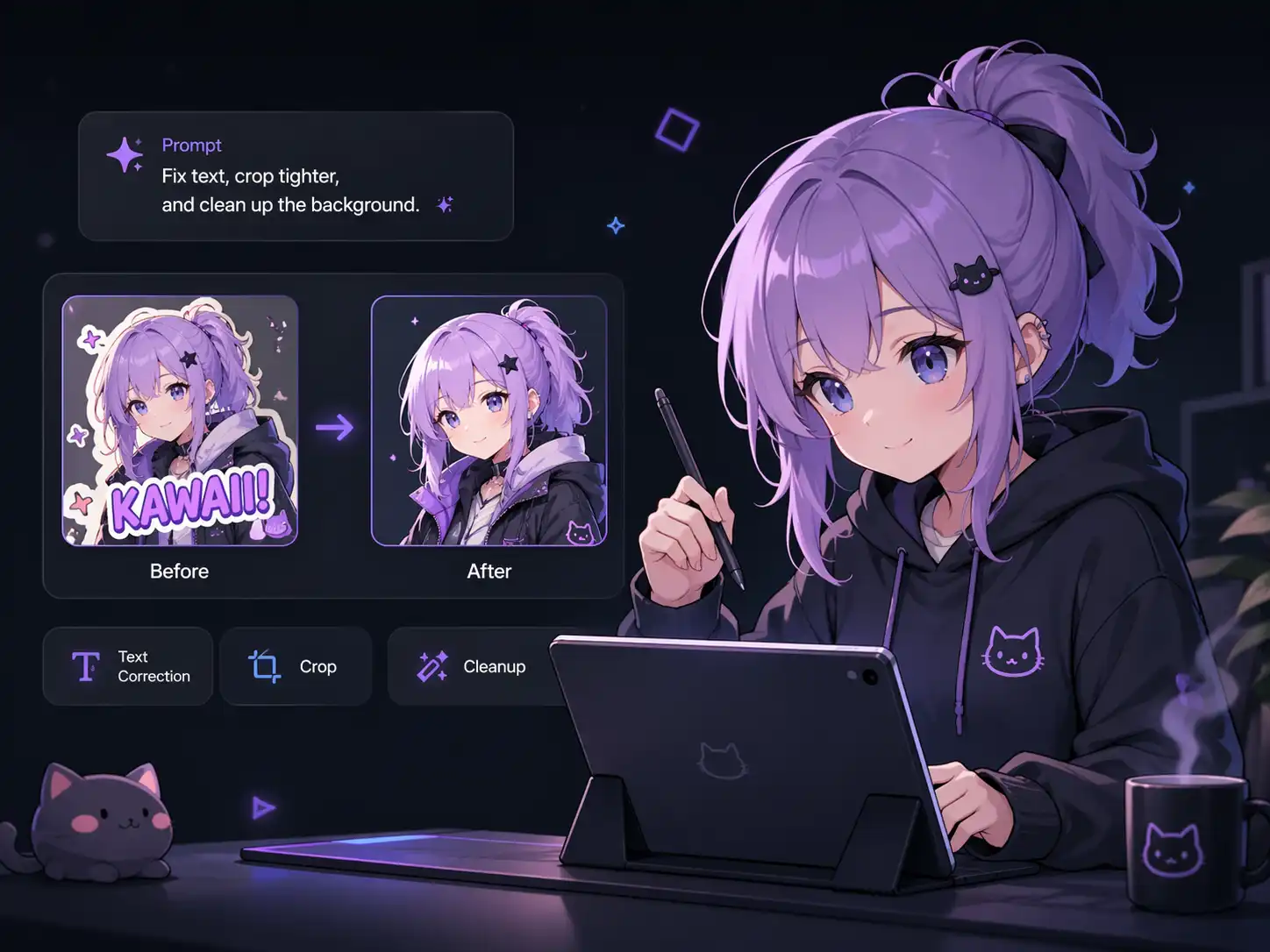
Traditional editing workflows often bounce between a normal AI Image Generator, a design editor, and repeated manual fixes for misspelled text or misunderstood references. GPT Image 2 is built for tighter instruction following so the prompt, uploaded images, and final layout stay connected.
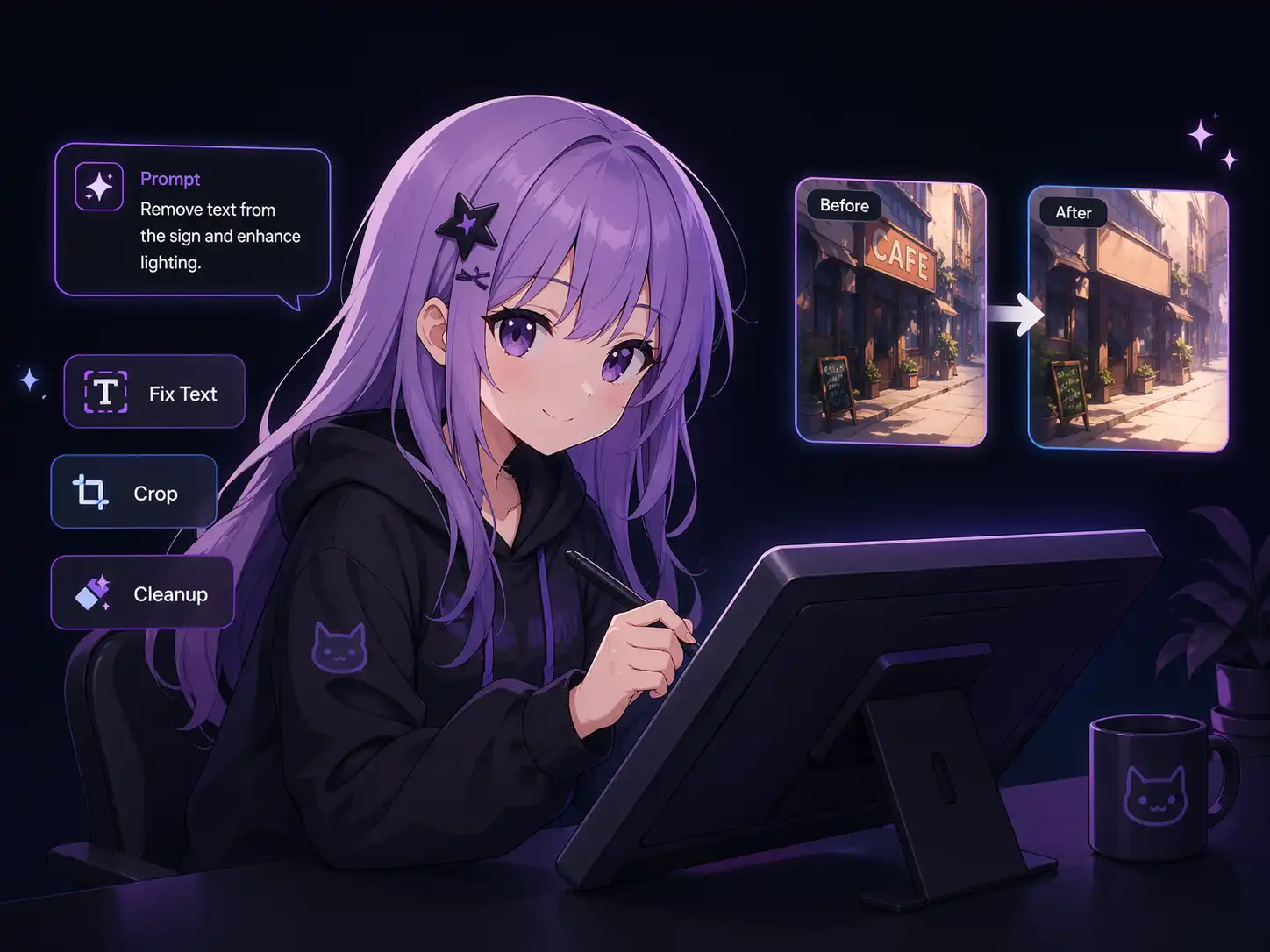
Start from text alone, upload reference images, control the canvas, and keep outputs easy to reuse in later creative workflows.
Generate from a blank prompt or upload images as context for edits, remixes, product compositions, screenshot redesigns, and style transfer experiments.
Use multiple uploads when the task depends on identity, layout, product details, UI screenshots, or a collection of visual references. History keeps finished results available for reuse.
GPT Image 2 is especially useful when a prompt includes readable titles, labels, UI copy, posters, or packaging text. Prompt Inspector can help tighten wording before rendering.
Add references when needed, write the prompt, choose output settings, then generate and reuse the result from history.
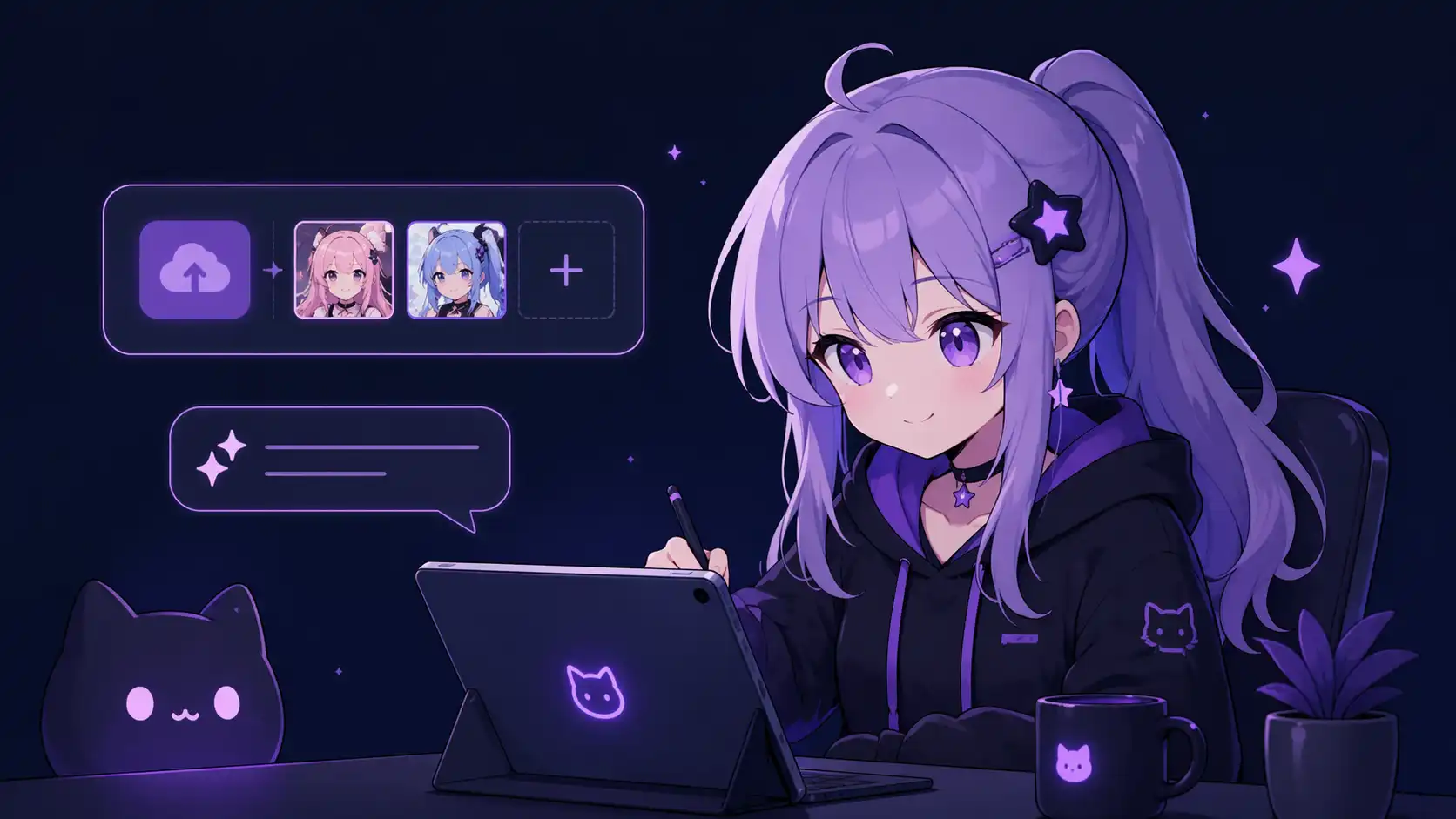
Use no upload for pure text-to-image, one upload for image editing, or multiple uploads when GPT Image 2 needs to compare references.

Choose the canvas shape, number of images, and low, medium, or high pixel setting before submitting the task.

Review the result, download the best image, reopen the same parameters from History, or continue the asset into Image to Video when you need motion.
Write a precise prompt, upload up to 9 reference images, and generate an image set with the ratio, count, and pixel level you need.
Try GPT Image 2Create fictional packaging, campaign posters, social covers, and title-heavy images where readable text matters.
Upload an interface or mockup screenshot, then ask GPT Image 2 to polish hierarchy, spacing, and visual presentation.
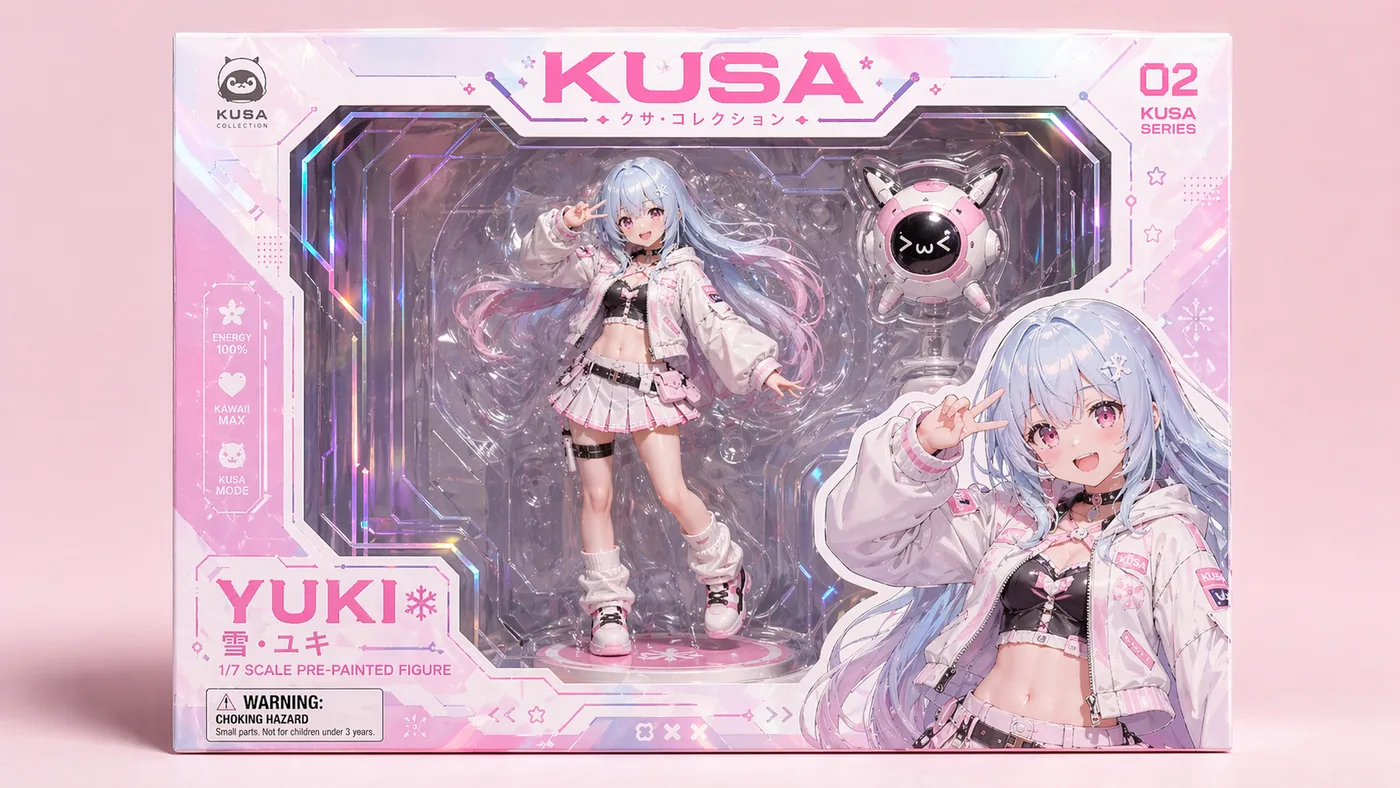
Use multiple references to keep identity, style, product details, or composition consistent. OC Editor is a strong follow-up when character-level changes become more specific.
Keep moving from image generation into editing, animation, prompt refinement, and reusable history.