KusArt
    Prism Blur Poster Maker

    AI Prism Blur Anime Poster Maker

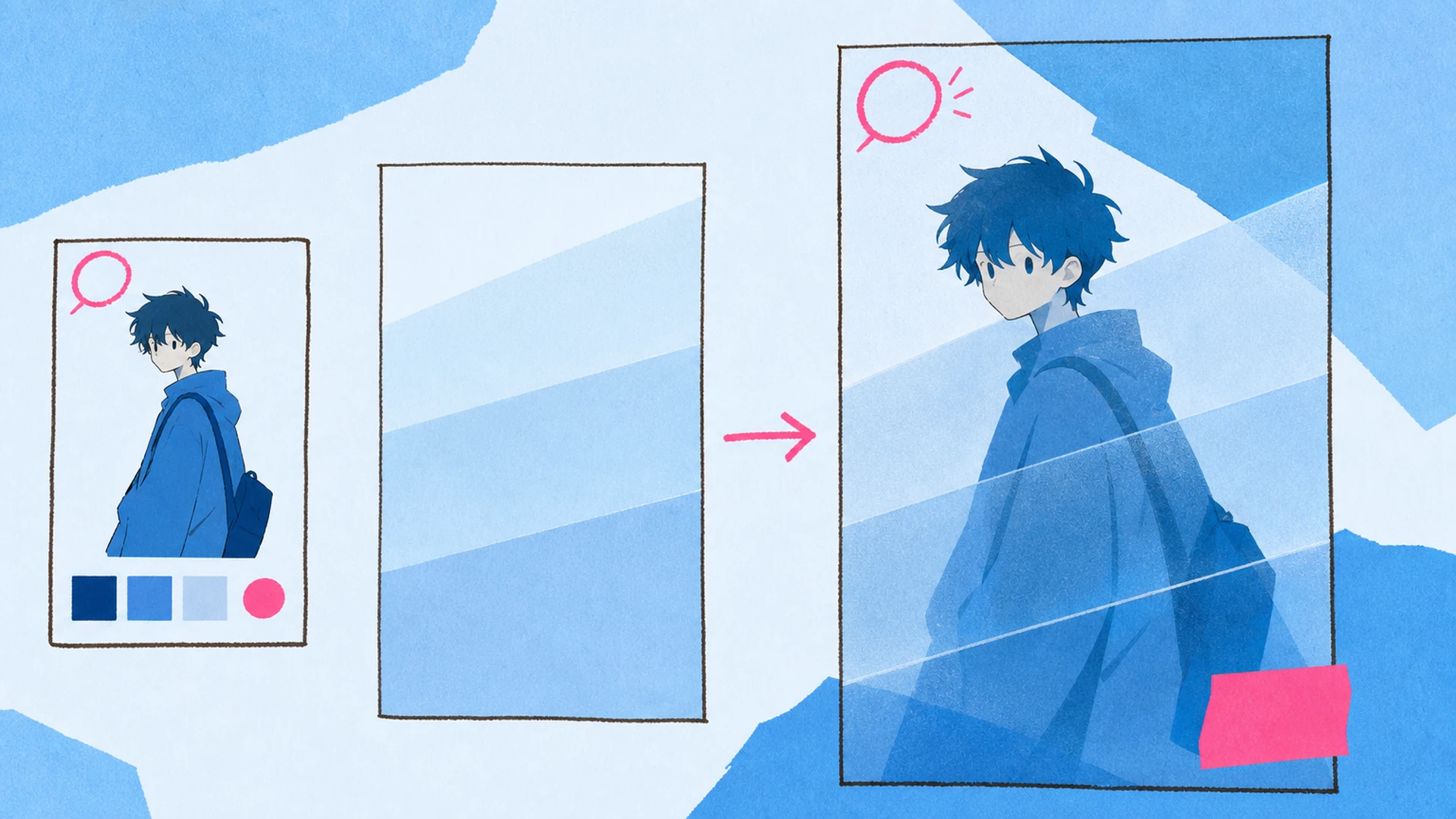
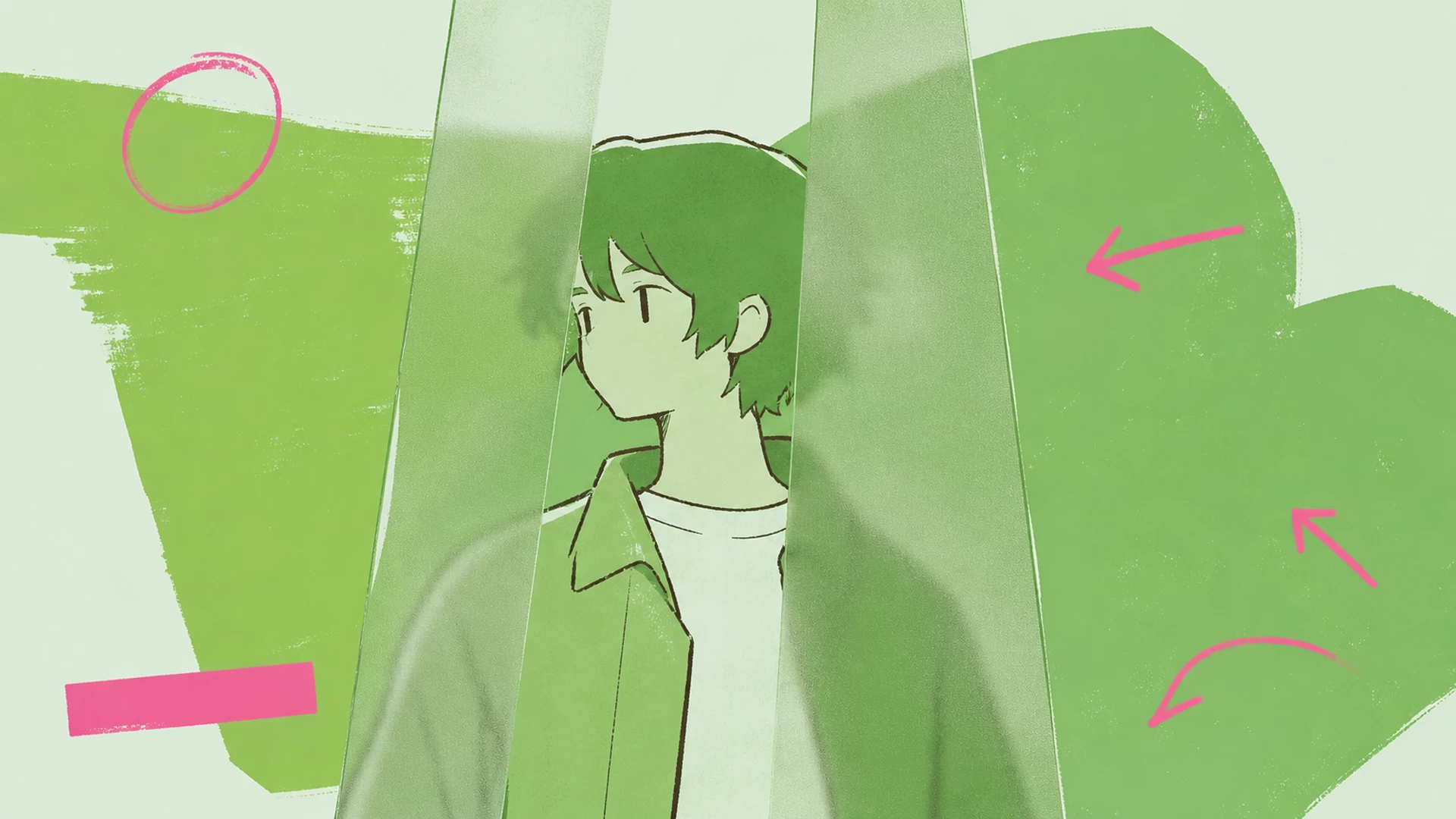
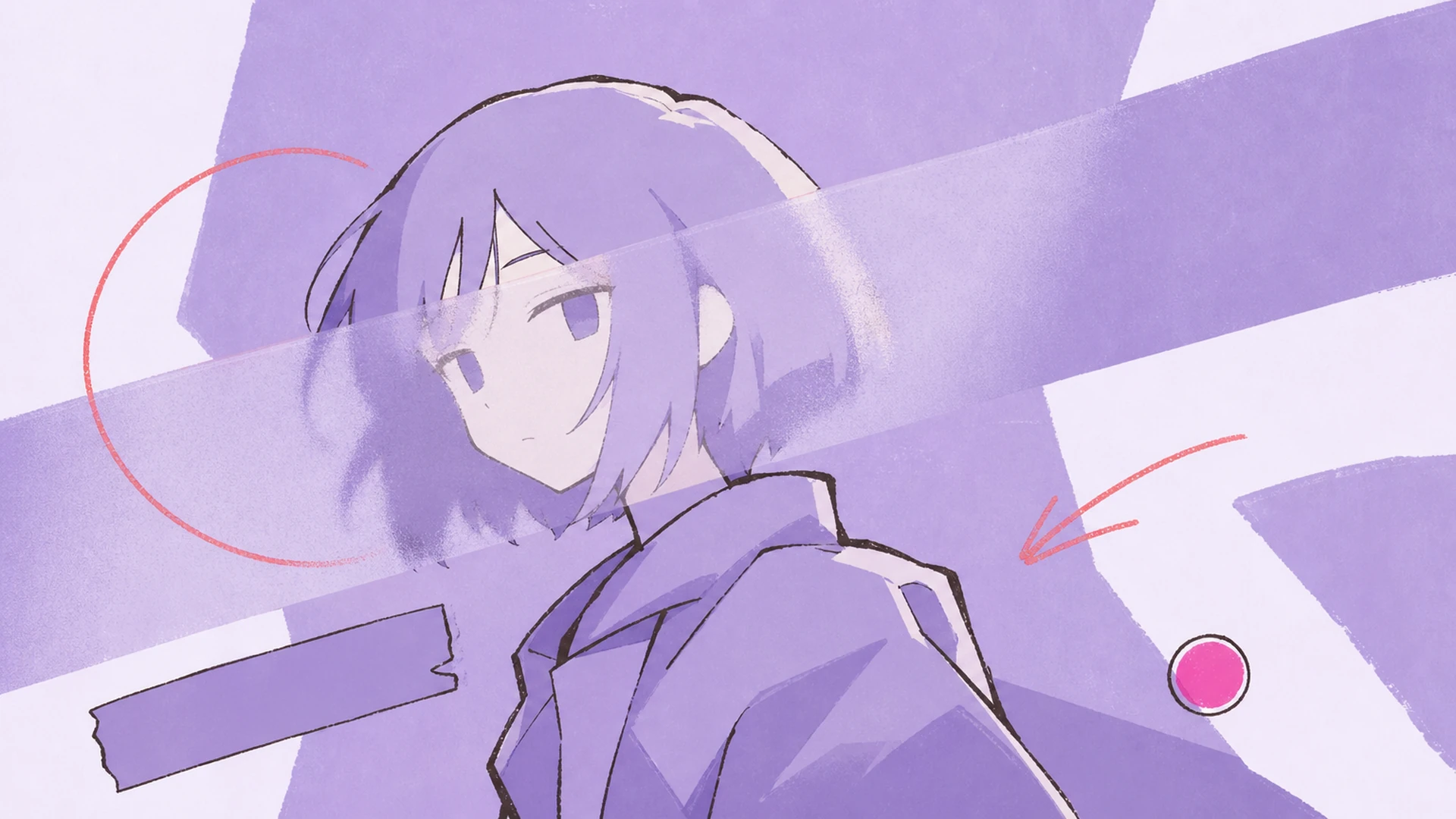
    Turn one anime character into a frosted-glass poster that keeps the face vivid while the surrounding scene becomes moody and monochromatic.

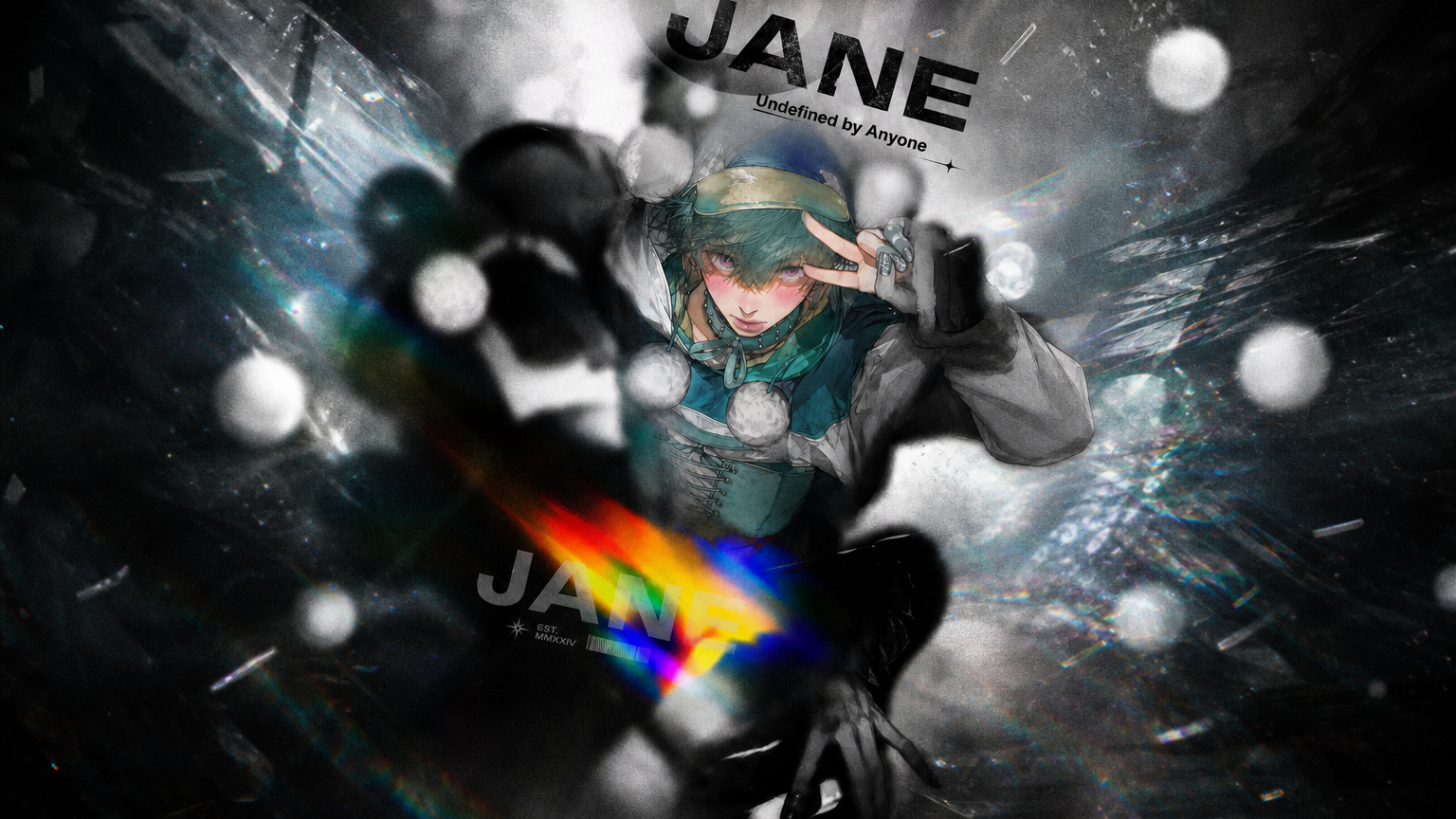
    Prism Blur Poster Maker AI Prism Blur Anime Poster Maker result — After
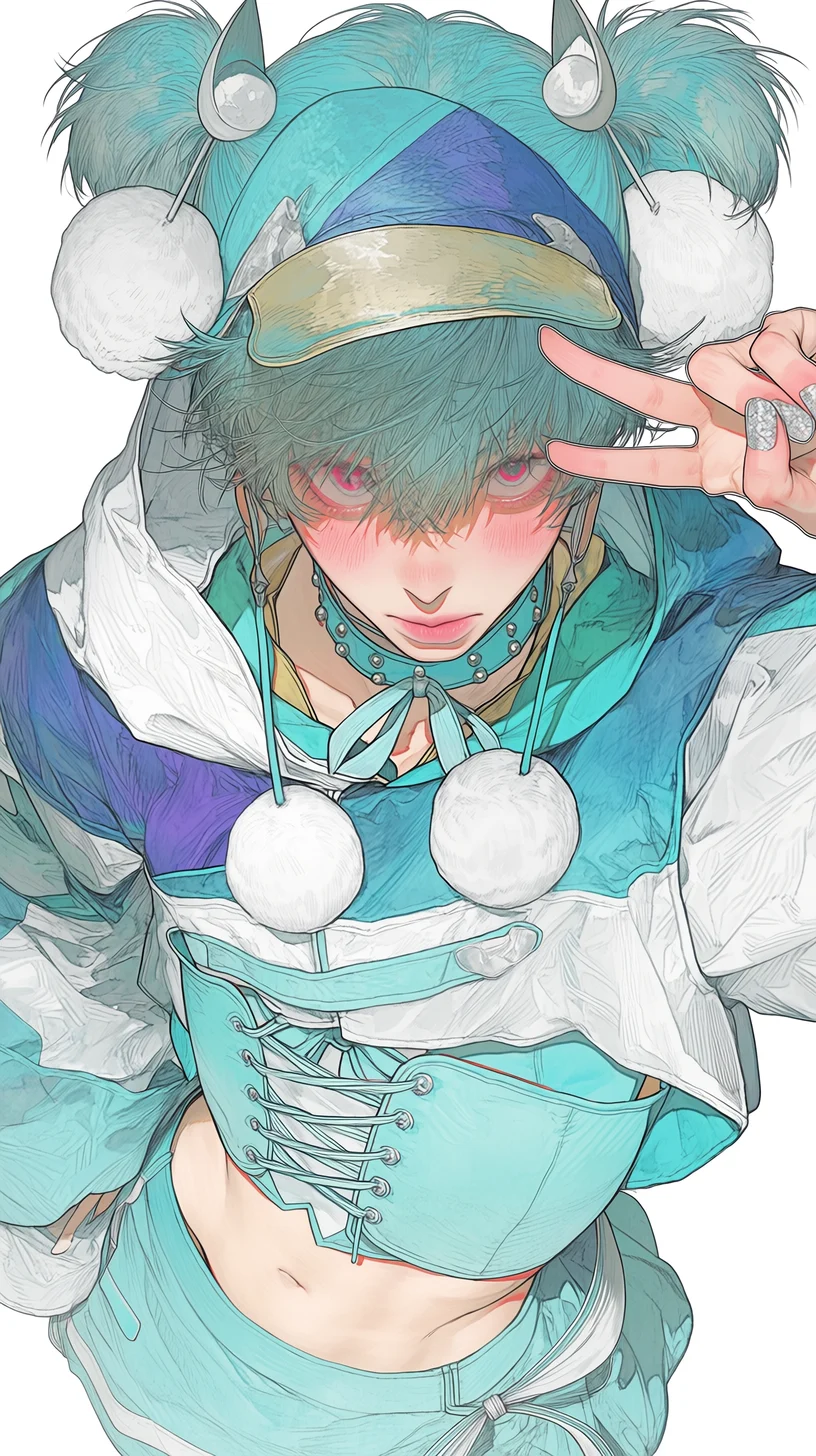
    Prism Blur Poster Maker AI Prism Blur Anime Poster Maker result — Before

    Create a Finished Frosted-Glass Anime Poster Without Rebuilding the Layout

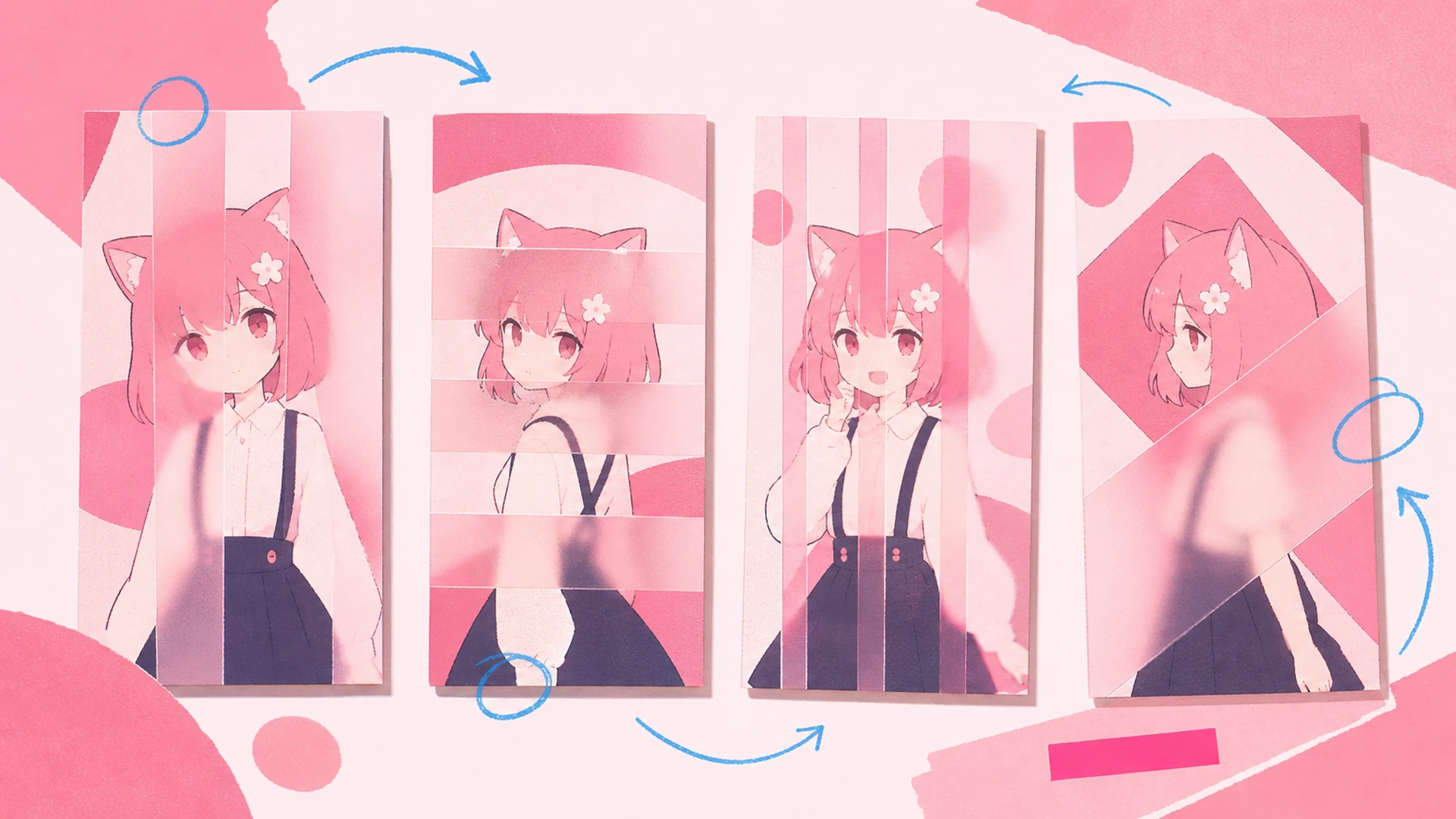
    A strong frosted-glass anime poster needs more than a decorative frame. It needs a clear focal point, readable hierarchy, intentional spacing, and enough visual continuity to feel like one designed piece. AI Prism Blur Anime Poster Maker starts with your character reference and reorganizes the surrounding canvas around that identity. The tool uses moody monochrome editorial poster with a vivid face window, translucent glass layers, and restrained title typography, then balances display copy, supporting details, and negative space so creators can move from an isolated illustration to campaign-ready artwork without manually rebuilding every layer.

    Create Prism Blur Poster Maker
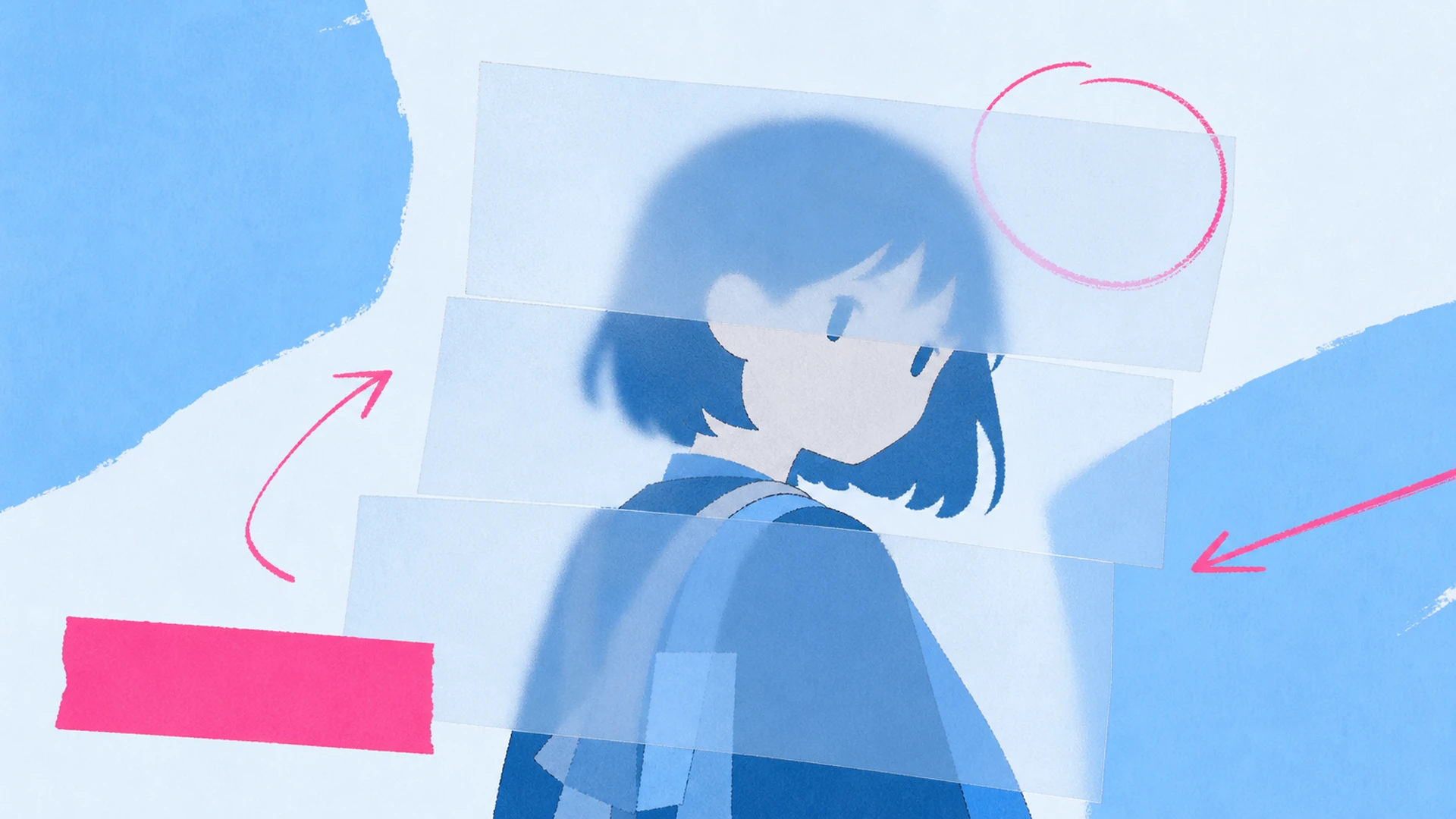
    Create a Finished Frosted-Glass Anime Poster Without Rebuilding the Layout - AI Prism Blur Anime Poster Maker

    What Is AI Prism Blur Anime Poster Maker?

    AI Prism Blur Anime Poster Maker is a focused AI layout generator for character artists, poster designers, profile curators, anime campaigns, and dramatic key-art creators. It does not simply restyle the uploaded character or place the image inside a generic border. The workflow interprets the character as the main subject, preserves recognizable design cues, and composes a new frosted-glass anime poster around the intended use. Page-specific rules guide crop, hierarchy, accent shapes, short typography, and the relationship between character and background, while your design direction controls names, mood, palette, and supporting details.

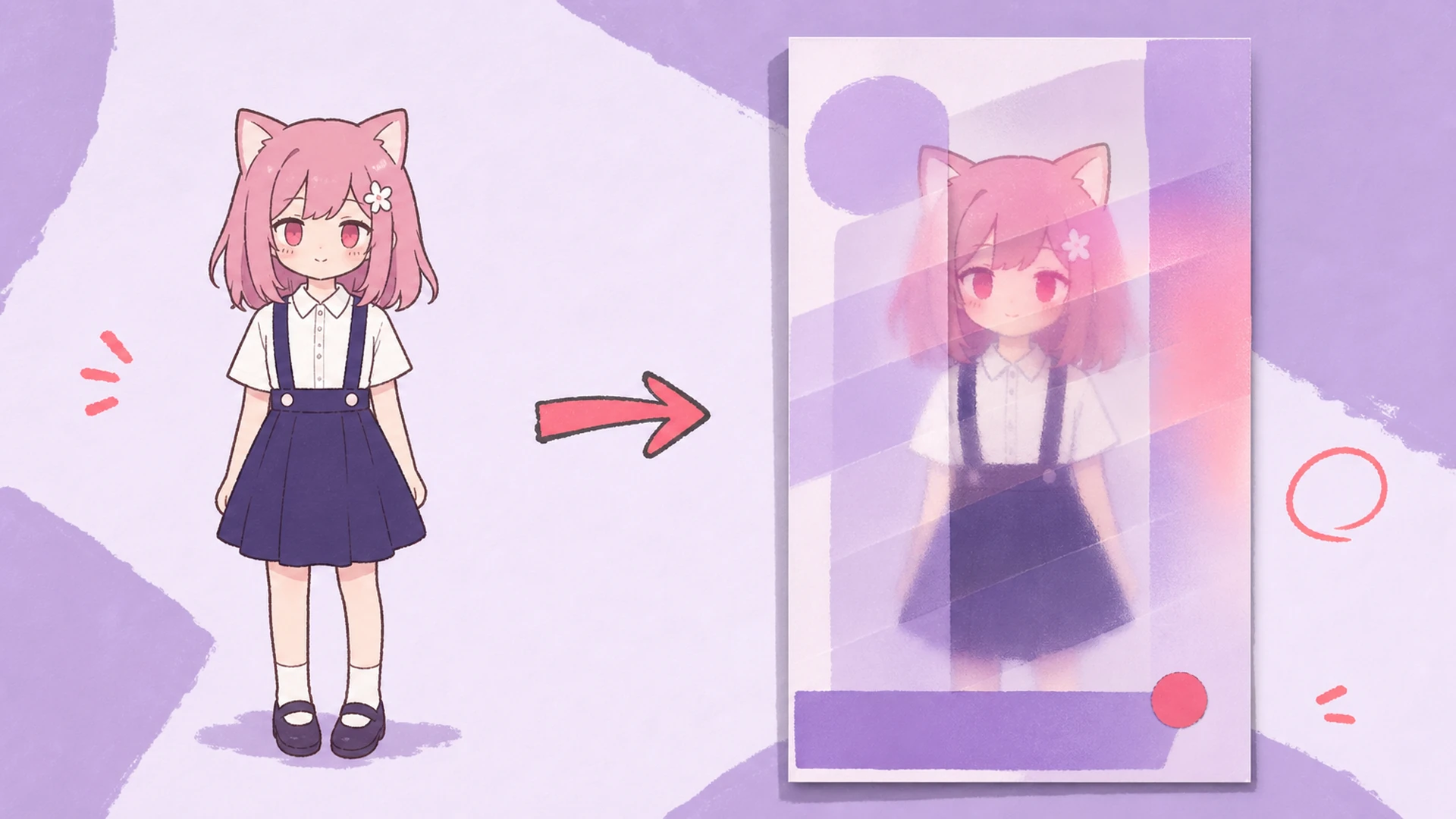
    What Is AI Prism Blur Anime Poster Maker? - AI Prism Blur Anime Poster Maker

    Why Use AI for a Frosted-Glass Anime Poster?

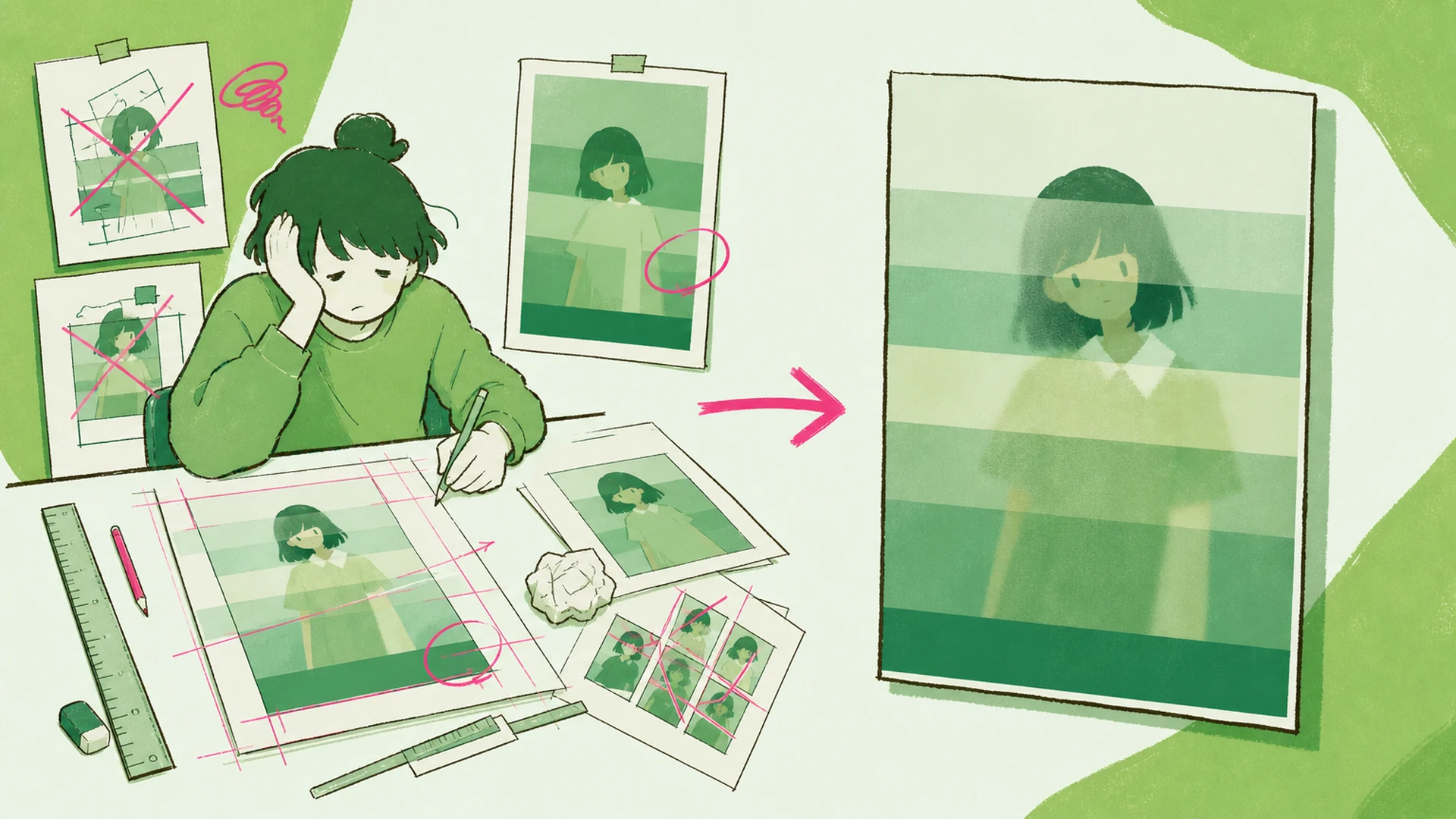
    Traditional production often means switching between image editing, masking, typography, color correction, and layout tools. Even a simple concept can become slow when the character must be separated, resized, placed, and checked against multiple text zones. This AI workflow keeps the brief in one place. It is especially useful when testing several directions for dramatic character key art, editorial profile poster, anime campaign visual, gallery-style print, because each version follows the same functional goal while exploring a different composition. You still make the creative decisions; the tool removes much of the repetitive assembly.

    Why Use AI for a Frosted-Glass Anime Poster? - AI Prism Blur Anime Poster Maker

    Move from a Loose Character Image to a Coherent Design

    Generic image generators frequently drift away from the uploaded identity, add decorative pseudo-text, or produce an attractive scene that does not function as a real frosted-glass anime poster. Manual templates create the opposite problem: they preserve structure but can feel rigid, and fitting a new character into them may require time-consuming masking and retouching. Prism Blur Poster Maker connects those two needs. Its hidden production instructions protect the character, limit unwanted logos and gibberish, and direct the model toward moody monochrome editorial poster with a vivid face window, translucent glass layers, and restrained title typography. The result is a more useful first draft that can be reviewed for accuracy instead of rebuilt from scratch.

    Move from a Loose Character Image to a Coherent Design - AI Prism Blur Anime Poster Maker

    Built for Character-Led Layout Work

    Keep the creative direction specific while the repeated production work stays fast.

    Identity-Aware Composition

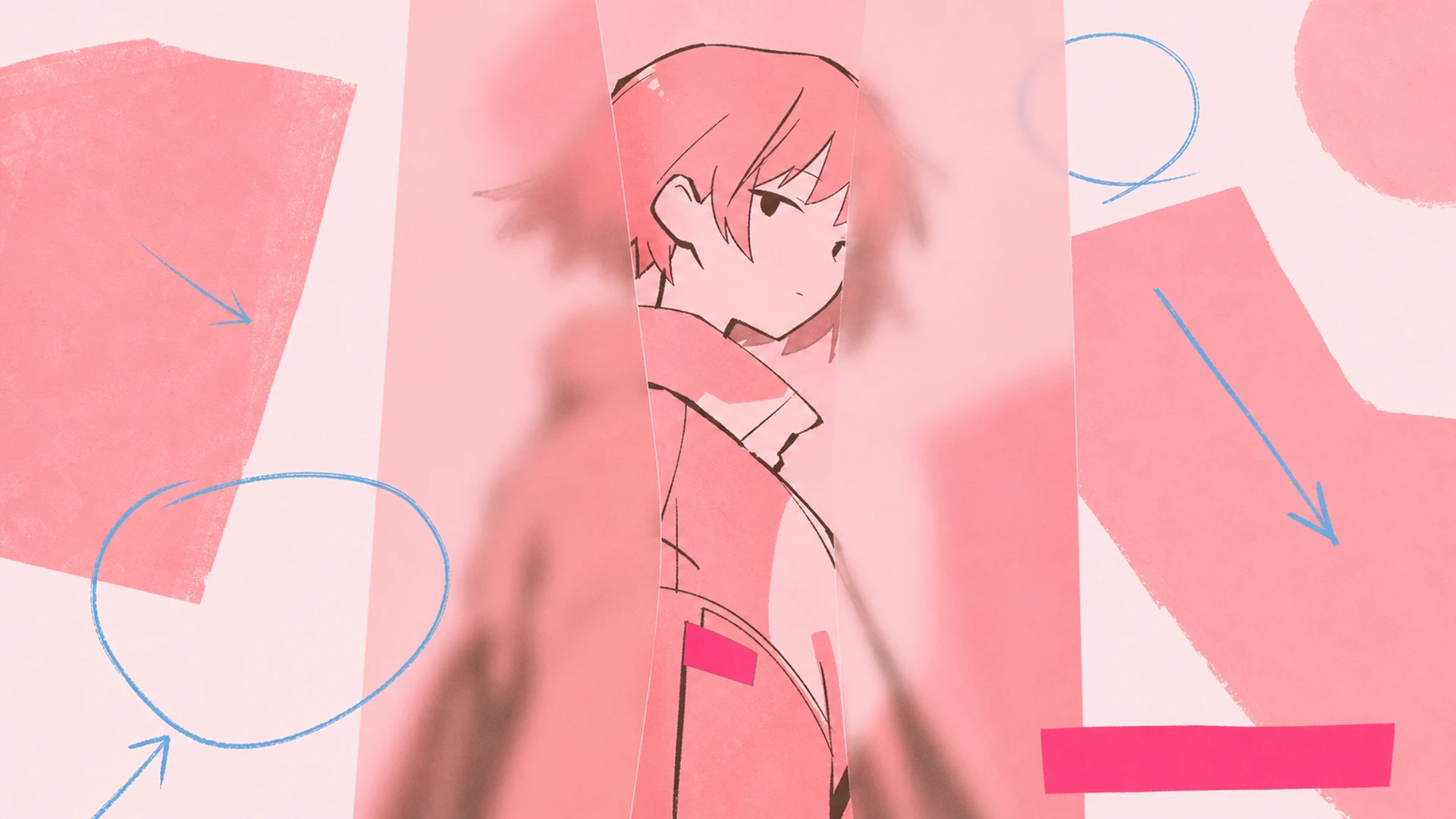
    The workflow treats the uploaded character as the visual anchor. It preserves recognizable facial features, hairstyle, outfit colors, proportions, and signature accessories while reorganizing the canvas into moody monochrome editorial poster with a vivid face window, translucent glass layers, and restrained title typography.
    Purpose-Built Art Direction

    Instead of offering a generic image prompt, Prism Blur Poster Maker focuses the request on a frosted-glass anime poster. That narrower brief makes hierarchy, spacing, decorative elements, and short functional copy easier to control.

    Editable Creative Brief

    Add names, mood, palette, role details, seasonal cues, or short display copy before generating. The tool combines those instructions with its layout rules so the result feels designed for character artists, poster designers, profile curators, anime campaigns, and dramatic key-art creators.

    How to Make a Frosted-Glass Anime Poster in Three Steps

    Upload, direct, and review the composition without learning a full design suite.

    01
    Step

    Upload Your Character

    Choose a clear image that you own or are authorized to use. A readable face, hairstyle, outfit, and silhouette give the model strong identity cues for the new composition.

    02
    Step

    Describe the Direction

    Enter the names, mood, palette, short copy, and any must-keep details. You can stay concise because the page already supplies the production rules for a frosted-glass anime poster.

    03
    Step

    Generate and Review

    Create the design, then inspect identity, spelling, spacing, hierarchy, and edge quality. If one detail is off, revise that instruction instead of rewriting the whole brief.

    Ways Creators Can Use It

    Dramatic Character Key Art - AI Prism Blur Anime Poster Maker

    Dramatic Character Key Art

    Create a consistent dramatic character key art that keeps the character recognizable and adapts the composition for the intended audience, channel, and mood.

    Editorial Profile Poster - AI Prism Blur Anime Poster Maker

    Editorial Profile Poster

    Create a consistent editorial profile poster that keeps the character recognizable and adapts the composition for the intended audience, channel, and mood.

    Anime Campaign Visual - AI Prism Blur Anime Poster Maker

    Anime Campaign Visual

    Create a consistent anime campaign visual that keeps the character recognizable and adapts the composition for the intended audience, channel, and mood.

    Gallery-Style Print - AI Prism Blur Anime Poster Maker

    Gallery-Style Print

    Create a consistent gallery-style print that keeps the character recognizable and adapts the composition for the intended audience, channel, and mood.

    Frequently Asked Questions

    What does AI Prism Blur Anime Poster Maker create?+
    AI Prism Blur Anime Poster Maker turns an uploaded anime character image into a finished frosted-glass anime poster. It combines character preservation with page-specific layout, typography, color, and hierarchy rules instead of returning a generic illustration.
    Will it keep my character recognizable?+
    The production prompt explicitly protects face shape, hairstyle, outfit colors, proportions, and signature details. Results still vary, so review the first output and mention any identity feature that needs stronger preservation in the next attempt.
    Can I add names or other text?+
    Yes. Add short, intentional copy such as a character name, role, title, group, or message in the design-direction field. Short labels are more reliable than long paragraphs and leave more room for a clean visual hierarchy.
    Do I need design experience?+
    No. The tool already carries the composition rules for moody monochrome editorial poster with a vivid face window, translucent glass layers, and restrained title typography. You provide the character and creative direction, then review the result using familiar checks such as readability, spacing, identity, and overall balance.
    Which images work best?+
    Use a clear, reasonably large character image without heavy compression, extreme cropping, or important details hidden behind effects. A simple readable silhouette gives the layout more freedom while helping the model preserve identity.
    Can I use the result commercially?+
    Usage depends on the rights attached to your uploaded artwork, characters, names, fonts, and any referenced brands. Only upload material you own or are authorized to use, and review the final result before commercial publication.
    Why should I revise one detail at a time?+
    Focused revisions make it easier to preserve what already works. If the first result has the right character and layout but weak copy or color balance, adjust only that issue so the next generation keeps the successful structure.

    Make Your Frosted-Glass Anime Poster with KusArt

    Turn one anime character into a frosted-glass poster that keeps the face vivid while the surrounding scene becomes moody and monochromatic.

    Create Prism Blur Poster Maker

    Explore More KusArt Tools